
Next.js static HTML export

If you are looking for the best hosting for your Next.js application, check out Vercel as your Next.js host.
However, sometimes you might need to find other hosting solutions for your Next.js application.
Today, we'll be looking at how we can generate a static HTML output of your Next.js application so we can host it wherever we want.
Creating the Next.js static HTML export
To create a static export with Next.js, we need to run the following two commands:
next build && next export
However, the easiest way to do this is to add these as a script in your package.json file like so:
"scripts": {
    "build": "next build && next export",
},
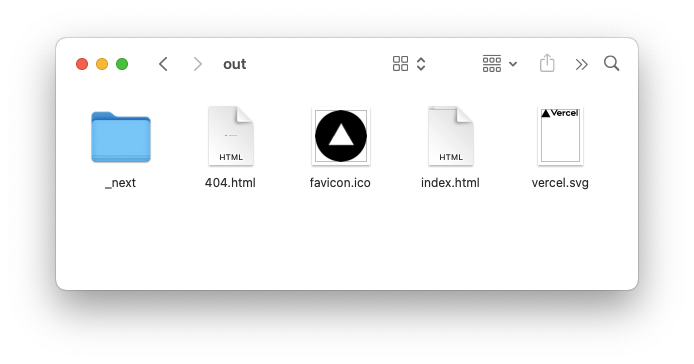
With that in place, we can run npm run build. This gives us an out director, which can be uploaded to any server.
Hosting the static HTML
Since we now have this static HTML, we can find any hosting provider and upload this out directory.
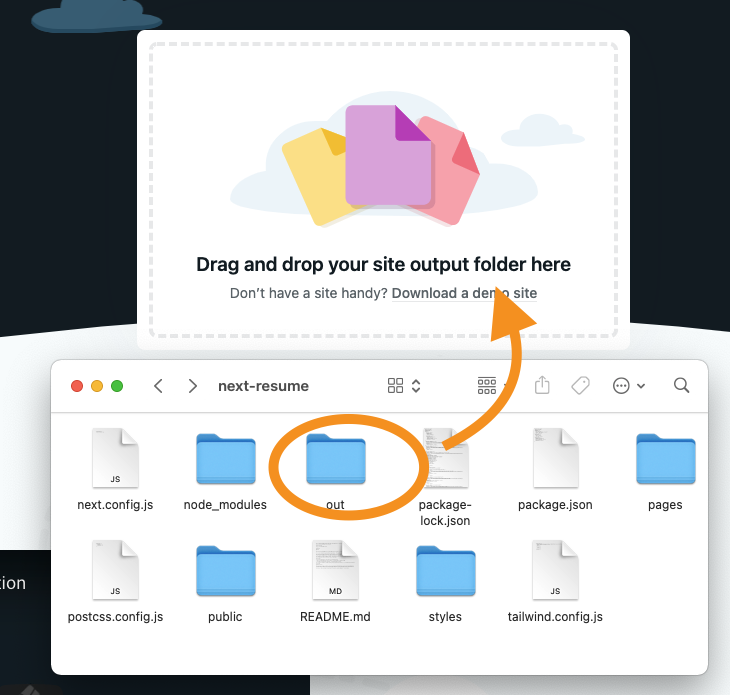
Let's see how this works on Netlify drop, for instance.
Drag the out directory and wait a couple of seconds and your website is all uploaded!
View my website hosted via this way on Netlify
Thank you for reading, and let's connect!
Thank you for reading my blog. Feel free to subscribe to my email newsletter and connect on Facebook or Twitter
About the author
I'm a full-stack developer from South Africa 🇿🇦. I love writing about JavaScript, HTML and CSS.
Comments
Join the discussionNo comments yet. Be the first to comment.



