# Next.js static HTML export
If you are looking for the best hosting for your Next.js application, check out [Vercel as your Next.js host](https://daily-dev-tips.com/posts/deploying-a-nextjs-application-on-vercel/).
However, sometimes you might need to find other hosting solutions for your Next.js application.
Today, we'll be looking at how we can generate a static HTML output of your Next.js application so we can host it wherever we want.
## Creating the Next.js static HTML export
To create a static export with Next.js, we need to run the following two commands:
```bash
next build && next export
```
However, the easiest way to do this is to add these as a script in your `package.json` file like so:
```js
"scripts": {
"build": "next build && next export",
},
```
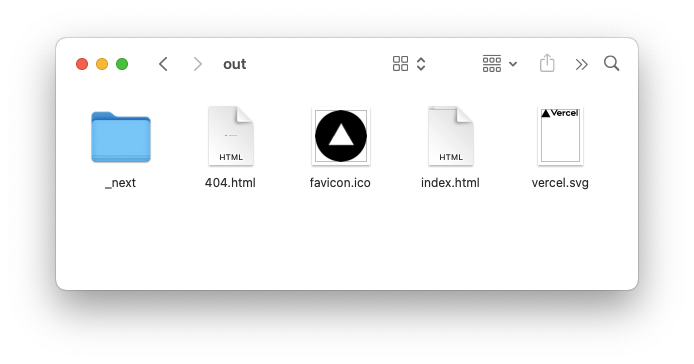
With that in place, we can run `npm run build`. This gives us an `out` director, which can be uploaded to any server.
## Hosting the static HTML
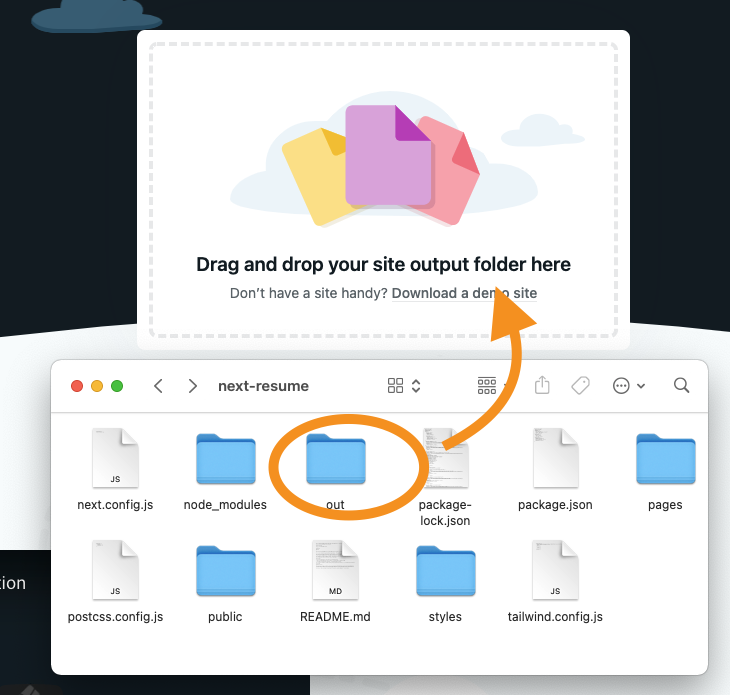
Since we now have this static HTML, we can find any hosting provider and upload this `out` directory.
Let's see how this works on [Netlify drop](https://app.netlify.com/drop), for instance.
Drag the `out` directory and wait a couple of seconds and your website is all uploaded!
[View my website hosted via this way on Netlify](https://sleepy-shannon-699868.netlify.app/)
### Thank you for reading, and let's connect!
Thank you for reading my blog. Feel free to subscribe to my email newsletter and connect on [Facebook](https://www.facebook.com/DailyDevTipsBlog) or [Twitter](https://twitter.com/DailyDevTips1)