
Why PM2 is the process manager you're missing

Ever made a node application? Maybe even an Angular Universal application?
Chances are, you might have needed PM2, but didn't know about it yet.
PM2 is a fantastic process manager for node scripts, meaning it can auto-start them, keep them running, and load-balance it even!
That sounds amazing, doesn't it?
Installing PM2 Node process manager in Linux
To install PM2, we must have Node and NPM installed.
We can then go ahead and install pm2 using the following command.
sudo npm i -g pm2
Let's just make a super simple node script to test out how this is going to work. Here is a hello world application in node:
const express = require('express');
const app = express();

app.get('/', (req, res) => res.send('Hello World!'));
app.listen(3000, () => console.log('Server ready'));
Now, if we run the node command for this file:
node index.js
We can visit our browser and see the website.
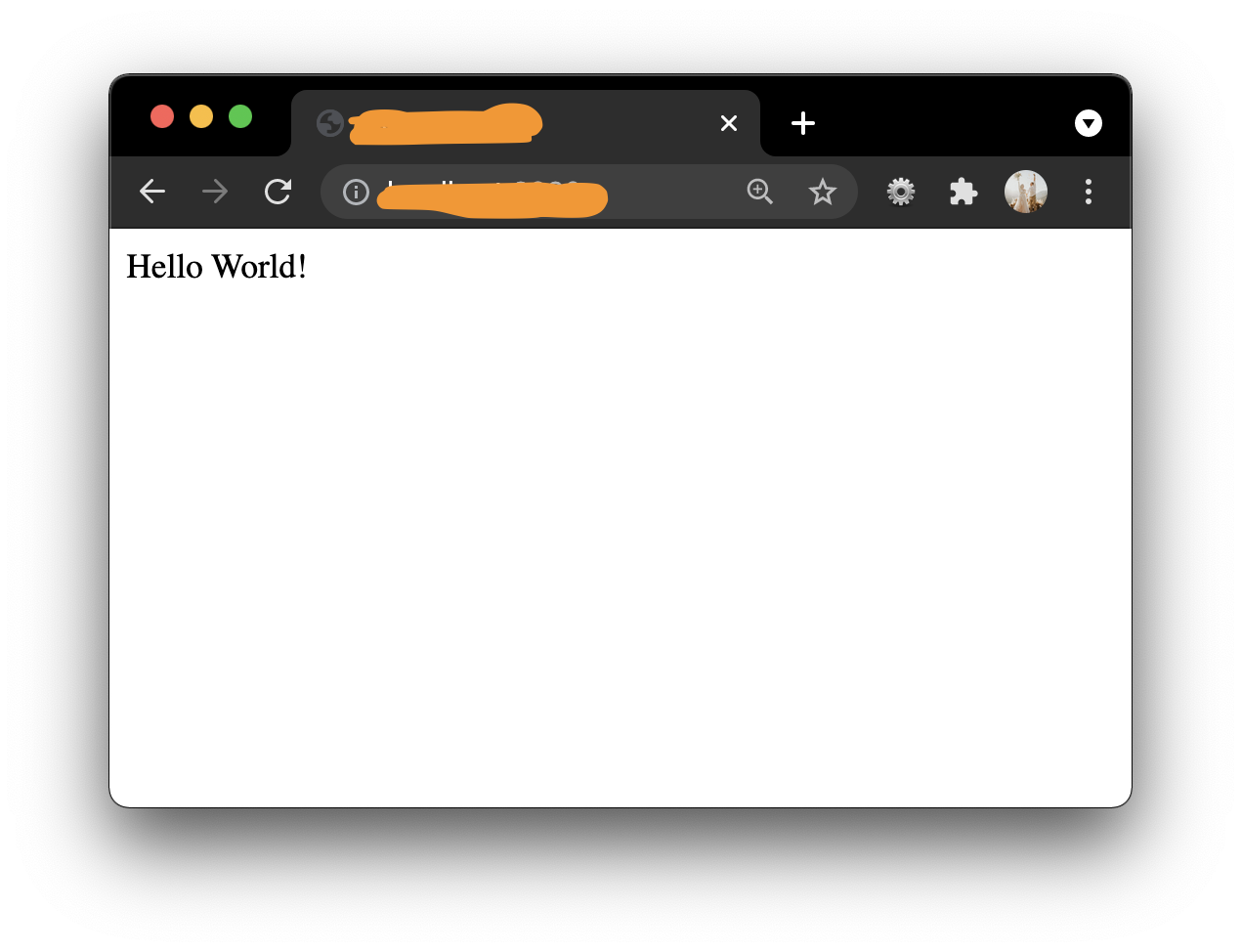
However, if we now cancel this script, we won't be able to see the website anymore. It's not really ideal to have the terminal open all the time, so let's see how PM2 can help us.
Instead of running the node script, we can specify pm2 to start the script and even provide a useful name for this app.
pm2 start index.js --name=test
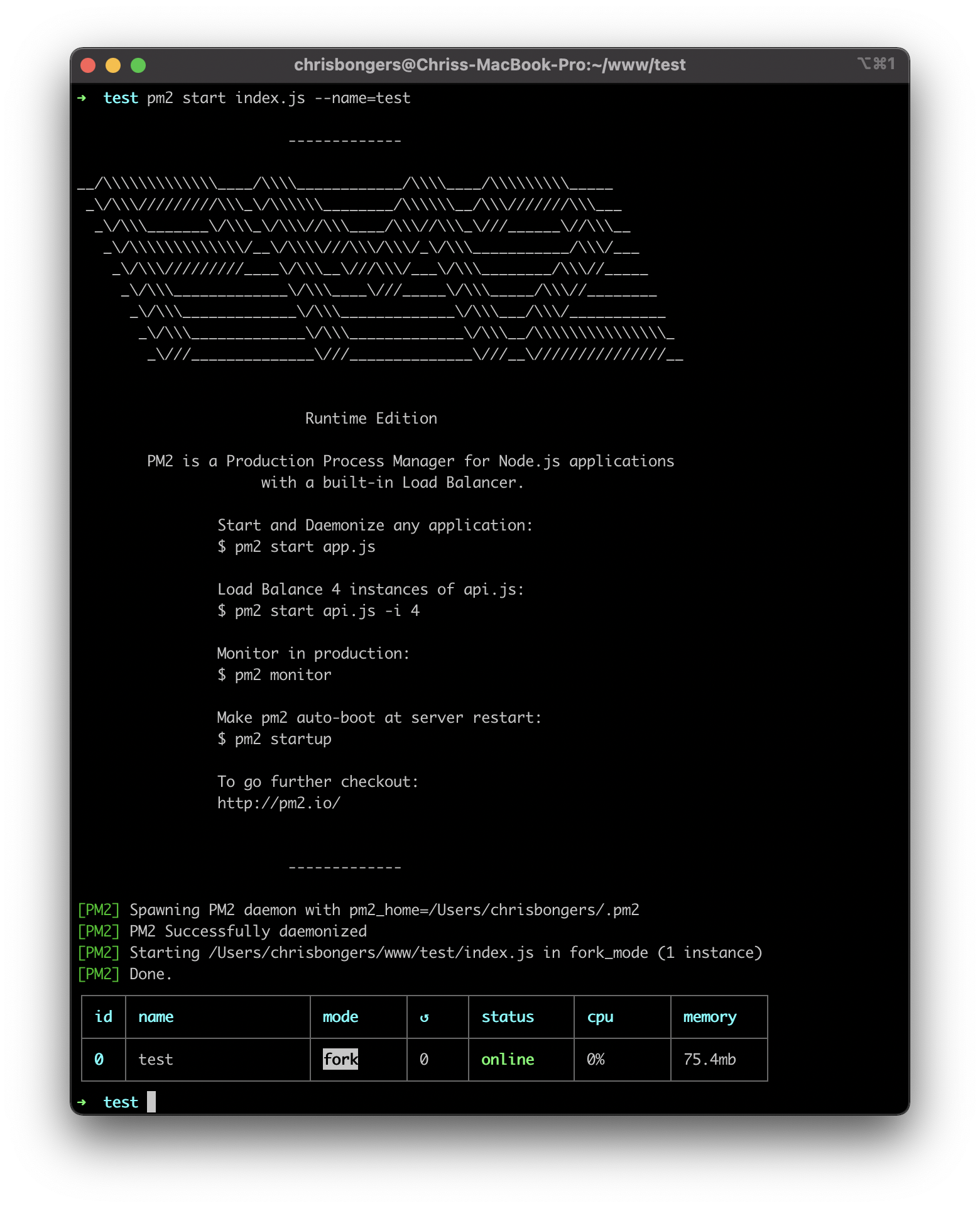
Our terminal now is clean, so we can do other stuff, but looking at our website, it's back working again!
Other pm2 options
Now that we have our script running, let's see some useful commands.
The first one might be stopping an instance for whatever reason.
The test in this command is the name of the script.
If you didn't specify a name, you could use the pm2 ID to stop that specific one.
pm2 stop test
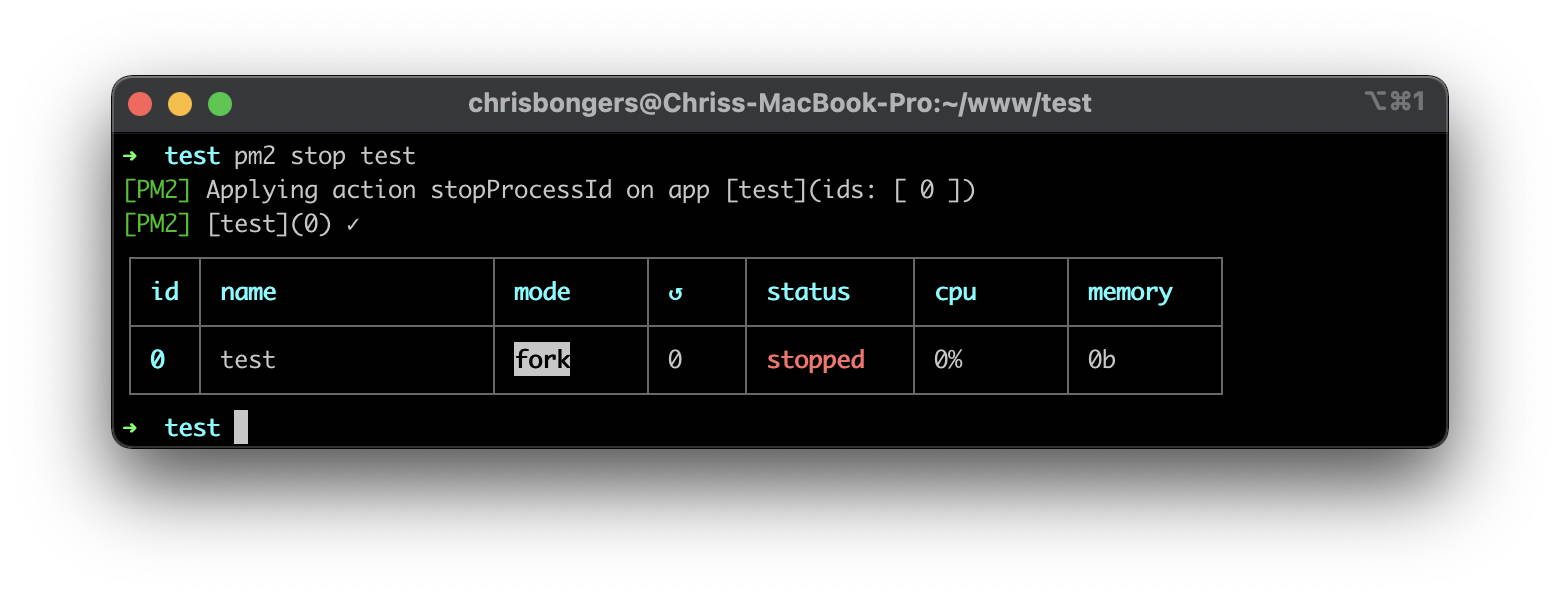
Now our website will give us a bad gateway again.
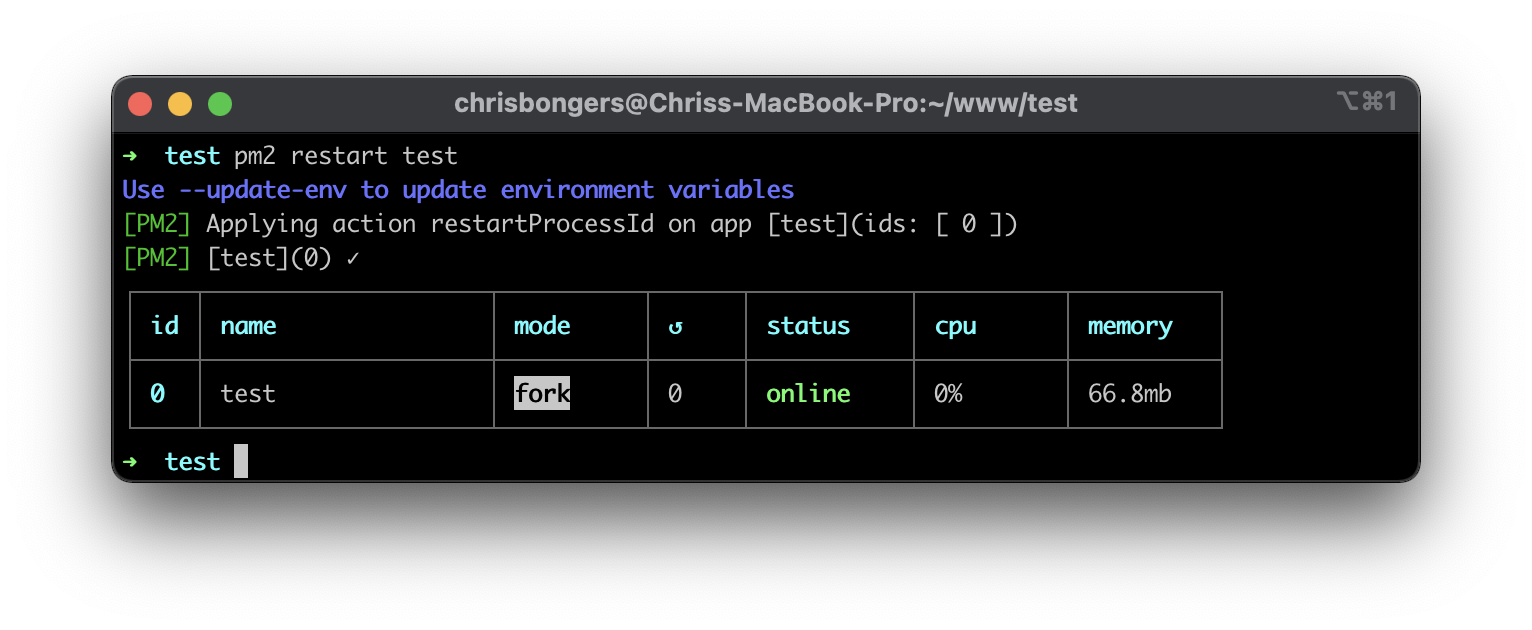
Another thing we can do is restart a node script. Let's say you made some changes to the file. Often you want to perform a restart:
pm2 restart test
That restart will reboot the script and stop/start it.
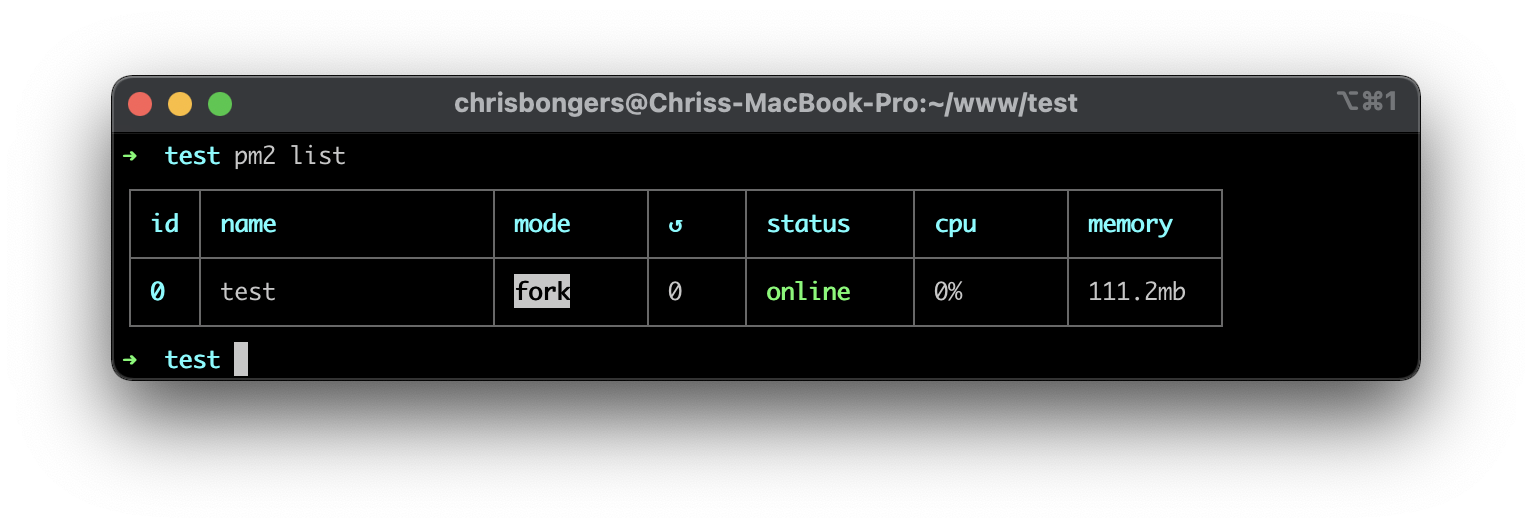
Another great option is to list all instances running. You can simply perform the following command to see all running pm2 instances:
pm2 list
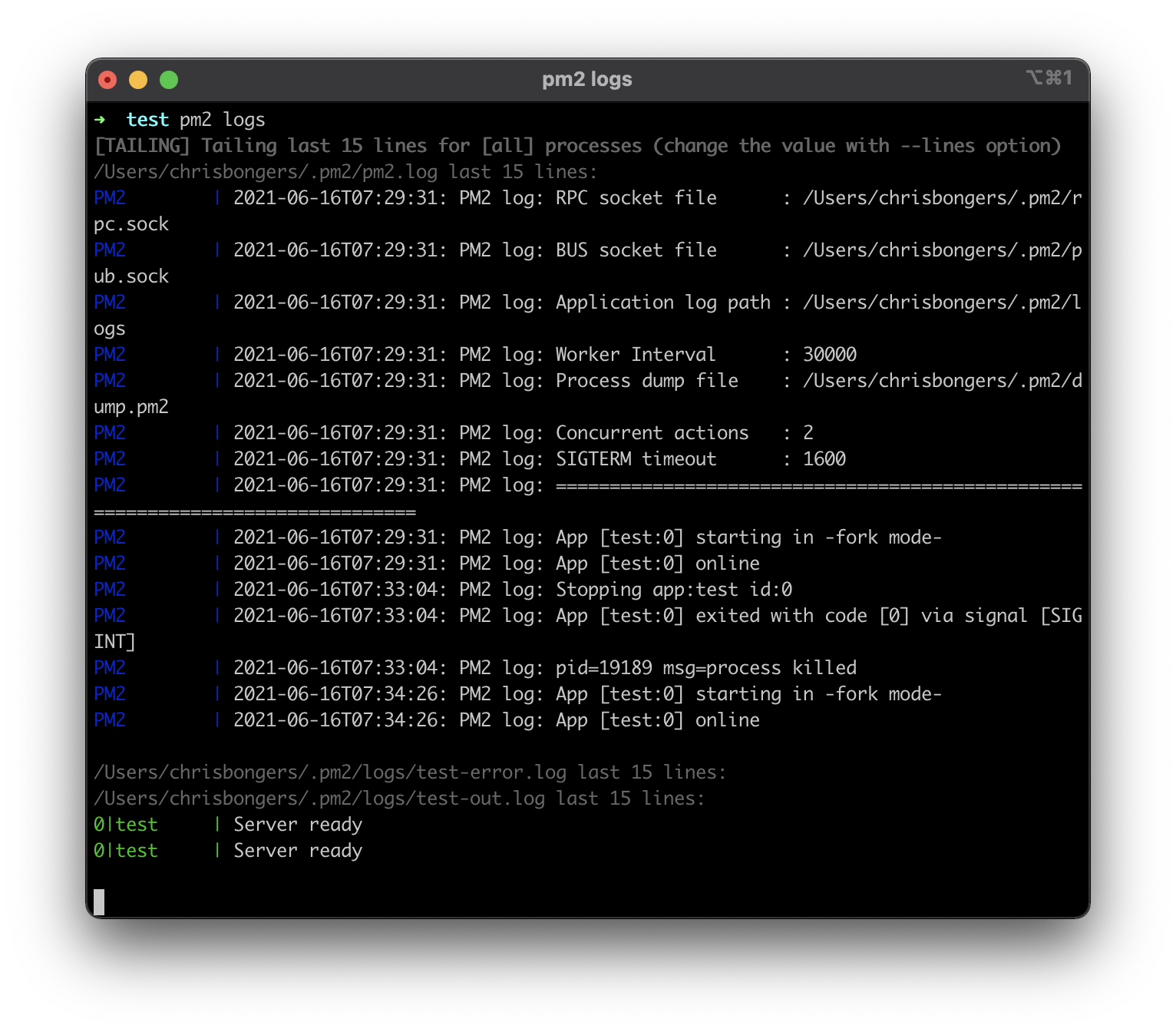
And the last one I want to note is the log function. Sometimes you might have some issues where the app might be starting but stops immediately. Or you curious about some output of your node script?
That's where the log function is mighty.
pm2 logs
Conclusion
PM2 is a super powerful process manager for node scripts on Linux systems. It has even more options than describer here, and I hope you'll give it a try and explore its options.
Full documentation on PM2 website
Thank you for reading, and let's connect!
Thank you for reading my blog. Feel free to subscribe to my email newsletter and connect on Facebook or Twitter
About the author
I'm a full-stack developer from South Africa 🇿🇦. I love writing about JavaScript, HTML and CSS.
Comments
Join the discussionNo comments yet. Be the first to comment.



