
Vanilla JavaScript Stop Form Submit
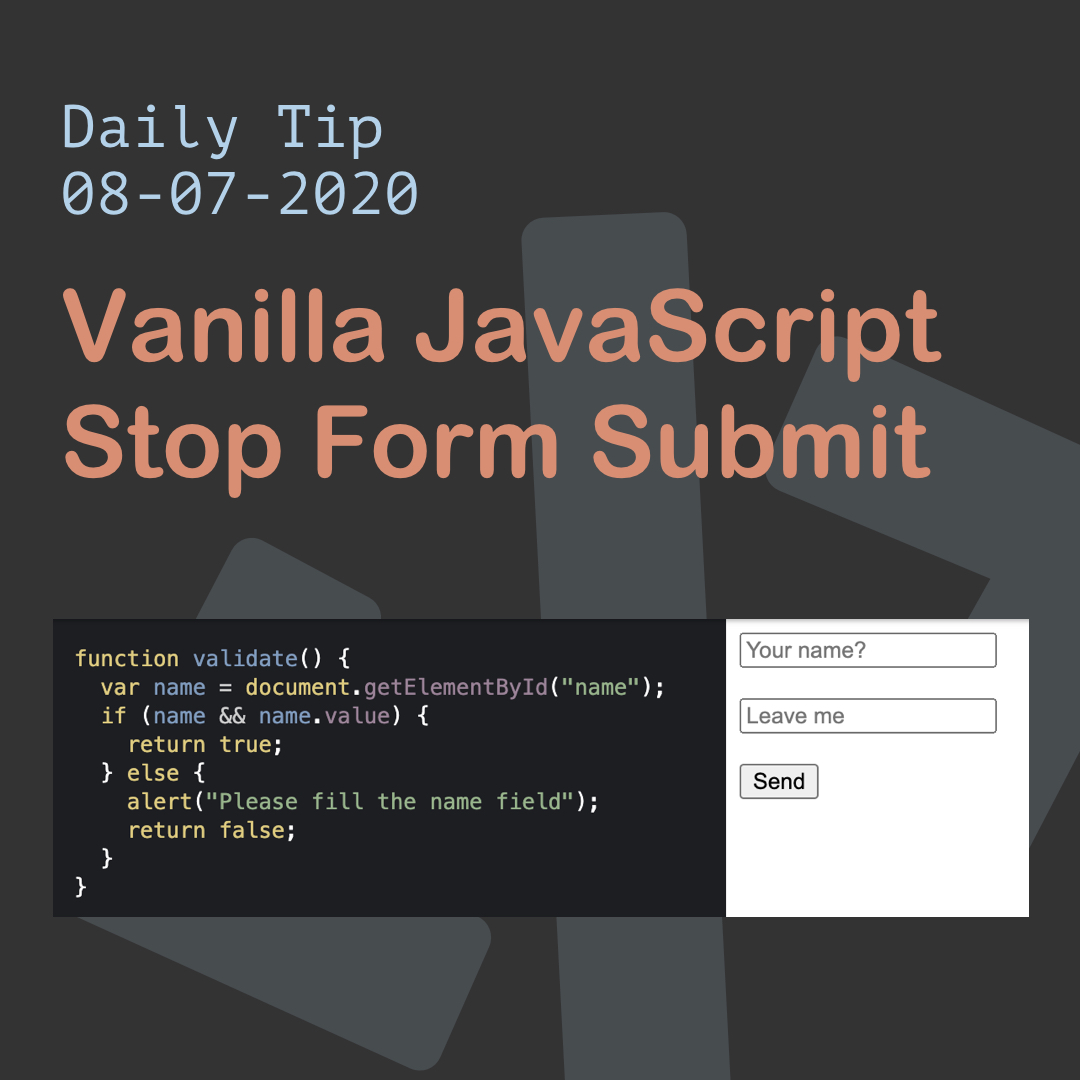
Let's say we want to add form validation in JavaScript, first we need to stop the form from actually submitting.
We can do this very simply in JavaScript.
HTML Structure
<form onsubmit="return validate();" novalidate>
  <input type="text" name="name" id="name" placeholder="Your name?" required />
  <br /><br />
  <input type="text" name="leave" placeholder="Leave me" />
  <br /><br />
  <input type="submit" value="Send" />
</form>
As you can see we use the on submit function and say to return a function callback.
Then we have two fields of we will validate the first one.
JavaScript Stop Submit
To stop the submit we use the following code:
function validate() {
  var name = document.getElementById('name');
  if (name && name.value) {
    return true;
  } else {
    alert('Please fill the name field');
    return false;
  }
}
We use the return values, either true or false, depending on whether someone filled out the name field.
We could even use event.preventDefault() on the onsubmit function, but this will cause any action not to go true.
That would work well if we plan an Ajax post, for instance.
You can find this example on Codepen.
Thank you for reading, and let's connect!
Thank you for reading my blog. Feel free to subscribe to my email newsletter and connect on Facebook or Twitter
About the author
I'm a full-stack developer from South Africa 🇿🇦. I love writing about JavaScript, HTML and CSS.
Comments
Join the discussionevent.preventDefault() should be use when the submit event is going to be handled somewhere else.
You're example is simple but works as expected 😁
Yes indeed, in this case we want the form submit to go through if the validation is correct (native submit)



