
User input in Python

Accepting user input in applications is pretty standard as we would like to have the user give us some information.
In Python we can achieve this quite easily. Today, our end goal is to make a script that asks for some details and then prints these back to the user.
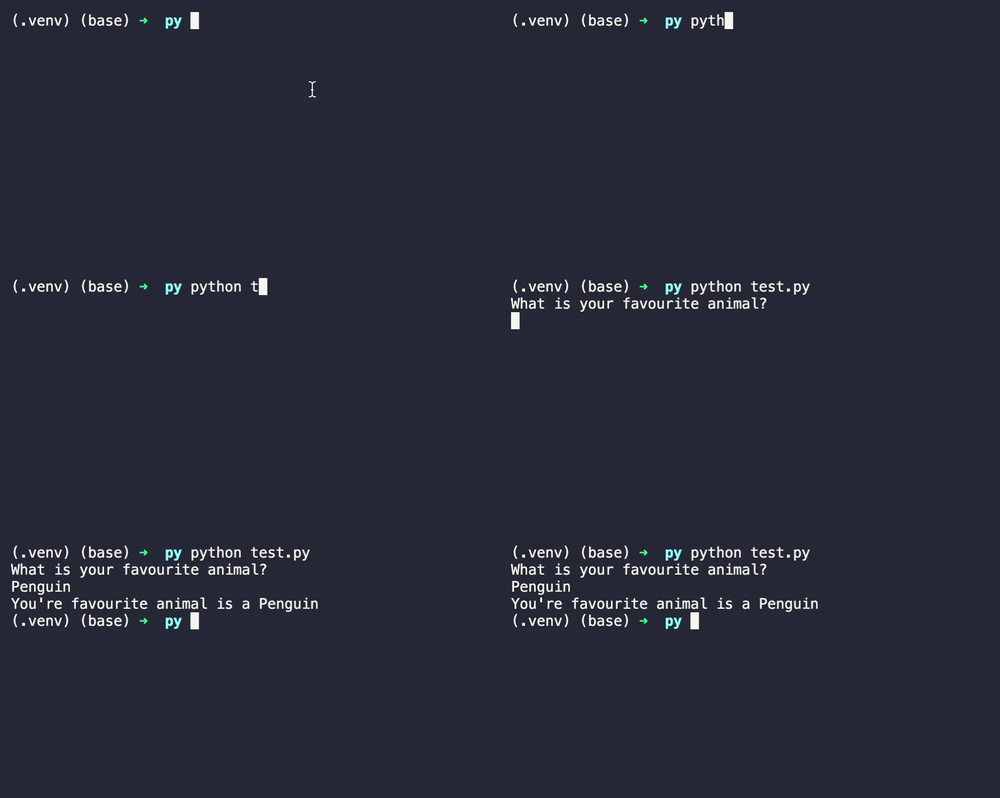
Using variables in Python
First of all, we must understand how we can use variables in Python, and this process is pretty simple.
animal = "cat"
print("Your favorite animal is a " + animal);
And this will print the following line:
Your favorite animal is a cat
Of course, I'm just guessing your favorite animal is a cat here and could be entirely off. So let's fix that and allow the user to state the correct answer.
Accepting inputs in Python
We can change the variable we had to input(), allowing us to accept user input.
print("What is your favorite animal?")
animal = input()
print("Your favorite animal is a " + animal)
Now when we run the script, the user will be prompted to give us input.
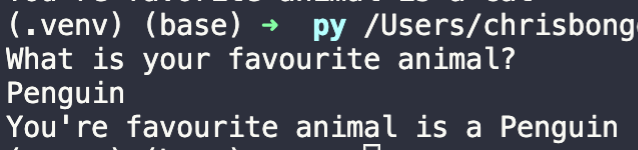
And it's really as simple as using that input() command to capture a variable!
Thank you for reading, and let's connect!
Thank you for reading my blog. Feel free to subscribe to my email newsletter and connect on Facebook or Twitter
About the author
I'm a full-stack developer from South Africa 🇿🇦. I love writing about JavaScript, HTML and CSS.
Comments
Join the discussionNo comments yet. Be the first to comment.



