Command Palette

Search for a command to run...

Top 10 Chrome extensions for developers πŸ‘€

Published
β€’2 min read
Top 10 Chrome extensions for developers πŸ‘€
C

I'm a full-stack developer from South Africa πŸ‡ΏπŸ‡¦. I love writing about JavaScript, HTML and CSS.

Following my article about the top 10 visual studio code plugins and 5 full-stack projects we are now looking at Chrome extensions.

1. Daily.dev
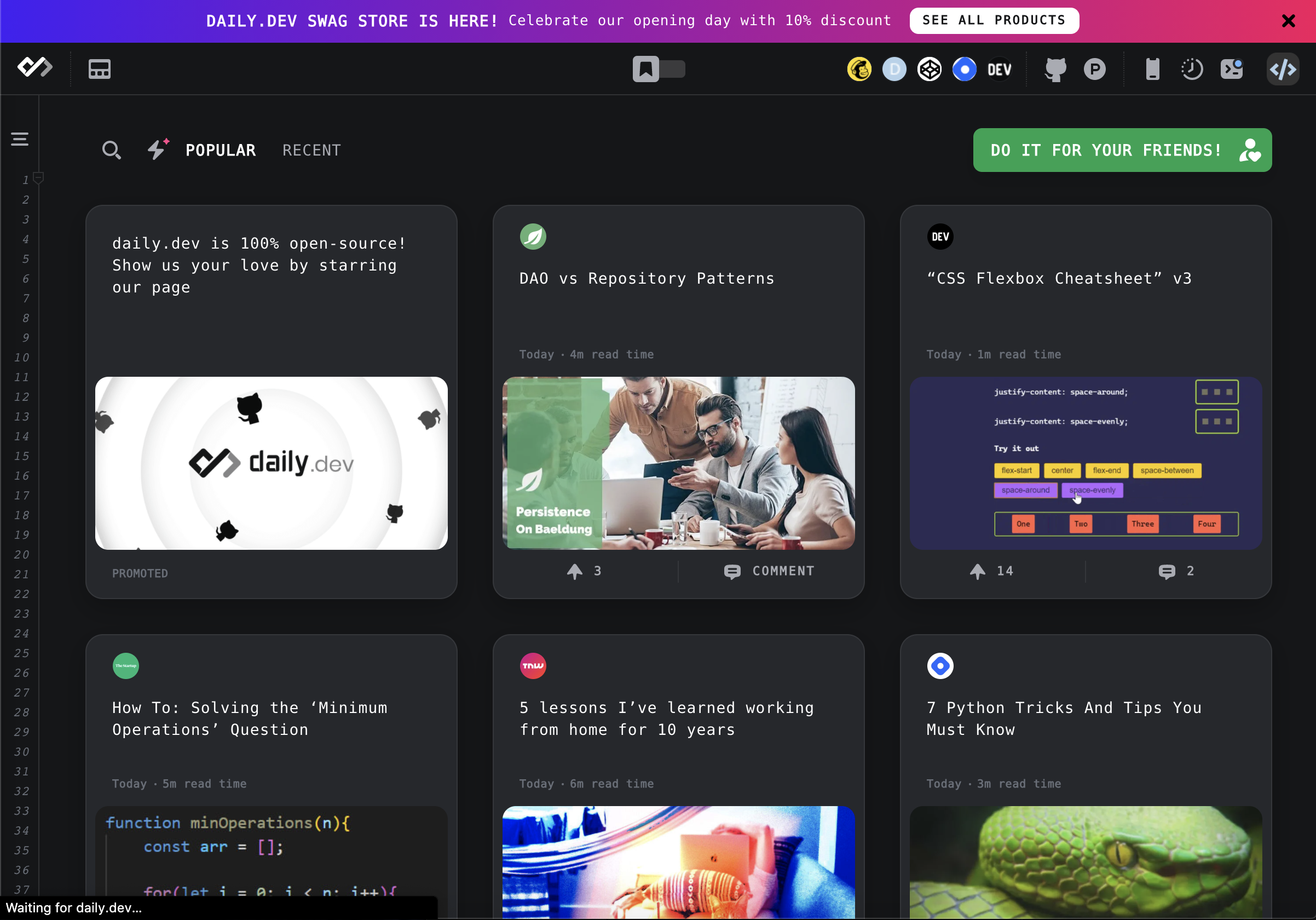
Daily.dev Chrome extension

Daily.dev really became my go-to extension! They provide a default opening tab that shows you the most awesome dev news. And keep an eye out. You might find one of my articles there.

Install daily.dev

2. WhatRuns

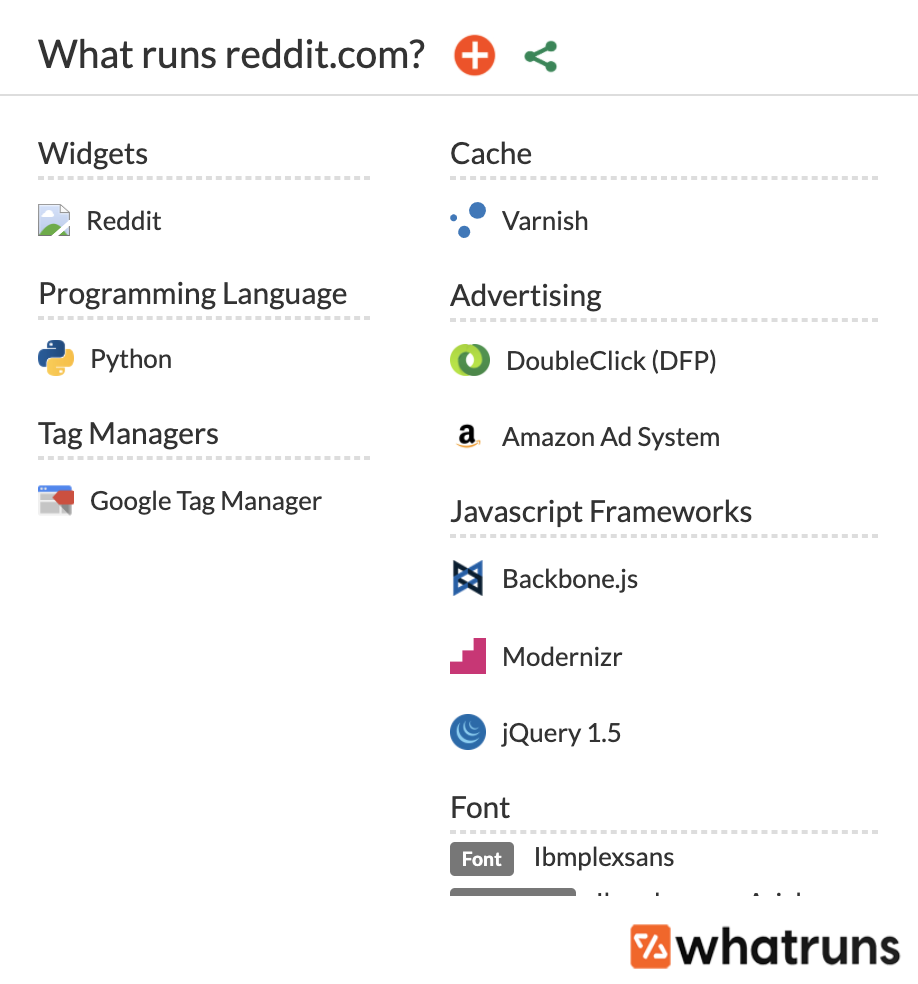
WhatRuns Chrome extension

I'm sure you ever wondered what stack a website was using? This extension will tell you super quickly what's going on. It even tells you certain versions.

Install WhatRuns

3. Coil

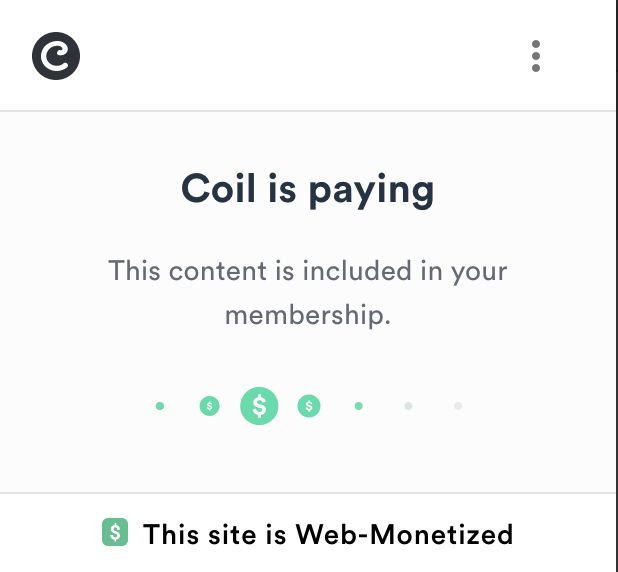
Coil Chrome extension

Coil is a fantastic extension when it comes to getting paid for viewing content. If you ever found yourself reading awesome content, think about getting a Coil subscription.

Install Coil

4. Grammarly for Chrome

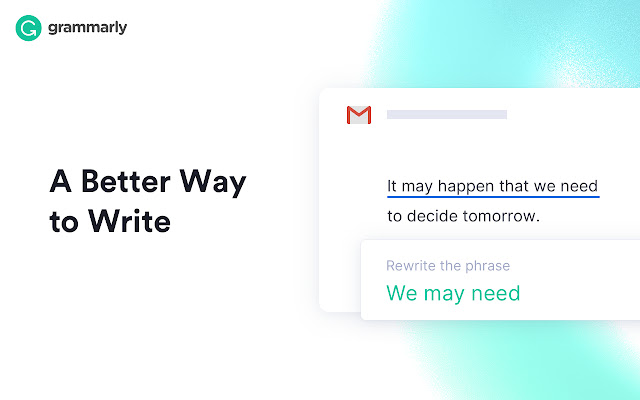
Grammarly Chrome extension

Although this is more of a "writers" extension, I think everyone can benefit from using Grammarly. The extension works great on all kinds of websites.

Install Grammarly for Chrome

5. Web Developer

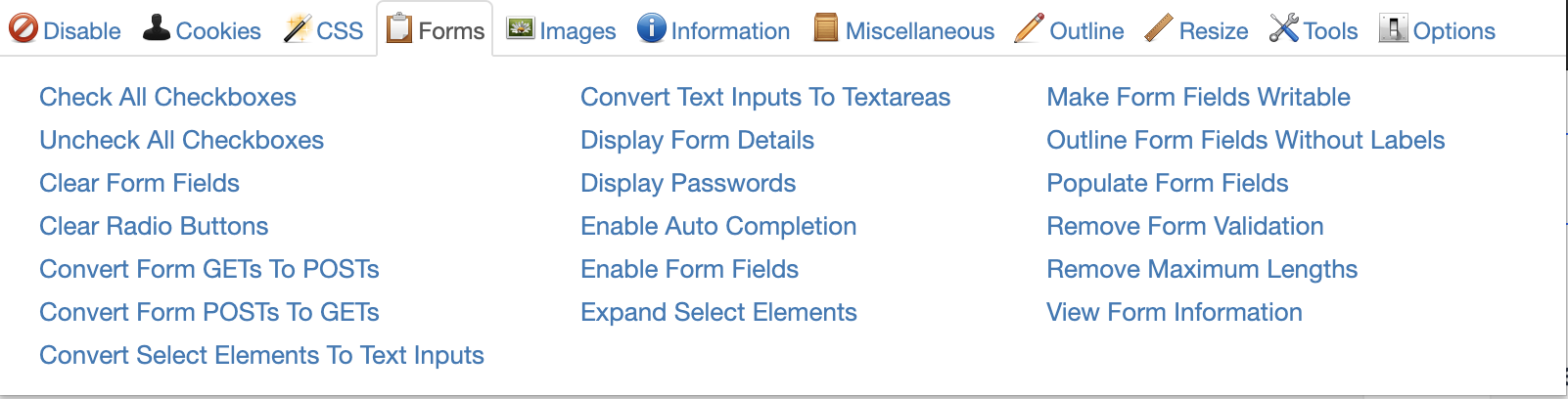
Web Developer Chrome extension

I think this is my number one used plugin. It has so many great tools built in, including form fill, cookie clearing, image disabling, and many more!

Install Web Developer

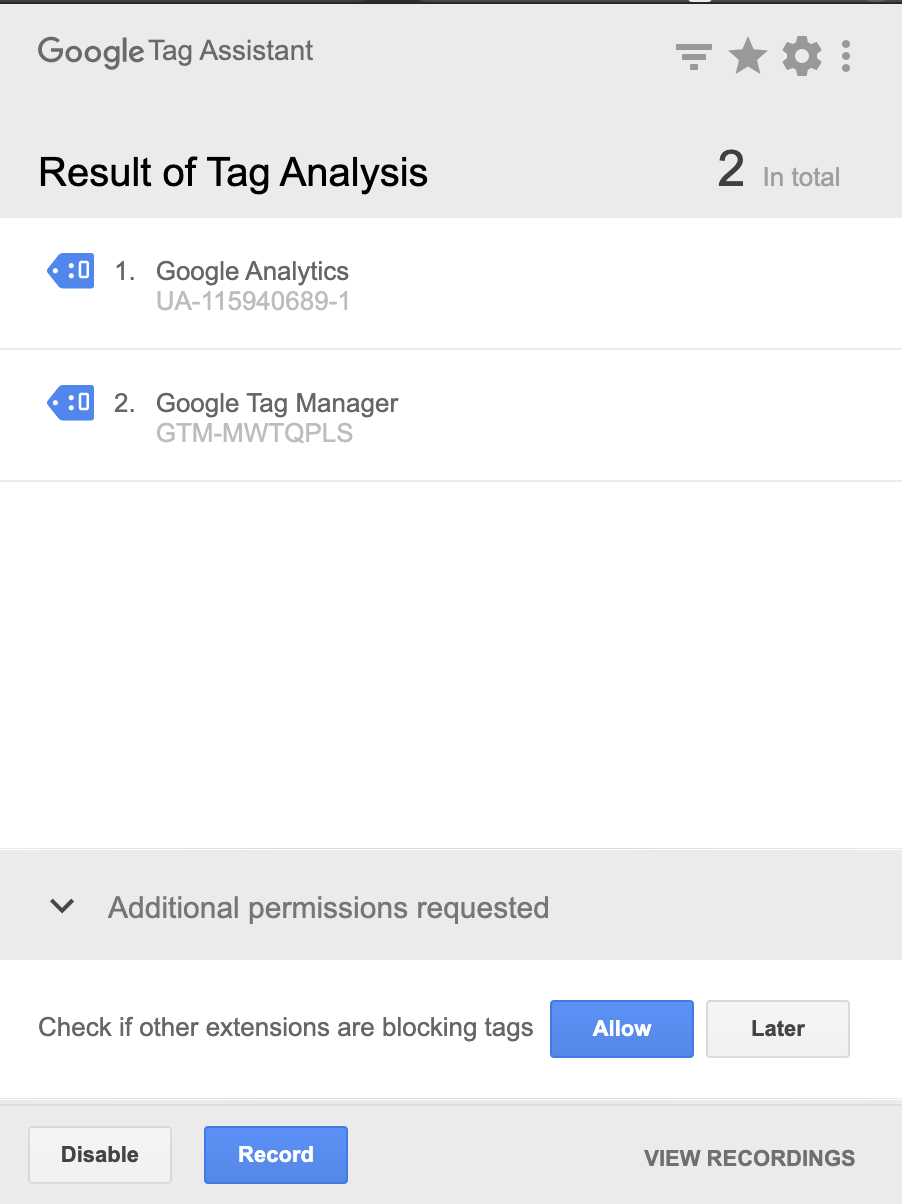
6. Tag Assistant (by Google)

Tag Assistant Chrome extension

Tag Assistant is really awesome, and if you are using it, you can't live without this extension. It will show you all tags and when they will be called.

Install Tag Assistant

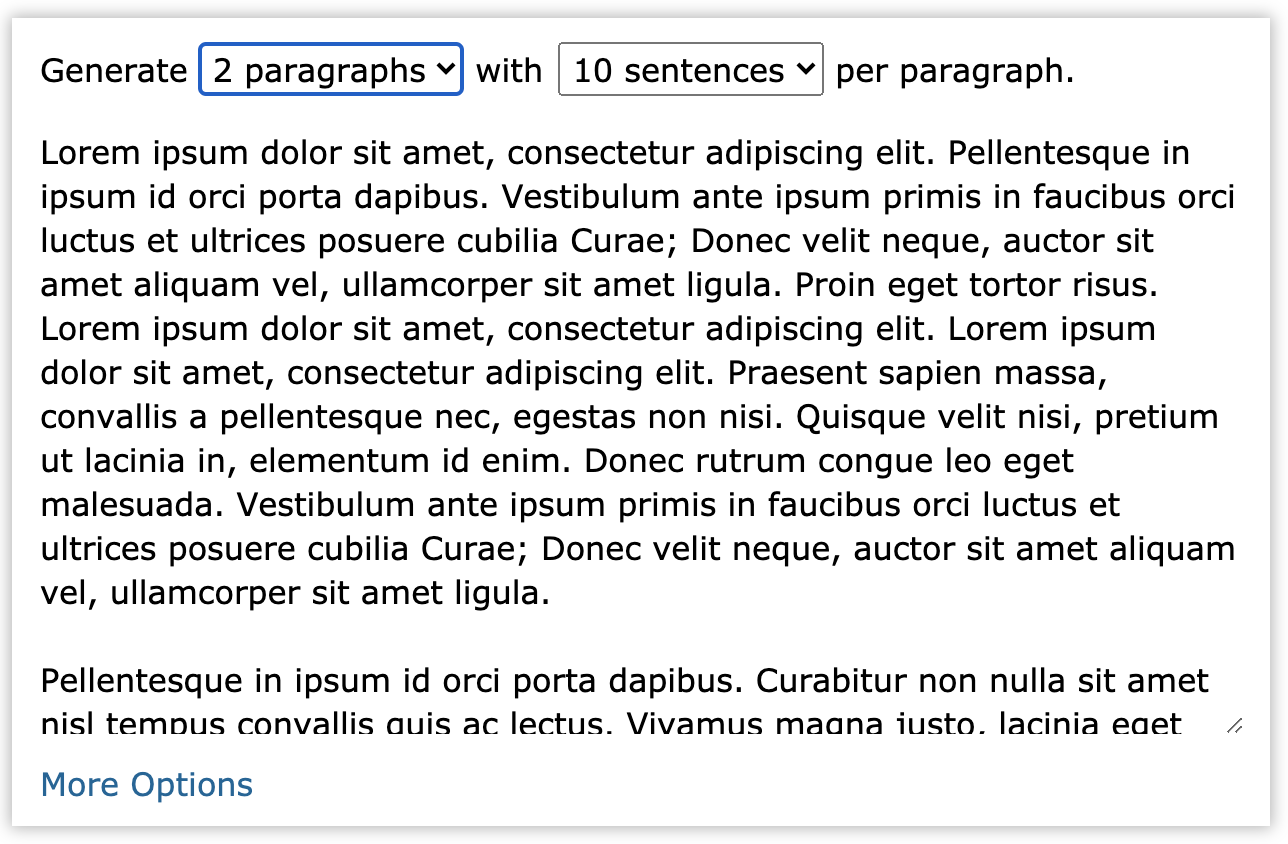
7. Lorem Ipsum Generator

Lorem Ipsum Chrome extension

We all love Lorem Ipsum, right? This extension will easily provide you with a bunch of copy that you can use as placeholder text.

Install Lorem Ipsum

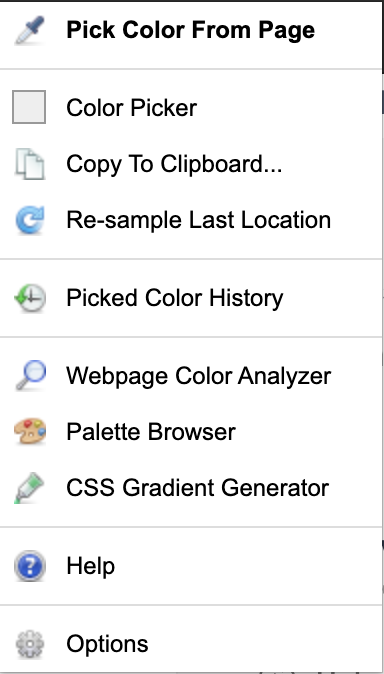
8. ColorZilla

ColorZilla Chrome extension

Ever needed an exact color from a website? This extension will give you a nice hex color and has a cool picker. It even copies directly to your clipboard.

Install ColorZilla

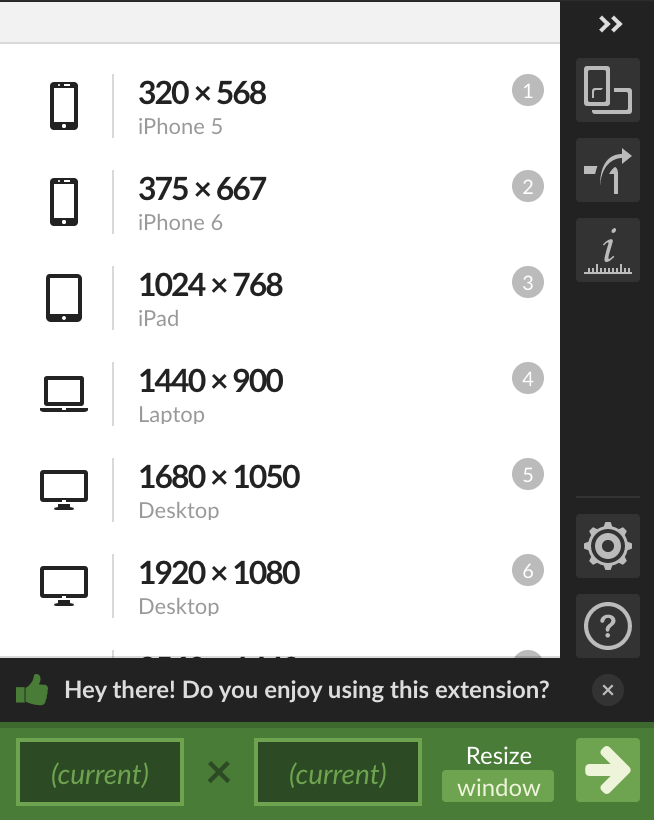
9. Window Resizer

Window Resizer Chrome extension

Nowadays, we are working on so many media queries, and it's impossible to "guess" resize them. This tool will give you the exact size of several devices.

Install Window Resizer

10. Lighthouse

Lighthouse Chrome extension

Another great thing that comes in Chrome is Lighthouse. We can use it from the console, but this extension makes it quicker and easier to open a report.

Install Lighthouse

What is your favorite?

Let me know what your favorite Chrome extension is!

Thank you for reading, and let's connect!

Thank you for reading my blog. Feel free to subscribe to my email newsletter and connect on Facebook or Twitter

Comments (13)

Join the discussion
D

Is it possible to center images on hashnode articles? (:

C

Awesome extensions...!!🀩 really helpfulπŸ˜‹ Already using 40% of these....very excited to try the restπŸ˜€

1
C

Awesome, glad you found some useful ones in there!

1
S

try videoquest by videoken, it gives youtube learners a great set of tools like video indexes, inVideoAssesmentQuestions(yes you can turn your youtube videos into Coursera kind of platform) the future is bright and we have great plans on it!.

1
C

Awesome addition, going to have a look at this one! πŸ‘€

1
S

Sure, and let me know about your feedbacks πŸ˜„Chris Bongers

U

Thanks for sharing! πŸ‘

1
C

You're welcome!

M

Awesome list!

Btw, Lighthouse is already integrated into Chrome.

If you right click -> inspect, you'll see it in the top bar.

Screenshot 2020-09-14 at 09.15.32.png

Every extension opens up a new process every time you open a new window. If you're on a PC, then it's not that important, but on laptops.... Heh πŸ˜…

1
C

I know, mentioned it comes in Chrome, but for me, it's quicker to only click the one icon in my tab bar :P

J
Jacoboss5y ago

A good one is Extensity which you can quickly enable/disable extensions to reduce memory usage.

2
C

Awesome thank you, going to check it out!

T

Chris Bongers, Good one. Found using only 50% of the list.. Shall try the rest.

1
C

Awesome, glad they're some you haven't tried before 🀟

D

Thanks for sharing I pick up extensions like WhatRuns and Lighthouse. Now my nav bar is full of extensions.

One other alternative to Grammarly that you forget to mention is LanguageTool. I find it very useful.

1
C

Not aware of that one, will give it a try thanks!

D

My pleasure.

S
Skay5y ago

Another brilliant and useful Post Chris!! God bless you πŸ™‚πŸ™ŒπŸ’ͺ😎

5
C

My word Skay, You just made my whole Sunday! thank you 🌞

3
O

Thanks for the list, its awesome. I use some of 'em and i will try the rest. I also use whatfont, which is the best font identifier out there.

1
C

Yes, love WhatTheFont! Great addition

More from this blog

D

Daily Dev Tips

887 posts

Looking to get into development? As a full-stack developer I guide you on this journey and give you bite sized tips every single day πŸ‘Š