
Shared layouts for markdown files in Remix

In the previous article, we added the Typography Tailwind plugin to render each blog nicely.
However, we didn't have an excellent place to put the prose class for rendering purposes.
We set the prose on the root.tsx file.
This works, but it means we add the prose class to literally every rendered page.
To make it a bit more sustainable, we can use the shared layouts method to create a unique blog layout.
Adding a shared markdown layout
When we set up our markdown files in Remix, we dedicated a blog folder for them.
We can simply create a blog.tsx file in our routes directory to use the shared layout.
This file can be used to render specific layouts for the blog items.
Let's keep it super simple for now:
import { Outlet } from '@remix-run/react';

export default function Blog() {
  return (
    <div className='prose'>
      <h1>Welcome to the blog:</h1>
      <Outlet />
    </div>
  );
}
Each blog item will now have this static heading title and its markdown rendered inside the outlet!
Resulting in the following:
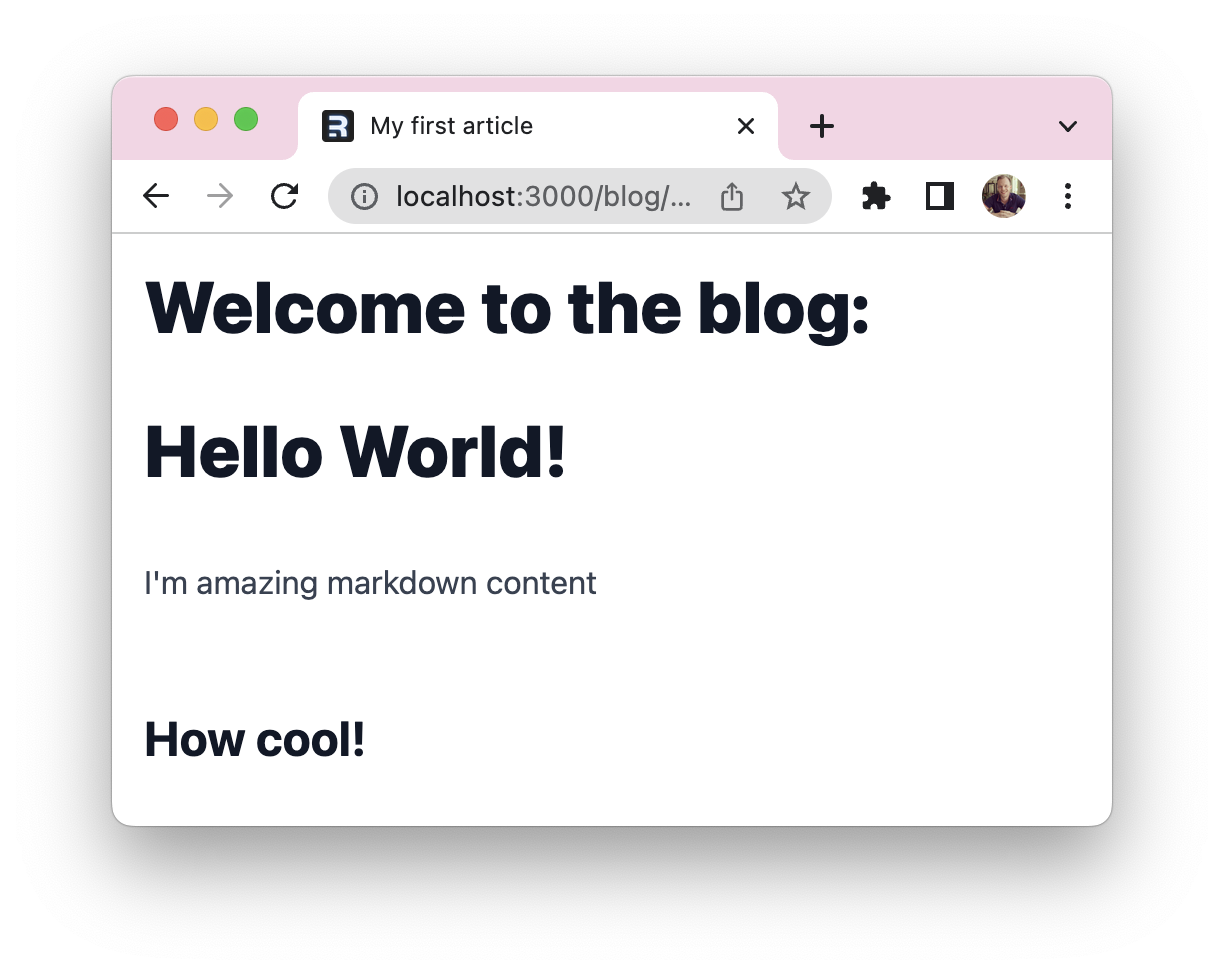
The cool part is that this layout can be as extended as you want, and it will be used by all markdown files in the blog directory!
If you are interested, I uploaded the code for this article on this GitHub repo.
Thank you for reading, and let's connect!
Thank you for reading my blog. Feel free to subscribe to my email newsletter and connect on Facebook or Twitter
About the author
I'm a full-stack developer from South Africa 🇿🇦. I love writing about JavaScript, HTML and CSS.
Comments
Join the discussionNo comments yet. Be the first to comment.



