
Remix Markdown overview page

Now that we have our Markdown powered page to work, let's see how we can add some kind of overview page.
This could be on your homepage to showcase your latest articles or simply a blog overview page.
Note: While doing research, I could not find an automated way, so this article might get updated once I do.
Loading Markdown files
Markdown files have to be loaded individually in Remix. I'm not 100% sure if there is an automated way of doing it at the point of writing.
If I do find one, I'll update this article 🙌.
Let's get started!
In our example, we'll create a blog overview page, so let's add the index.tsx file inside our blog directory.
Now we can start by loading the markdown files we want to show.
import * as firstArticle from './my-first-article.md';
import * as secondArticle from './mdx-sample.mdx';
Then we only want to load the metadata (Frontmatter section) of the Markdown files. So let's create a function that only extracts that information rather than the whole file.
function postFromModule(mod) {
  return {
    slug: mod.filename.replace(/\.mdx?$/, ''),
    ...mod.attributes.meta,
  };
}
This function will return the slug and all frontmatter parts of the file. The frontmatter section is everything within the three dashes at the top of the file.
Then we can use the Remix loader to actually load these pages.
export async function loader() {
  return json([postFromModule(firstArticle), postFromModule(secondArticle)]);
}
Now we can access this data inside our page.
export default function Index() {
  const posts = useLoaderData();

  return (
    <ul>
      {posts.map((post) => (
        <li key={post.slug}>
          <Link to={post.slug}>{post.title}</Link>
          {post.description ? <p>{post.description}</p> : null}
        </li>
      ))}
    </ul>
  );
}
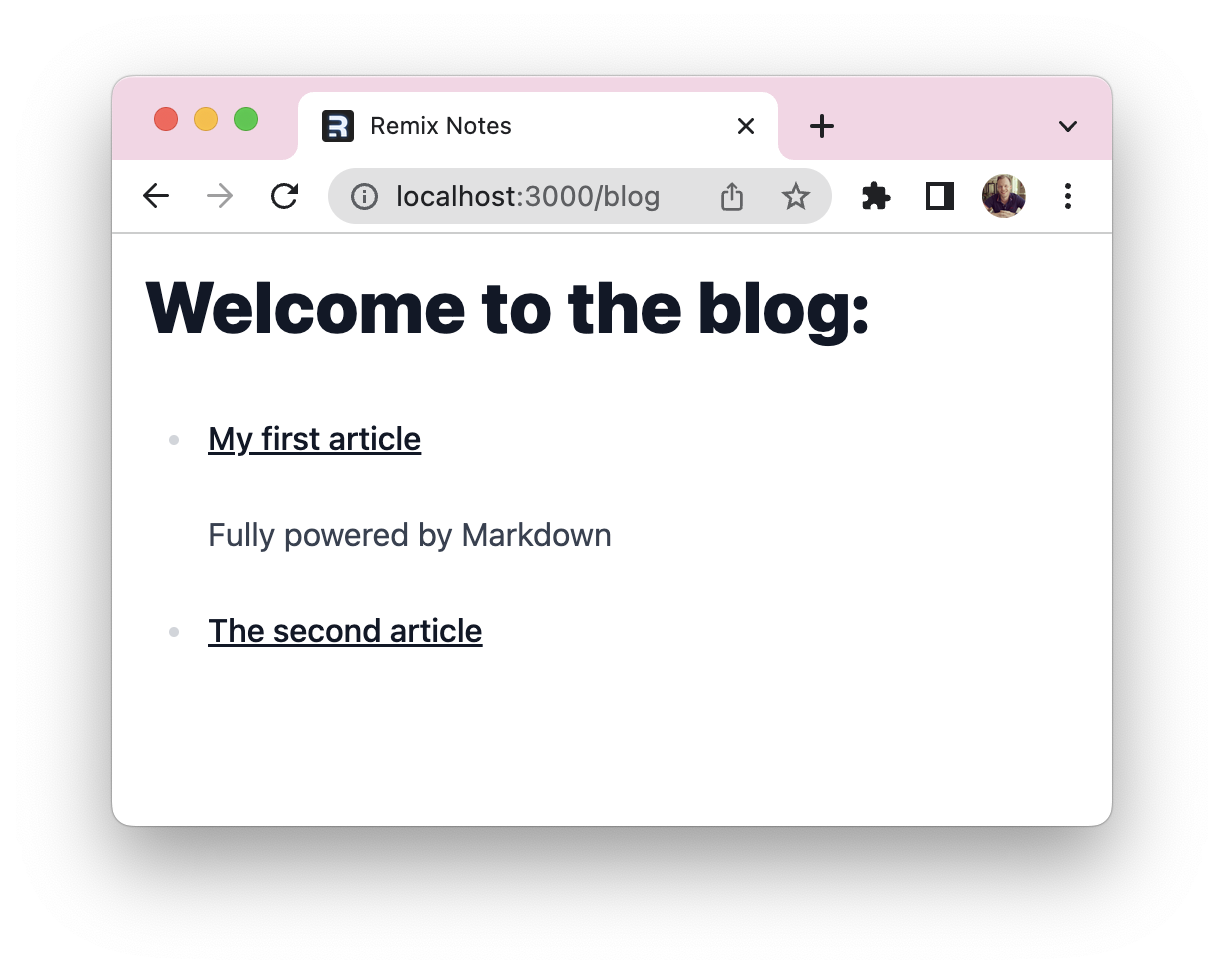
And that's it. Remix will loop over the posts we have defined in our import and show the title and description with a link to the actual page.
Check out this GitHub repo to see the complete code.
Thank you for reading, and let's connect!
Thank you for reading my blog. Feel free to subscribe to my email newsletter and connect on Facebook or Twitter
About the author
I'm a full-stack developer from South Africa 🇿🇦. I love writing about JavaScript, HTML and CSS.
Comments
Join the discussionNo comments yet. Be the first to comment.



