
Python loops explained

Besides the Python data types I've walked through just the other day, loops are an essential part of programming.
Today we'll be looking at loops in Python, and there are two types I'll explain in this article.
- For loop
- While loop
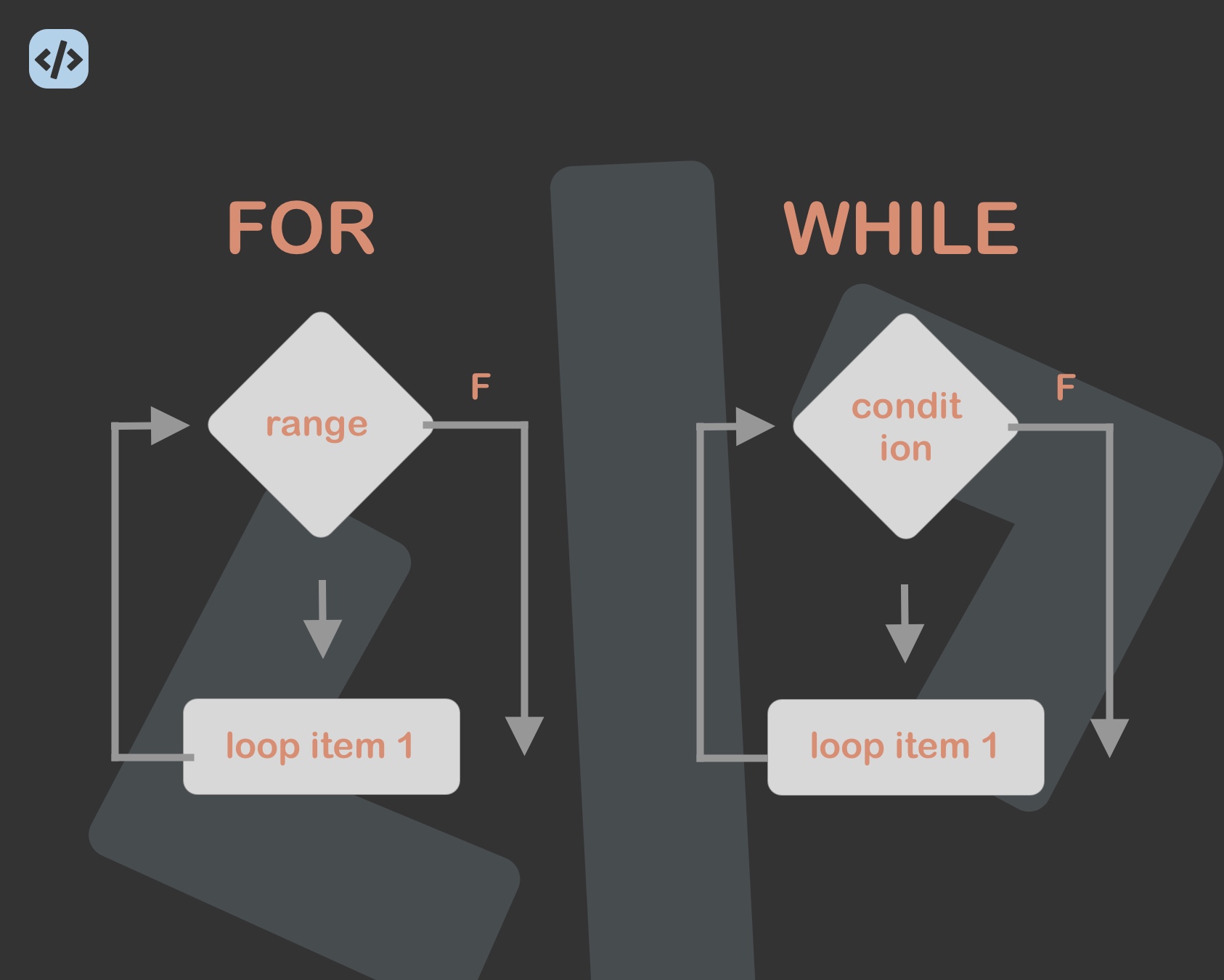
Python for loop
Let me first show you how a basic for loop in Python looks:
for x in y:
    # Do something
Based on this example, you can already see it translates to: For each element X inside of statement Y, Evaluate a code block.
Let's say we have a list with animals and would like to print each animal.
animals = ["cat", "dog", "penguin", "tiger"]
for animal in animals:
    print(animal)
This will result in:
cat
dog
penguin
tiger
We can also use the range to loop x amount of times. Let's say we want to make a loop go four times.
for item in range(4):
    print("Happy Birthday")
Wil print out:
Happy Birthday
Happy Birthday
Happy Birthday
Happy Birthday
Python while loop
Besides the for loop, there is also the option to loop while a certain condition is met.
The basics for a while loop are like this:
while x == True:
    # Do something
With that, we say while X is true, you must keep executing this code block. If we actually used the code above, we would, however, build an infinite loop.
So let's make a basic while loop and break it after the first run, so it only executes once
foo = True
while foo == True:
    print("Foo is true")
    foo = False

print("Foo is false now!")
And this code block will return the following:
Foo is true
Foo is false now!
You've seen the range option, but we could also use a while loop for that.
number = 2

while number < 5:
    print("Still smaller")
    number = number + 1
This gives us:
Still smaller
Still smaller
Still smaller
And there, you have the basics of two versions to loop code blocks in Python.
Thank you for reading, and let's connect!
Thank you for reading my blog. Feel free to subscribe to my email newsletter and connect on Facebook or Twitter
About the author
I'm a full-stack developer from South Africa 🇿🇦. I love writing about JavaScript, HTML and CSS.
Comments
Join the discussionNo comments yet. Be the first to comment.



