
Protecting routes in Angular 👮♂️

I'm a full-stack developer from South Africa 🇿🇦. I love writing about JavaScript, HTML and CSS.
Protecting specific routes in Angular is a common use-case. Most applications will have some logged in section.
Yesterday we created a login service, so that someone can log in to our application.
But having this, we are also able to go to the home route not being logged in.
That's weird because we don't have a user and see nothing.
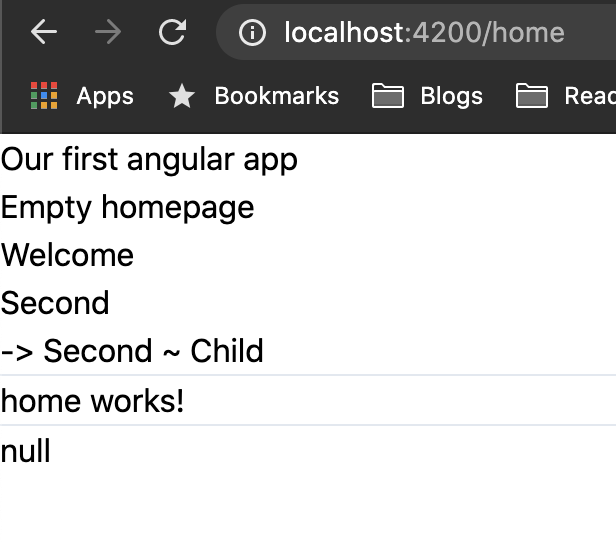
Let's fix that and make home a protected route.
Creating our auth guard
Firs let's open the terminal and generate a new service.
ng generate service guards/AuthGuard
This will generate the auth.guard service inside the guards folder.
import { Injectable } from "@angular/core";
import {
  ActivatedRouteSnapshot,
  CanActivate,
  Router,
  RouterStateSnapshot,
} from "@angular/router";
import { AuthService } from "../services/auth.service";

@Injectable({providedIn: 'root'});
export class AuthGuardService implements CanActivate {

  constructor(private router: Router, private authService: AuthService) {}

  canActivate(route: ActivatedRouteSnapshot, state: RouterStateSnapshot) {
      const currentUser = this.authService.userValue;
      if (currentUser) {
          return true;
      }
      this.router.navigate(['/login']);
      return false;
  }
}
We make use of the CanActivate method to intercept if this route can become active. We will place this in the routing in a second.
Then we overwrite this actual function and check if we have a current user value in our authService.
If we do, it's fine, and the route can return true (valid route). Else we redirect the user to the login page.
Implementing the auth guard
To implement the auth guard we just created, we need to modify our app-routing.module.ts.
import { AuthGuardService } from './guards/auth-guard.service';

const routes: Routes = [
  // Other routes
  { path: 'home', component: HomeComponent, canActivate: [AuthGuardService] },
];
You see it's as simple as passing the canActive option with out custom AuthGuardService.
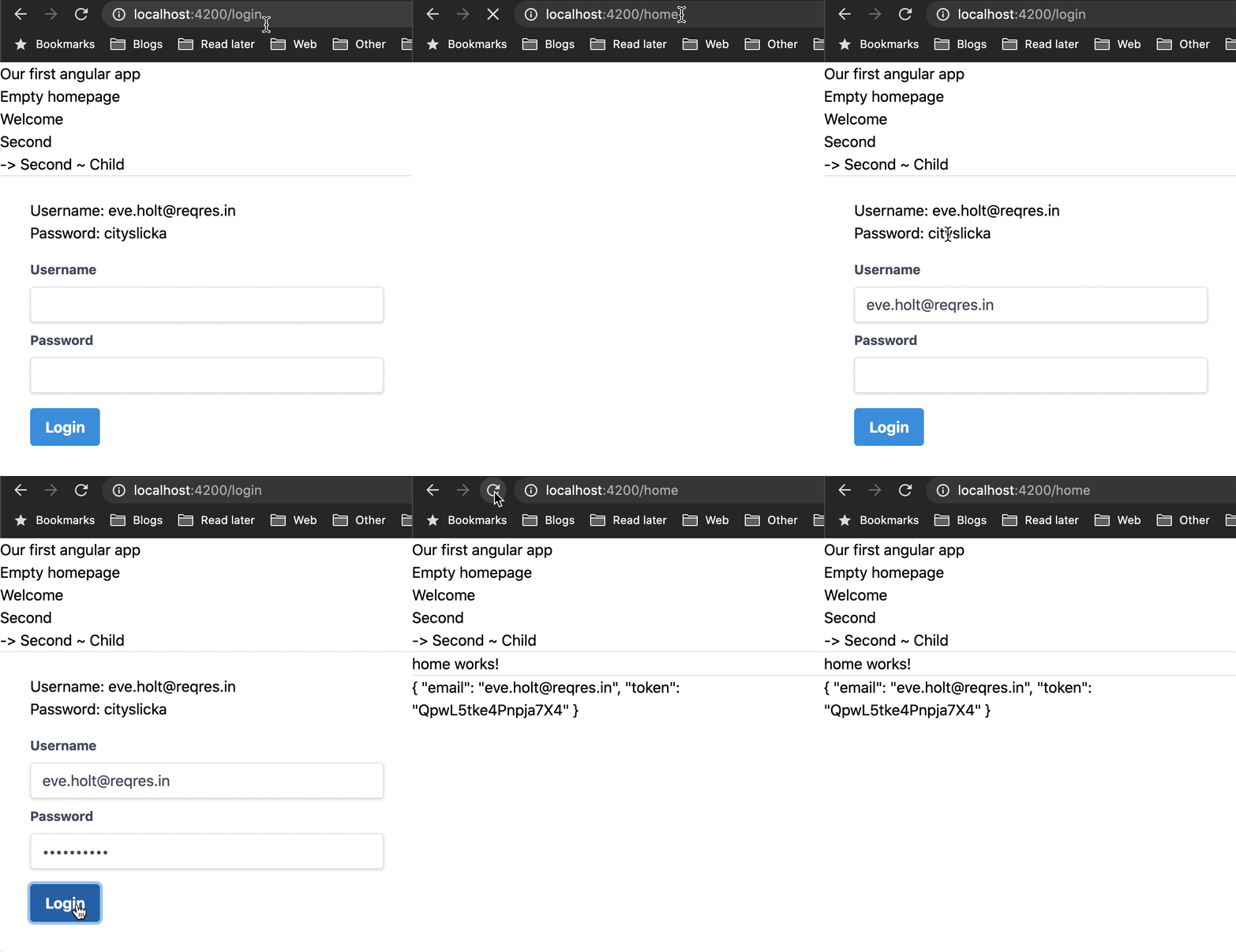
Now, if we visit the home page without being logged in, we will be redirected to login.
Once we log in, we will be able to see the page.
You can also find this code on GitHub.
Thank you for reading, and let's connect!
Thank you for reading my blog. Feel free to subscribe to my email newsletter and connect on Facebook or Twitter



