
Netlify Drop - the easiest deployment ever

Alright, so we now made a super cool HTML starter with tailwind, but how can we host this somewhere online, so people can view it?
As you may know, this website is hosted on Netlify, and I love it! The website is hosted through Git push and GitHub actions.
But for this one, I wanted to try Netlify Drop, the simple drag n drop deployment.
Preparing the website upload
Before we can deploy anything, we need to make sure our upload file is ready.
If you are using the demo project (HTML Starter), we'll be using the src directory as the contents we'll upload.
Before that, we need to make sure all the CSS is in place.
Run the following command to build all the assets.
npm run build
Now the files inside the src directory are up to date.
Uploading a static website to Netlify
Now let's head over to Netlify Drop.
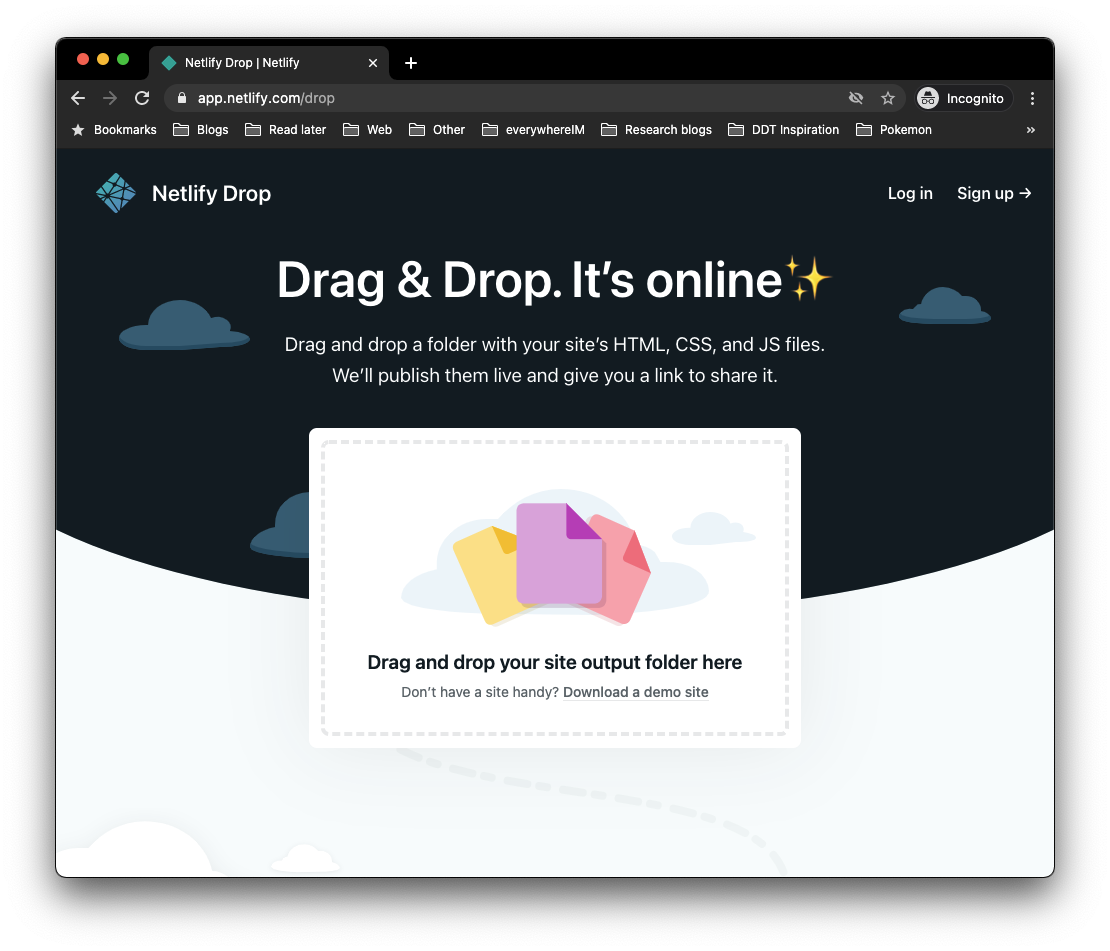
Now, drop the src folder on that field above.
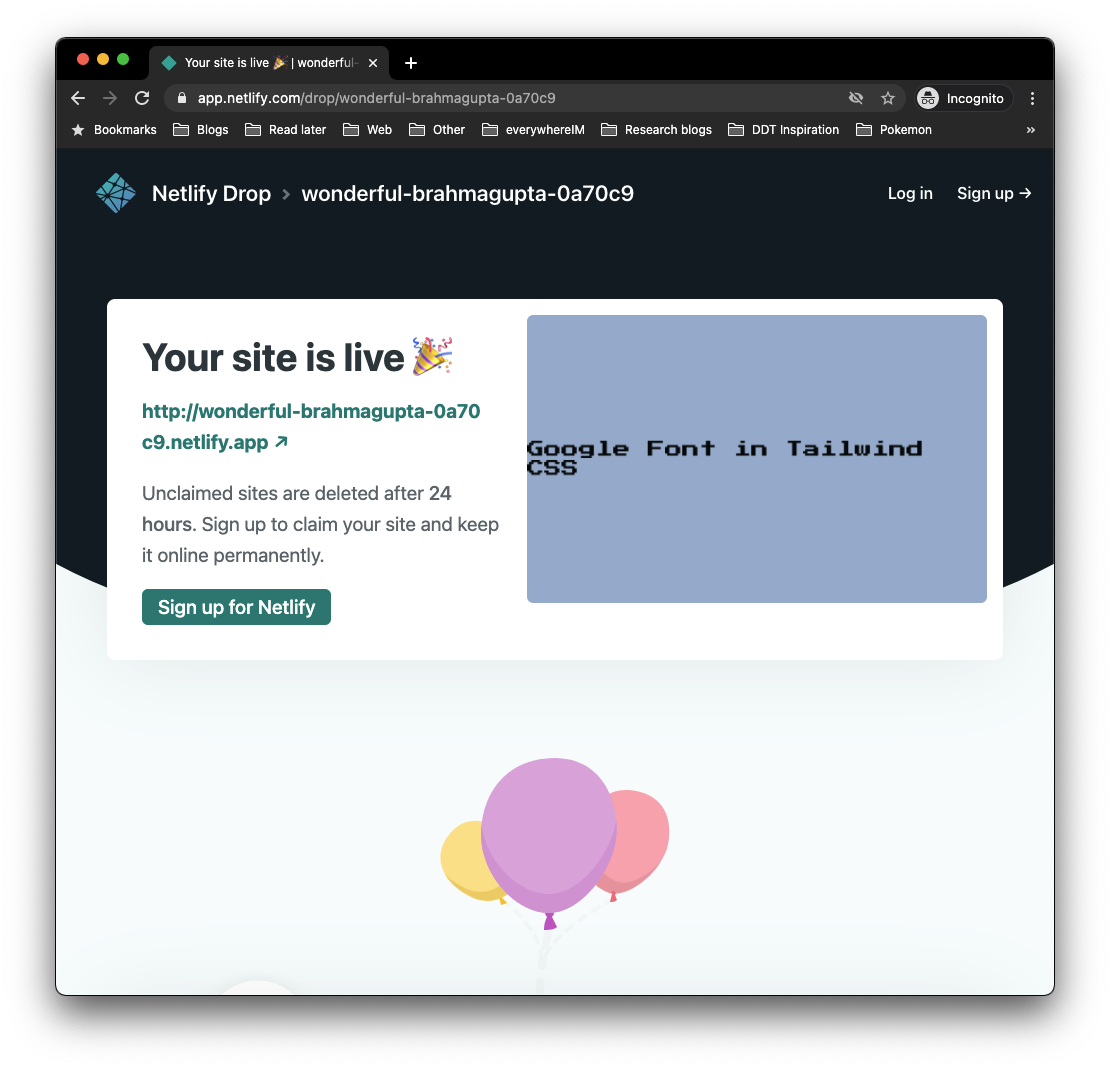
And there we go, nothing fancy needed, just a simple drag n drop, and our website is up and running.
You can visit my website here: HTML Tailwind starter hosted on Netlify.
Thank you for reading, and let's connect!
Thank you for reading my blog. Feel free to subscribe to my email newsletter and connect on Facebook or Twitter
About the author
I'm a full-stack developer from South Africa 🇿🇦. I love writing about JavaScript, HTML and CSS.
Comments
Join the discussionNetlify makes people's lives easier! It also reminds me of FTP with drag-n-drop, haha! 😅
Yeah! End up using netlify for almost all my static sites. And indeed it's kind of like going back to FTP life 😂
Thanks for commenting, it's a really great tool making free hosting for simple websites possible



