
Native CSS Masonry layouts

I'm a full-stack developer from South Africa 🇿🇦. I love writing about JavaScript, HTML and CSS.
I'm very excited about this feature, although it's not yet widely supported.
Making masonry grids is so cool! It's that kind of elemental table effect, where blocks with different sizes can stack. (Like Tetris!)
And yes, we could do this before, with either some JavaScript or come very close with flex and grid, but it wasn't perfect.
Now there is the masonry option for grid-template-rows.
Note: This is unfortunately far from being well supported, so do note that!
The end result can look like this:
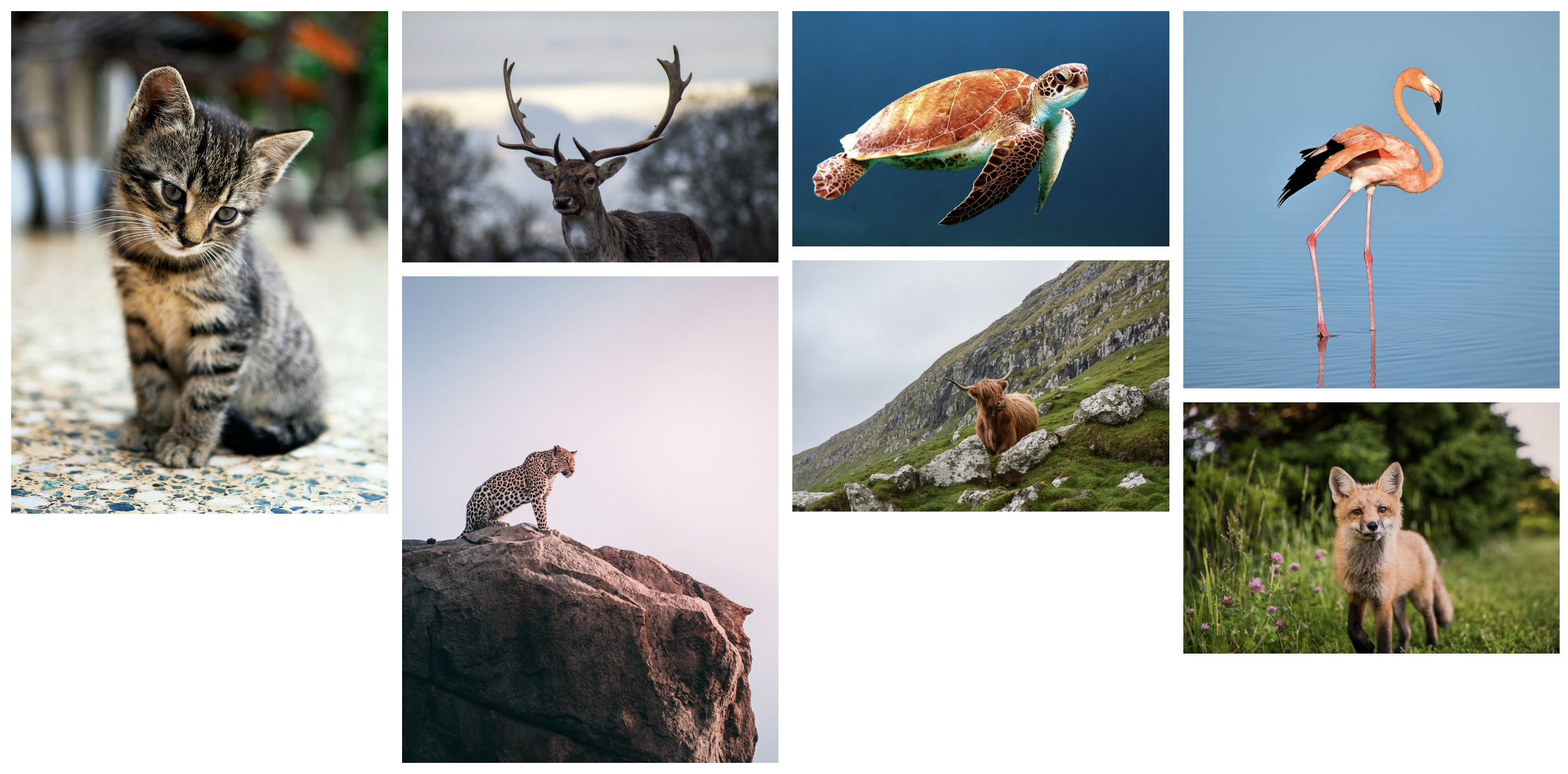
Enabling masonry support
Currently, we can try out the feature in Firefox, but we do need to enable it first.
Open up Firefox and type the following in the address bar: about:config.
Then type: layout.css.grid-template-masonry-value.enabled and set this to true.
Now we can enjoy CSS native grids!
Creating our masonry grid
To create the grid, we generally just use CSS grid options.
Let's start by creating a basic structure:
<div class="container">
  <img src="1.jpg" />
  <img src="2.jpg" />
  <img src="3.jpg" />
  ...
</div>
Here you can add some images of all kinds of shapes that will become masonry's magic to fix.
Now let's add the magic in CSS.
.container {
  display: grid;
  grid-template-columns: repeat(4, 1fr);
  grid-template-rows: masonry;
  gap: 10px;
}
And yes, that's it! All we need to create masonry layouts.
In browser that doesn't support it, we get the following result:

However, in browsers that do support it, we see the following:
Wow, right? It just auto-filled where each image should go, and it looks amazing.
I'm super amped for this feature to become widely supported.
For those that use Firefox, enable the flag and check it out on this Codepen.
Browser support
Unfortunately, it's really new and therefore not supported. We have to enable a flag in Firefox to see it in action.
To enable in Firefox, set the following flag to true.
layout.css.grid-template-masonry-value.enabled.
Thank you for reading, and let's connect!
Thank you for reading my blog. Feel free to subscribe to my email newsletter and connect on Facebook or Twitter



