
My personal top 15 Mac apps 👨💻
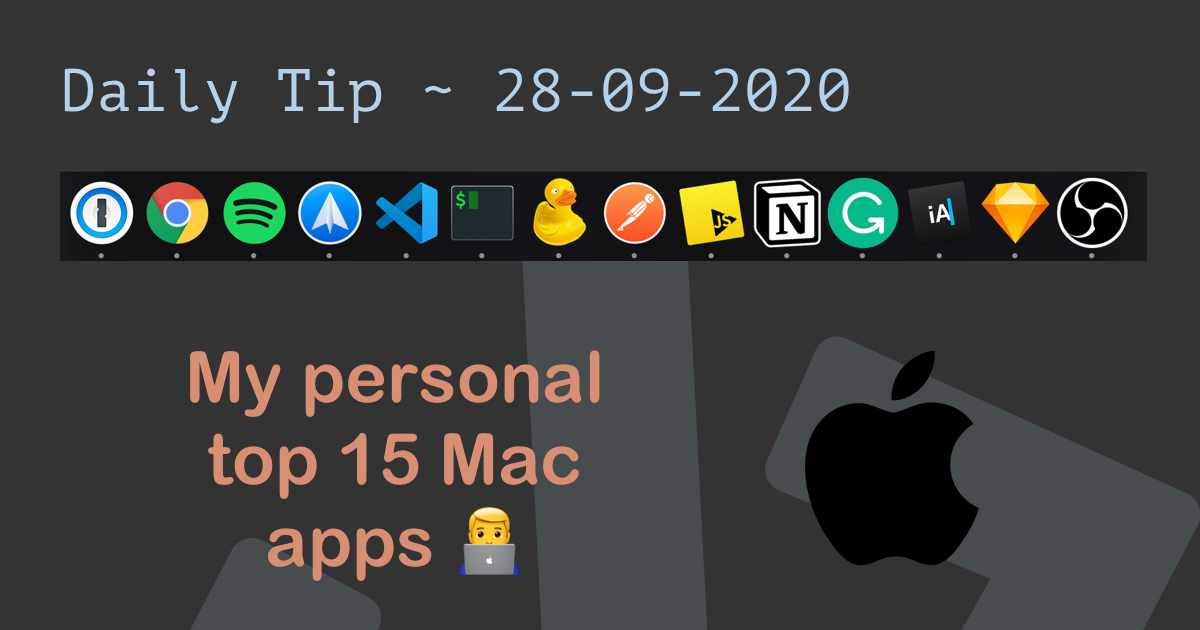
Today we'll be looking at my personal top 15 Mac apps. I'm actually quite a minimalist in installing and keeping apps, so these 15 are the only "extra" apps I'm using on my device.
My profile:
- Developer
- Multi-device user
- Blogger
Let's get started with the list.
1. 1Password
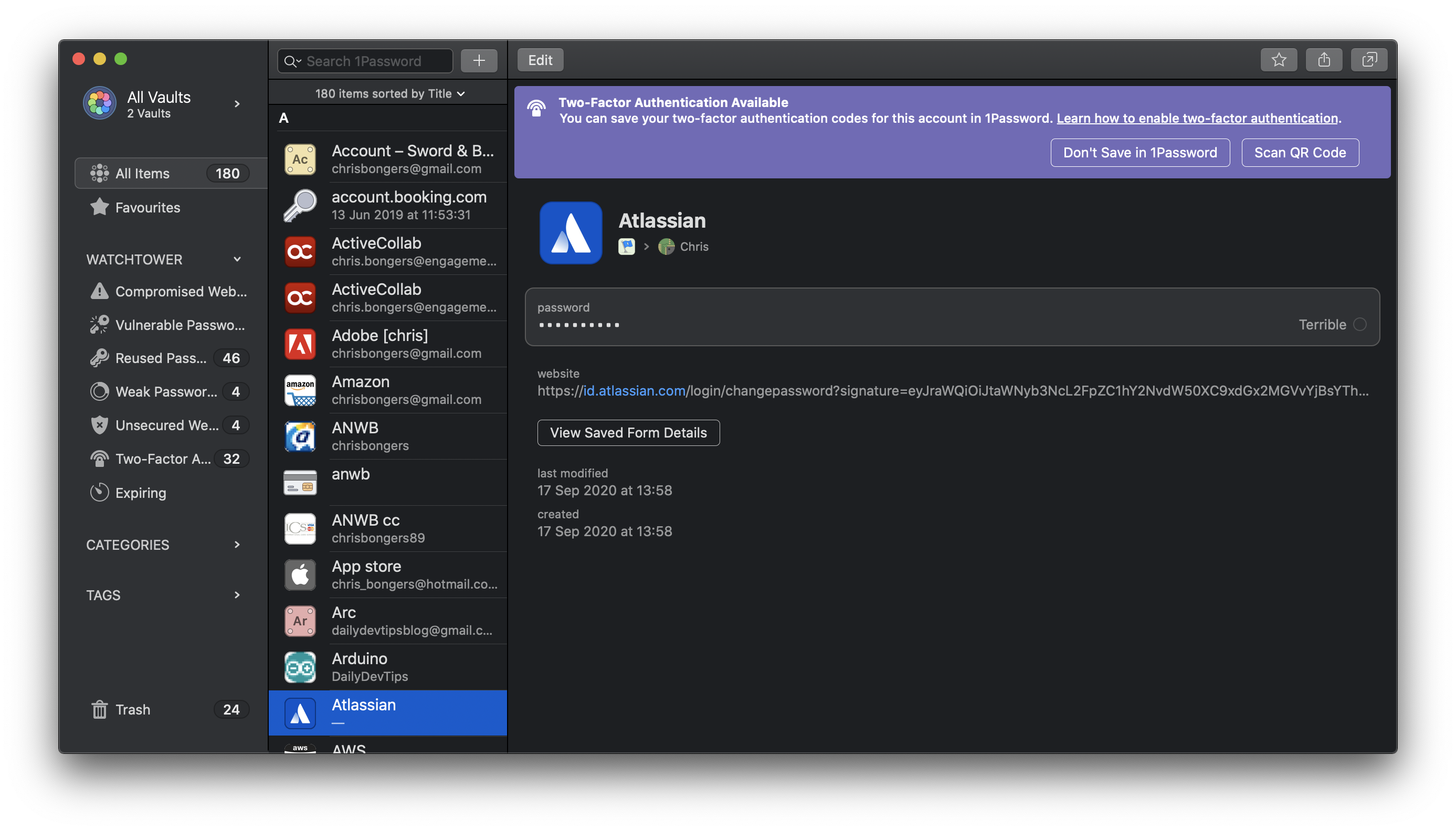
I literally can't live without 1Password. As developers we tend to make the most awful and bad passwords ourselves. So 1Password to the rescue for generating and managing this for us.
2. Google Chrome
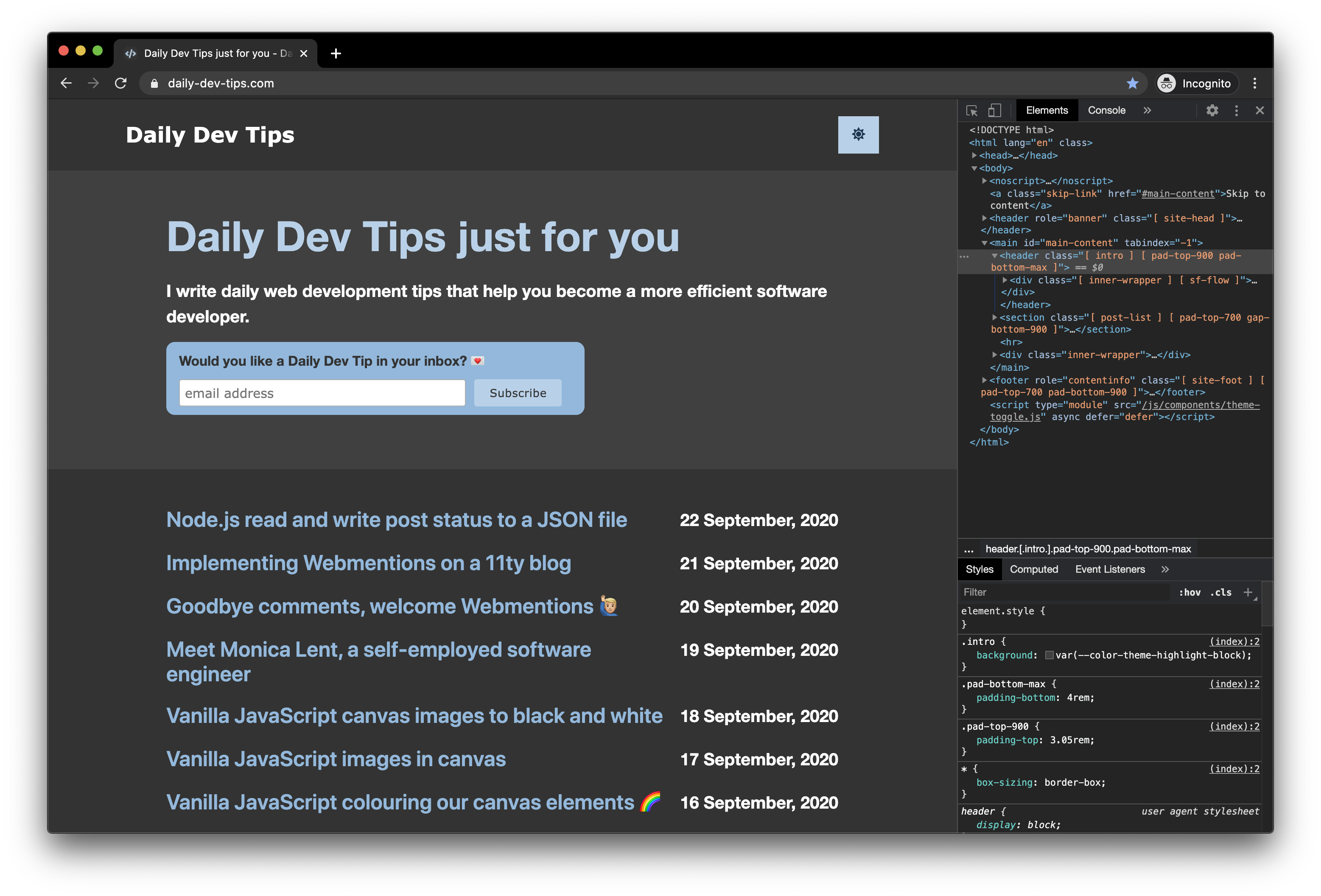
Jeez, Chrome should really be pre-installed. It's the first app I install on my brand new machine! I Can't do my job the same without it.
3. Spotify
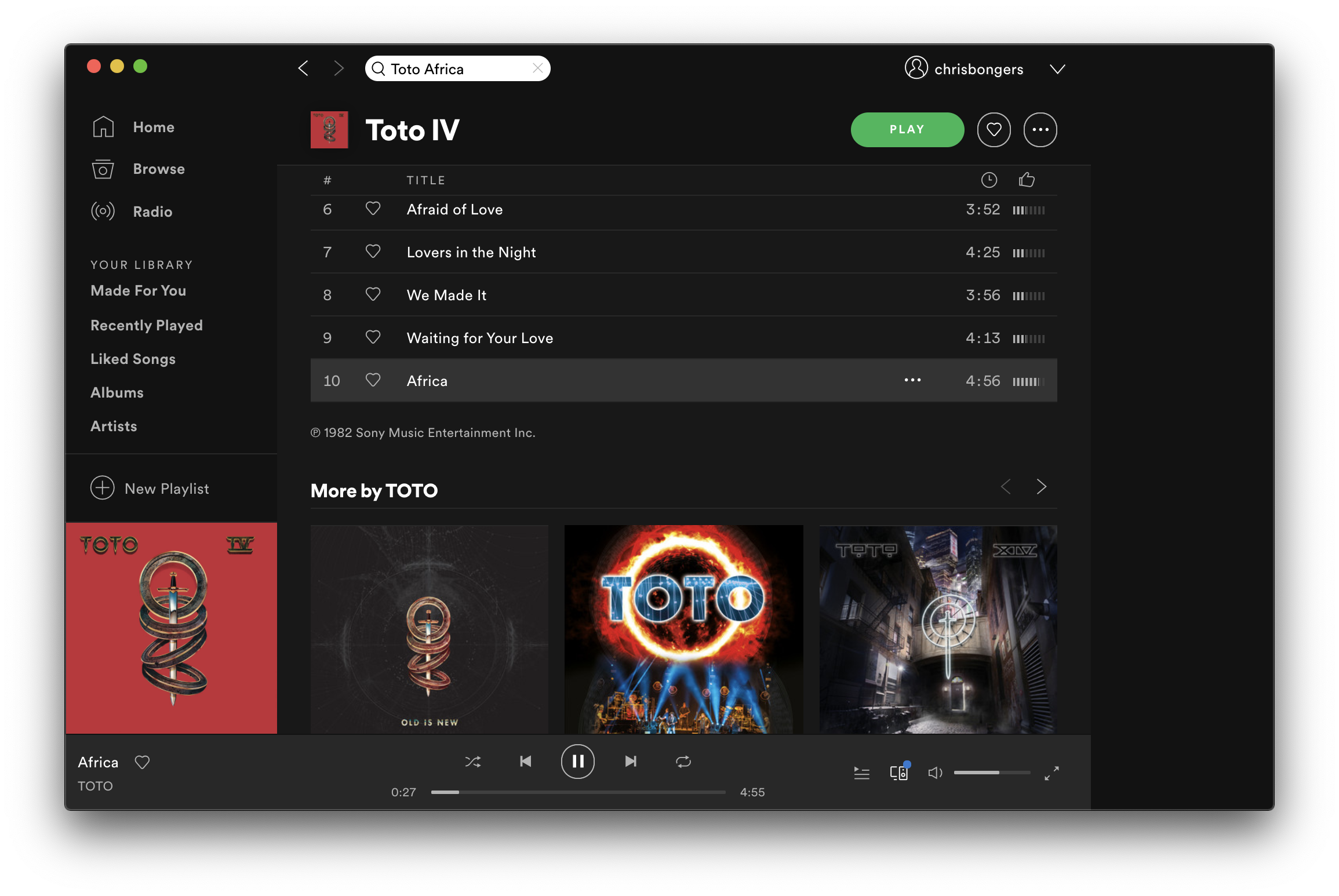
As a developer and writer, it's essential to get in the zone. What best to do so than Spotify. Listen to a cool podcast or epic playlist.
4. Spark
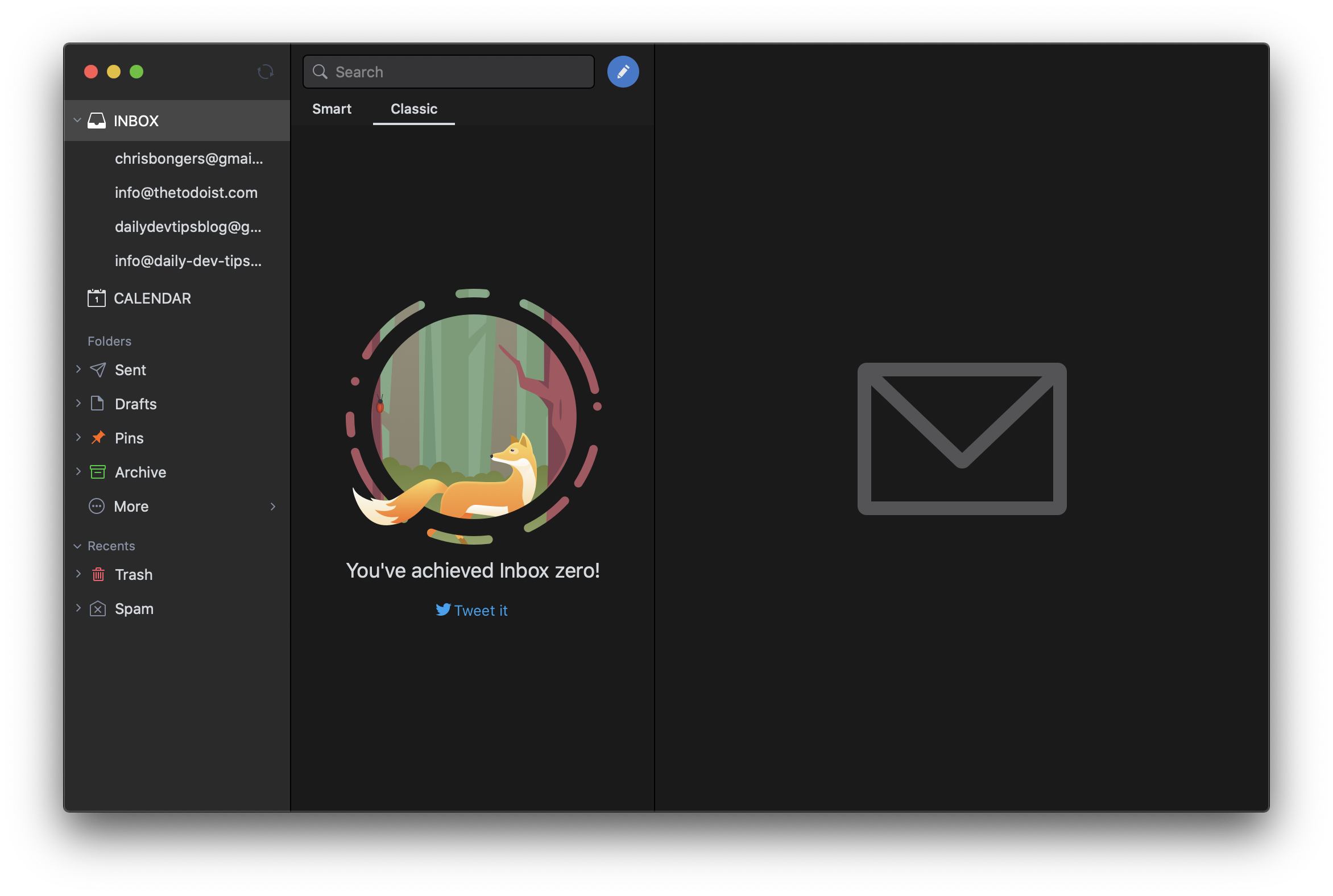
I use Gmail for most of my email addresses, and Spark is just amazing in keeping track of all these in one maintainable inbox. It's a big advocate for inbox zero, just like me.
5. Visual Studio Code
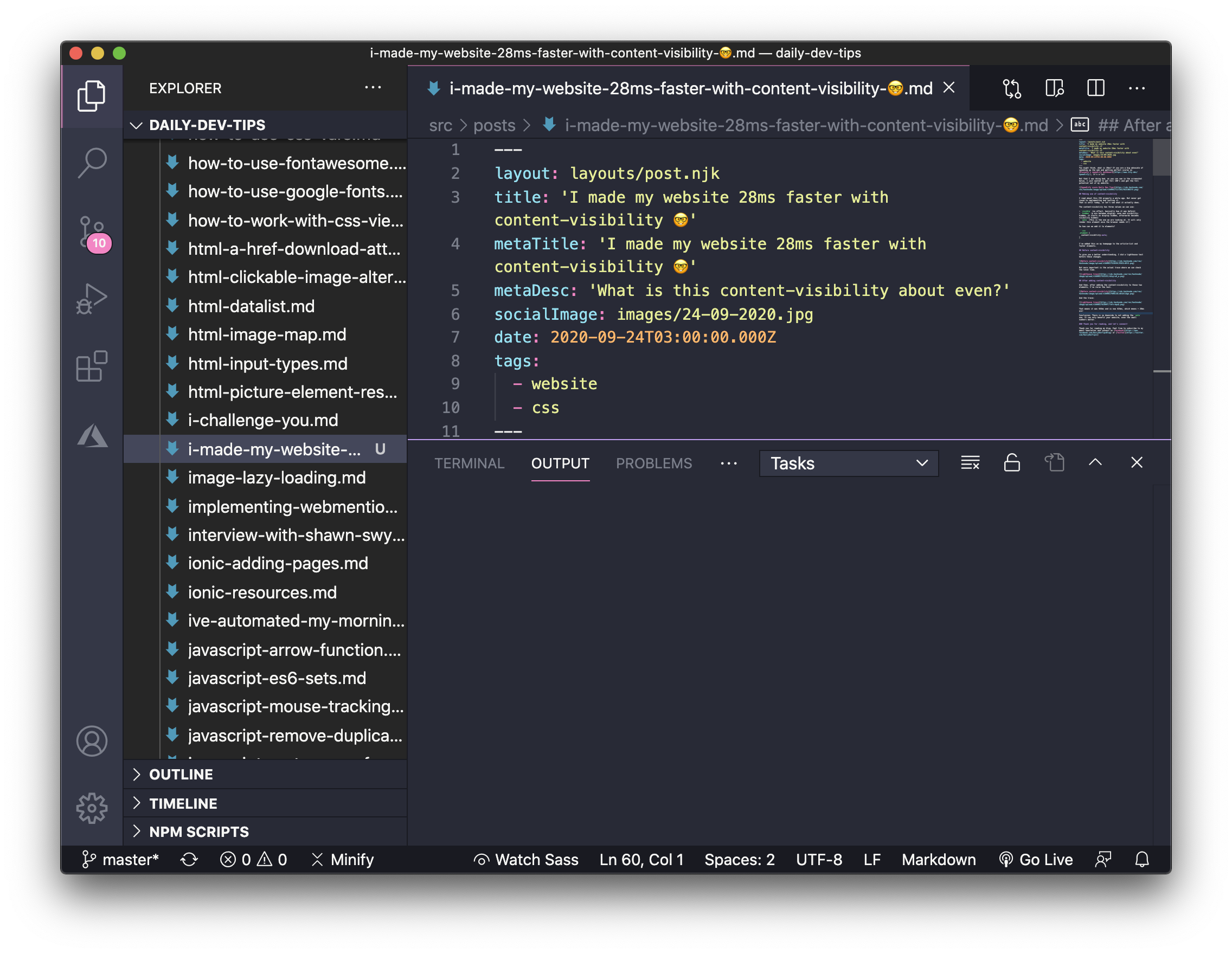
I went from Dreamweaver to Atom to JetBrains to Visual Studio Code, and I have zero regrets! It's just fantastic software! Visual Studio Code, for me, is the only good product for Mac Microsoft made.
6. iTerm2
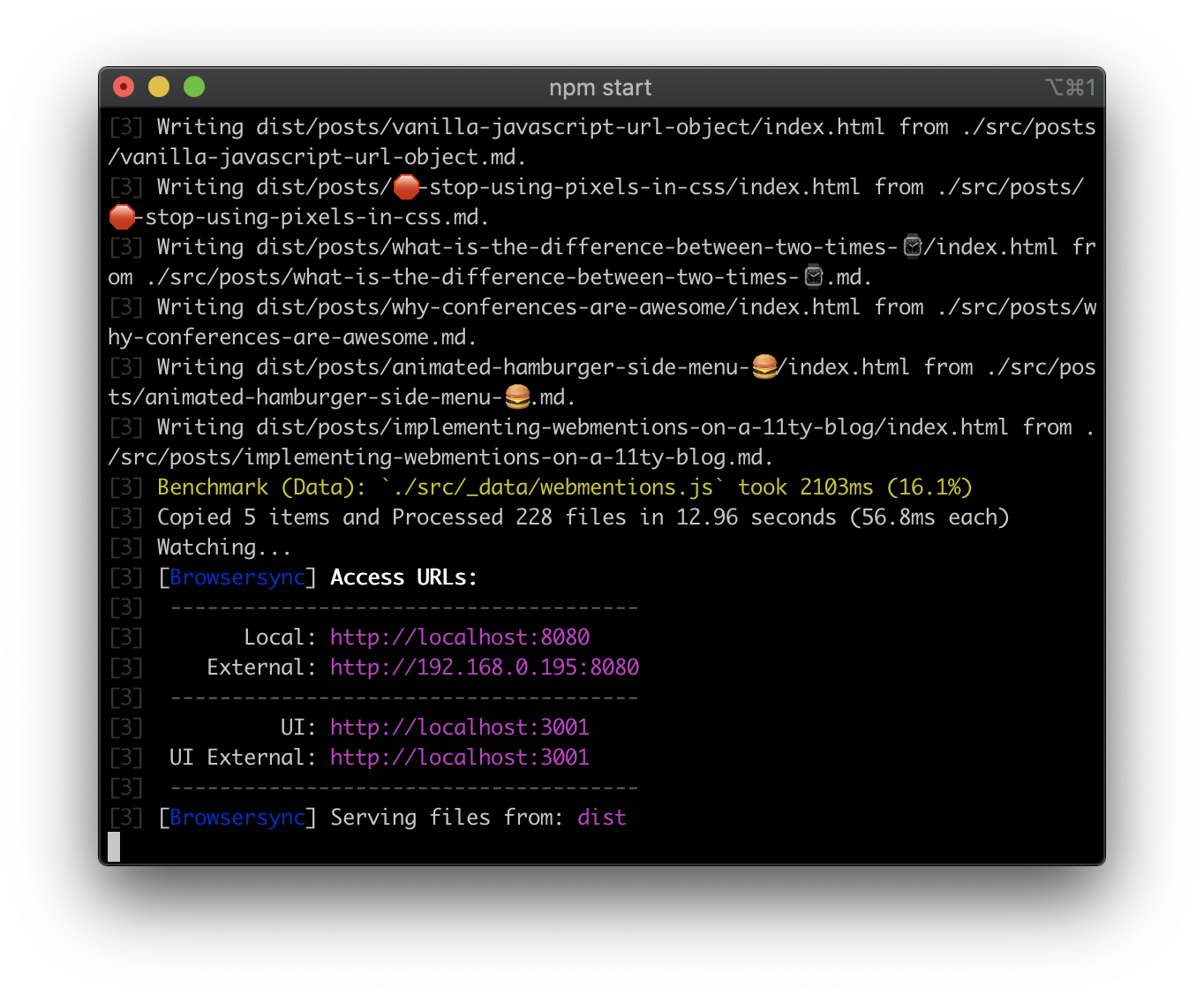
The default terminal for Mac is not bad, but once you go iTerm2 you can't go back. It's just packed with all those little extra's you'll ever need!
7. Cyberduck
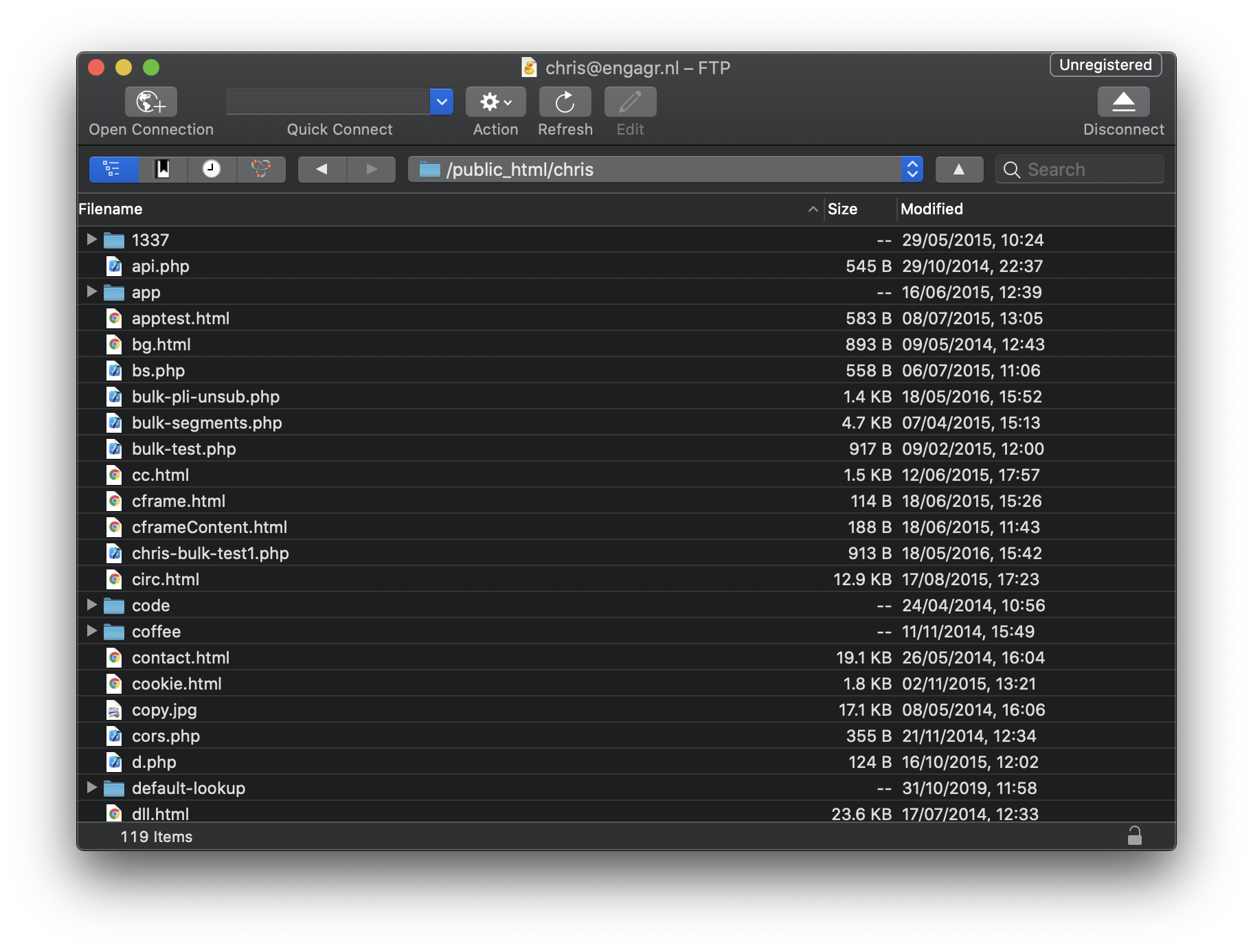
FTP might be a bit old-school, but every now and then we need it. Cyberduck is fantastic and clean, way better than a FileZilla, for instance.
8. Postman
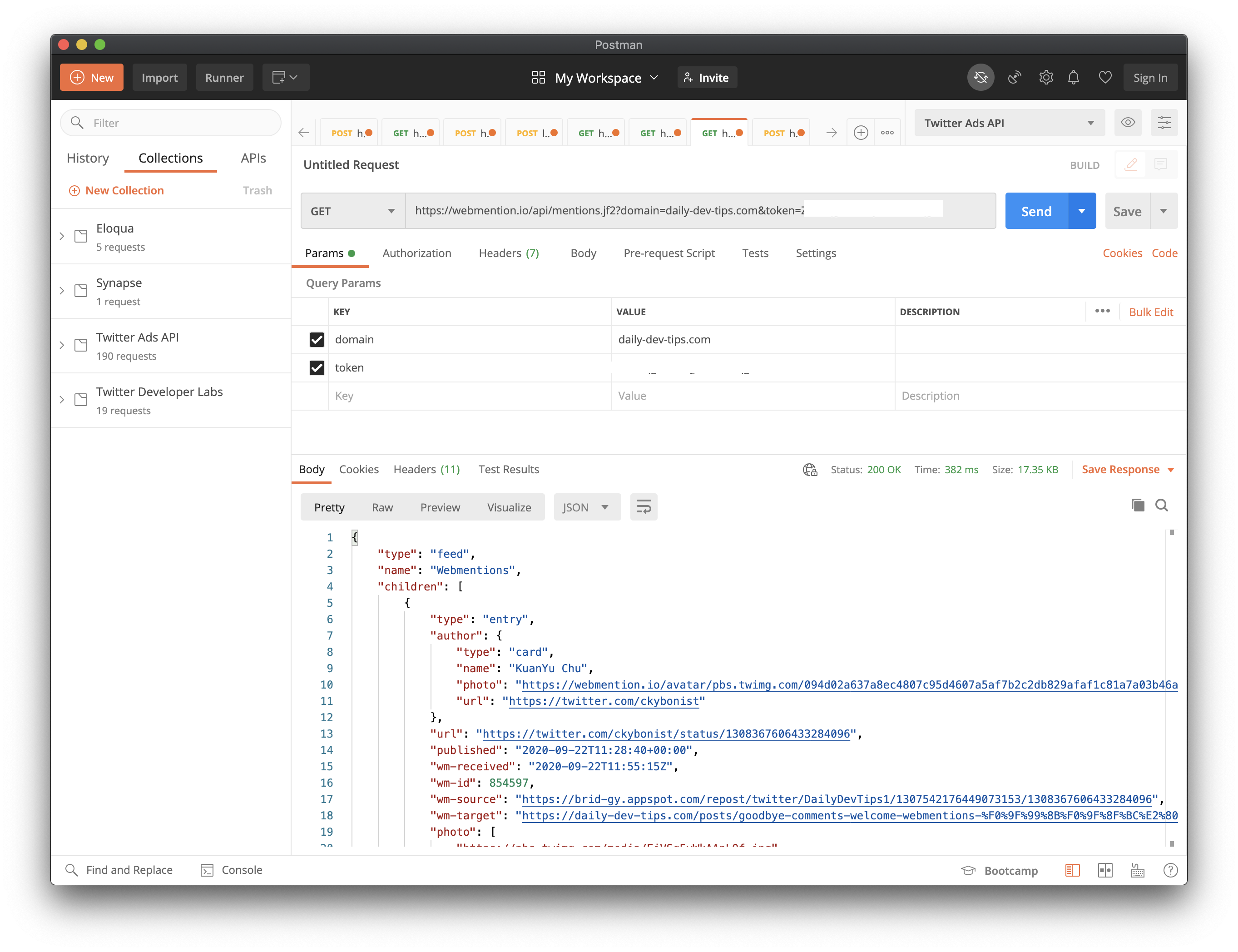
I switch between Postman and Insomnia, but Postman is cool because it collaborates well for teams. You can test your API's and keep track of them. I love their environment setups.
9. RunJs
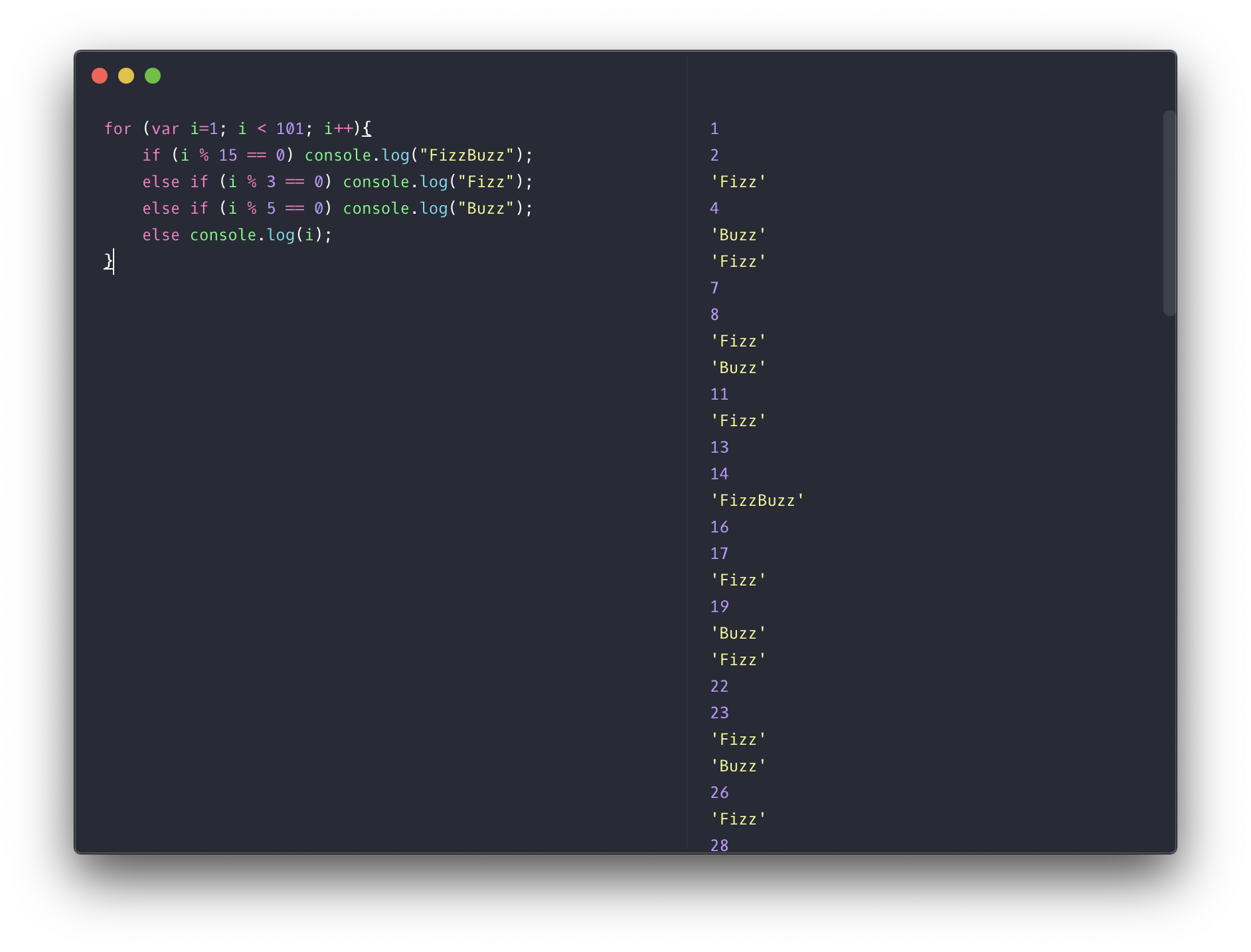
Ever needed to run just a small JavaScript snippet and too lazy to open a project or Codepen. This little app does just that for you.
10. Notion
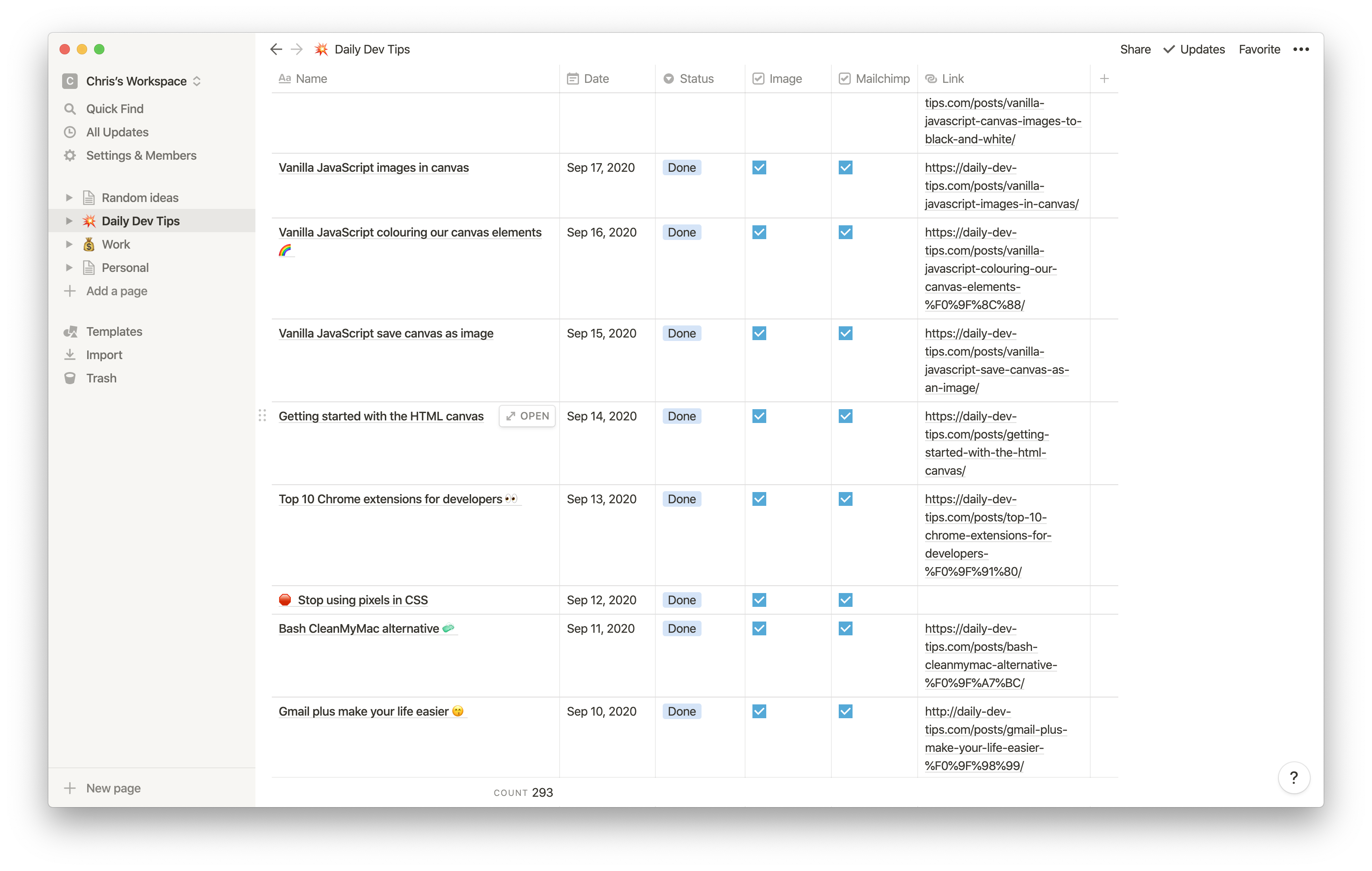
When it comes to writing and keeping track of my projects, Notion helps me a lot. It's by far the best note keeping and project management tool I've ever seen.
11. Grammarly
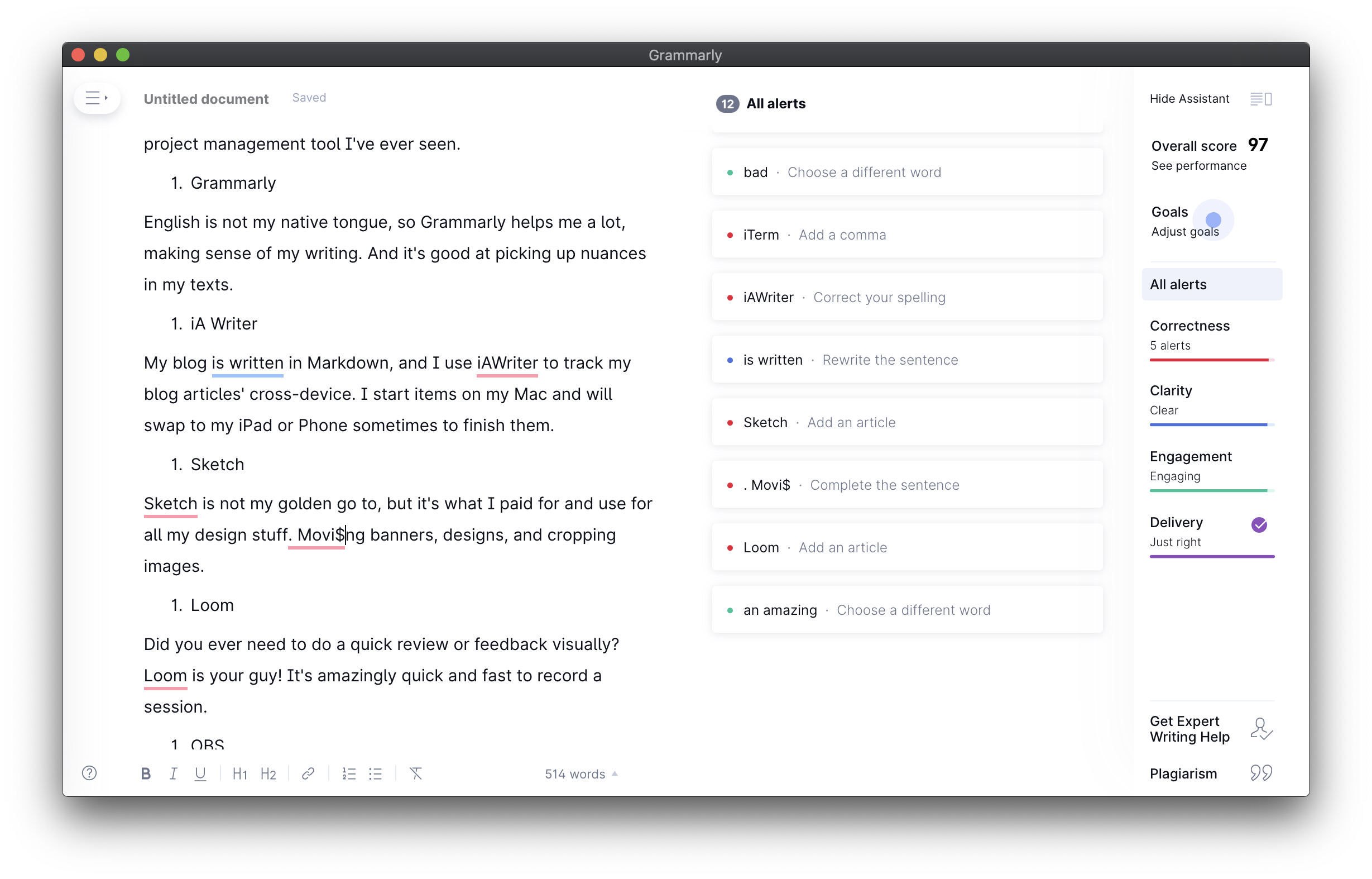
English is not my native tongue, so Grammarly helps me a lot, making sense of my writing. And it's good at picking up nuances in my texts.
12. iA Writer
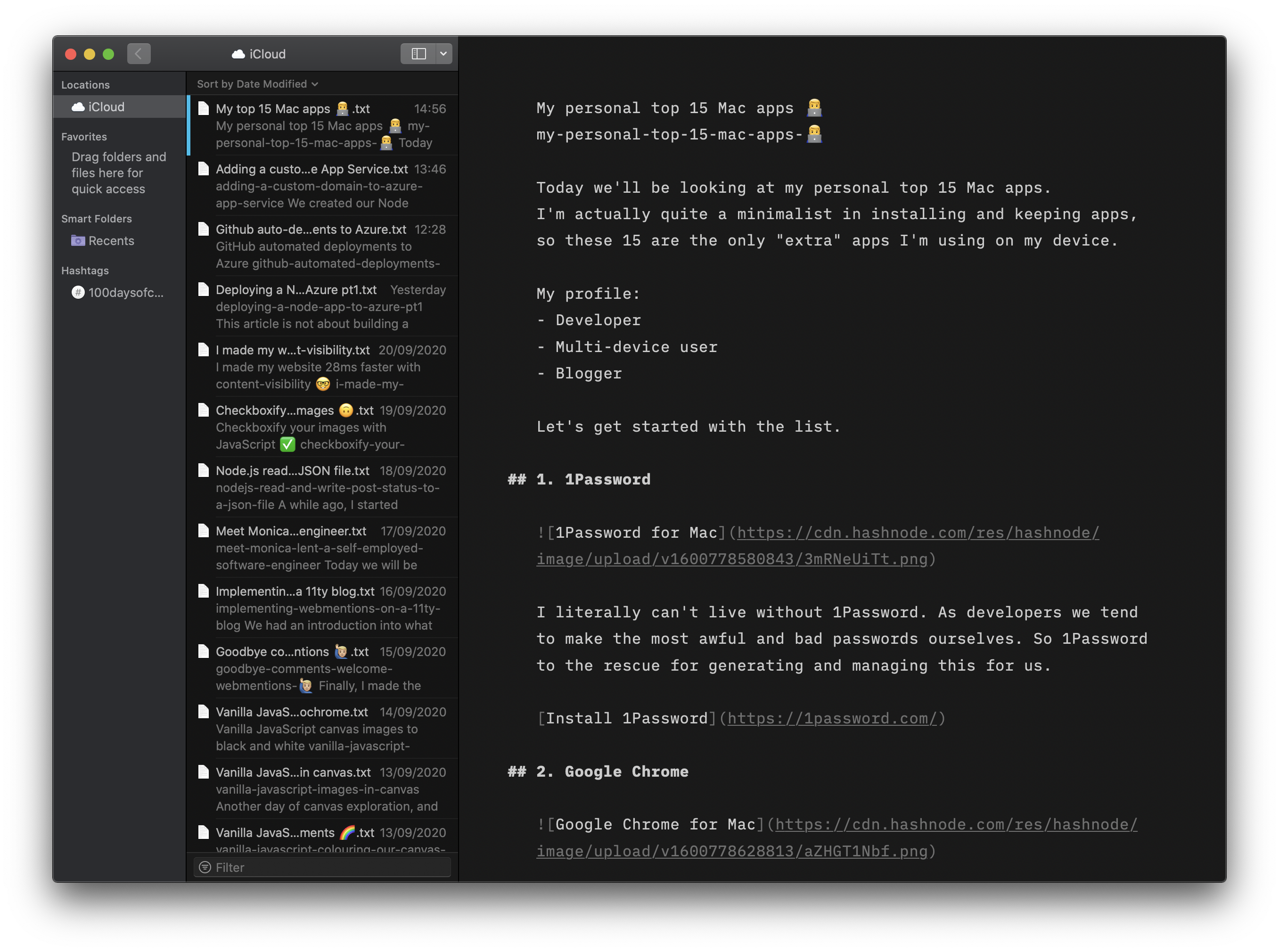
My blog is written in Markdown, and I use iA Writer to track my blog articles' cross-device. I start items on my Mac and will swap to my iPad or Phone sometimes to finish them.
13. Sketch
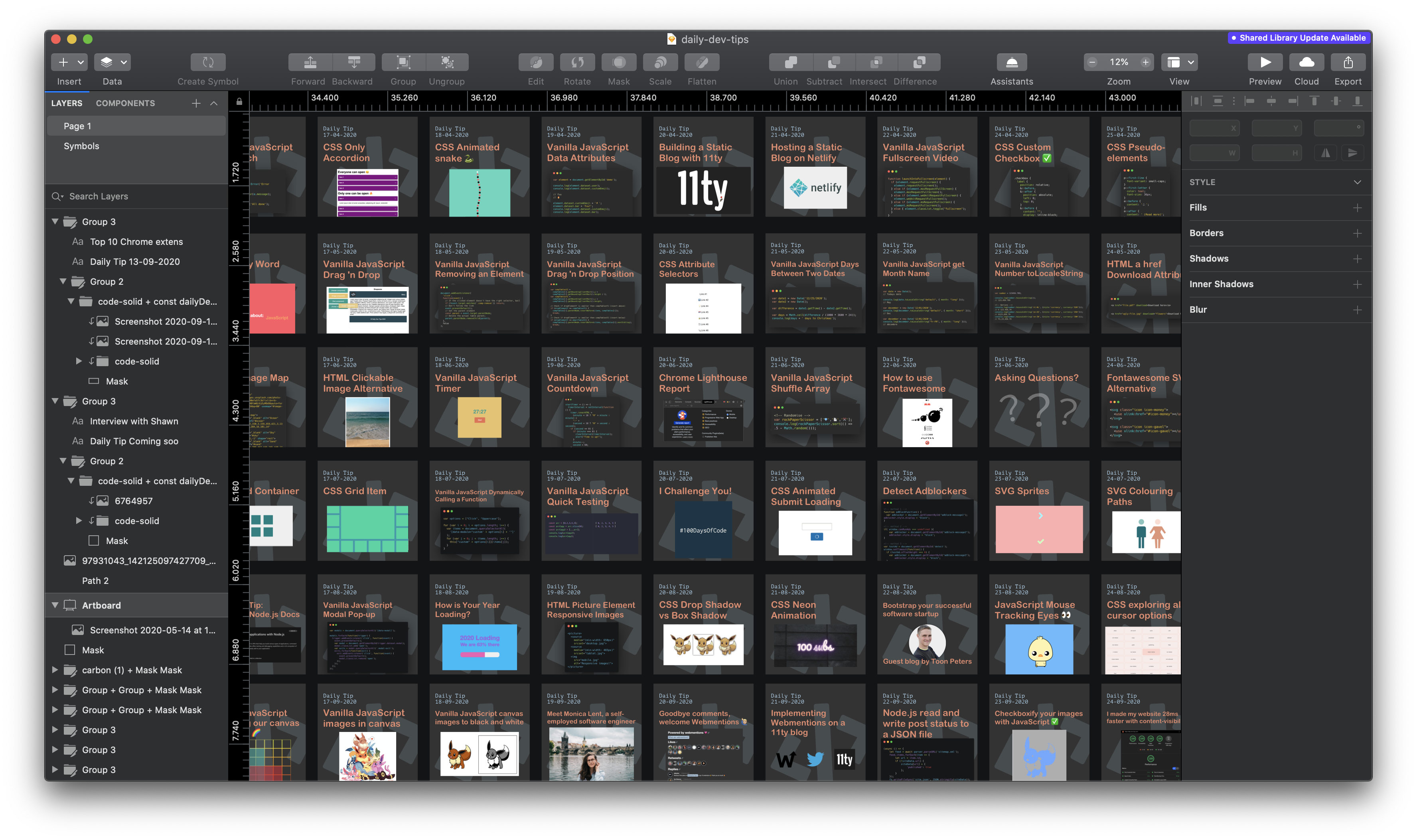
Sketch is not my golden go to, but it's what I paid for and use for all my design stuff. Making banners, designs, and cropping images.
14. Loom
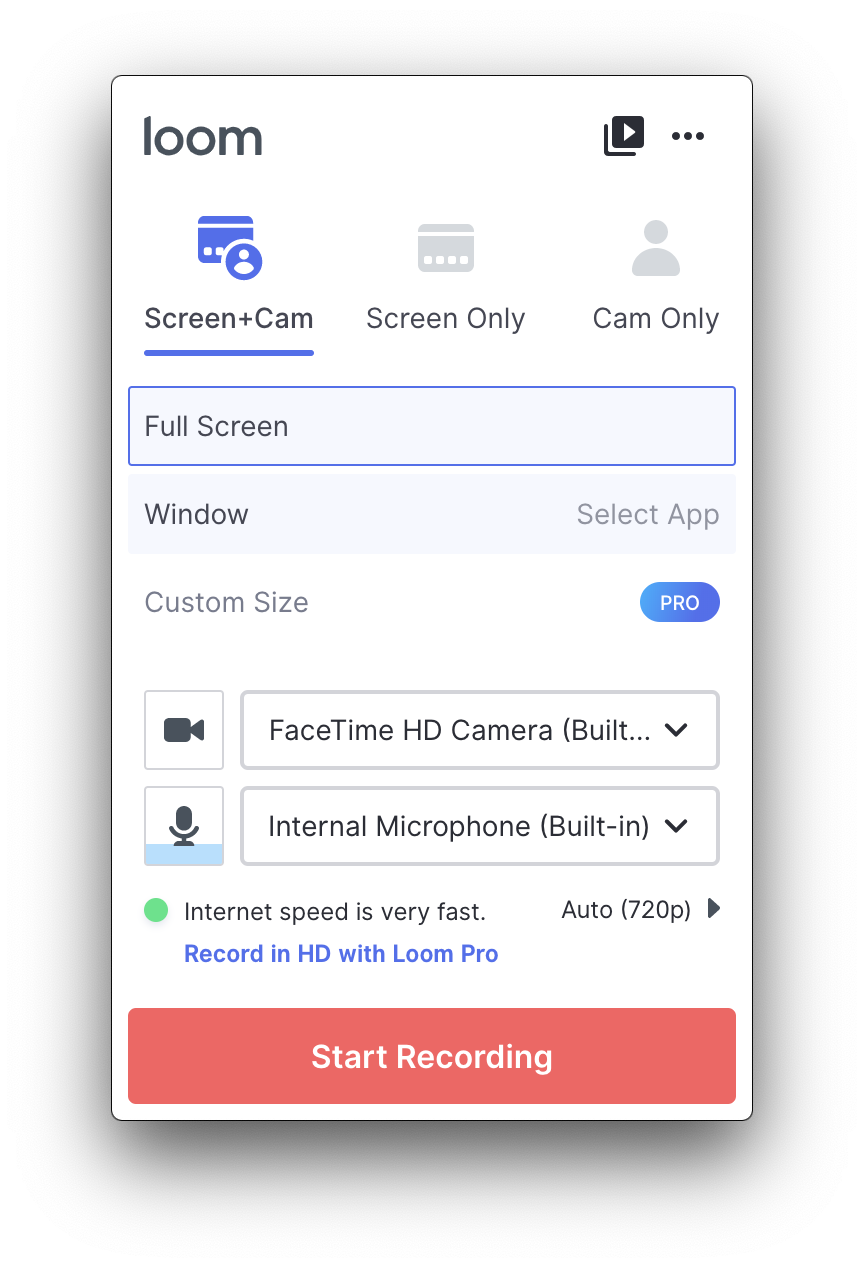
Did you ever need to do a quick review or feedback visually? Loom is your guy! It's amazingly quick and fast to record a session.
15. OBS
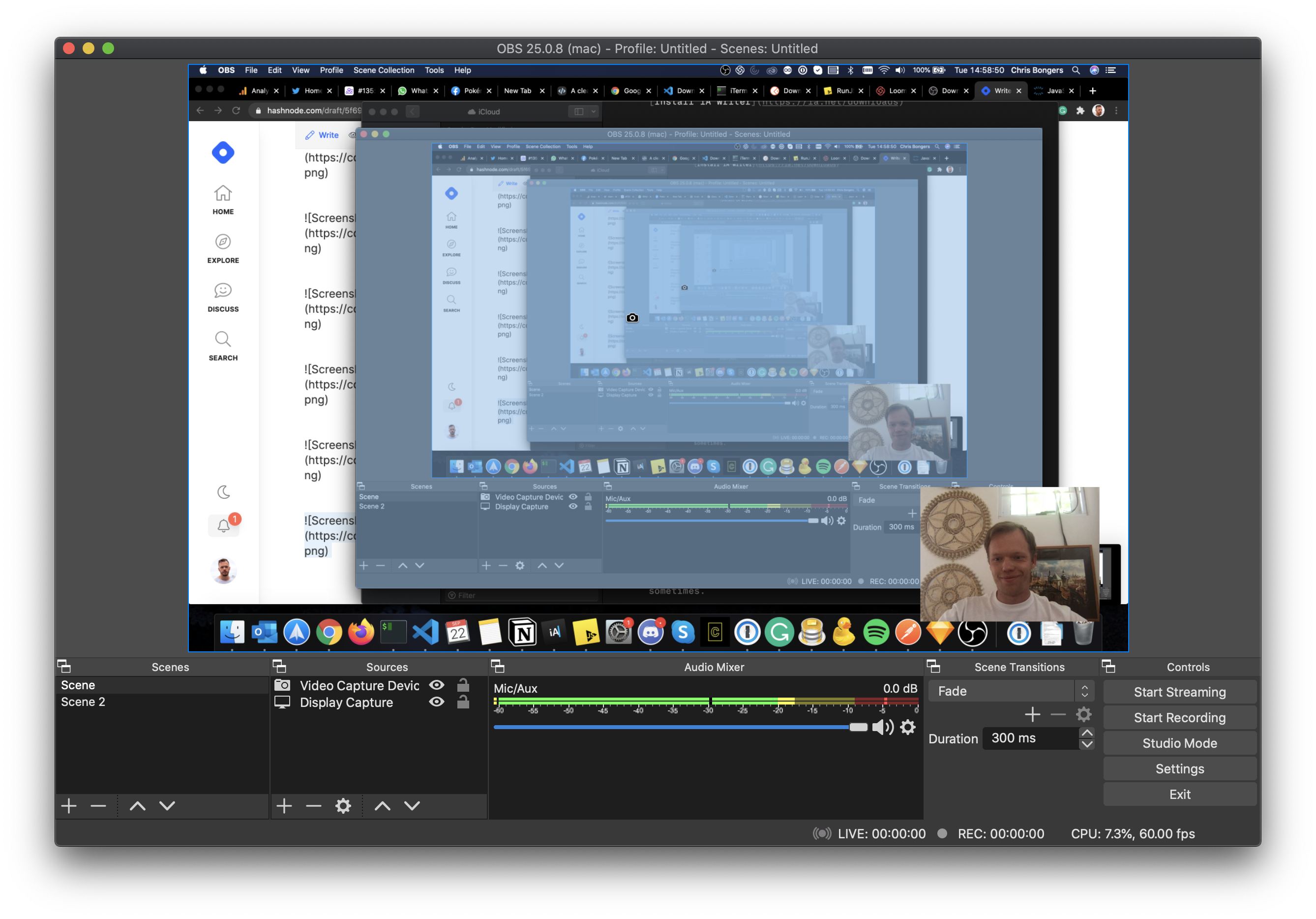
If Loom is not sufficient enough, you can always go to OBS, an amazing tool to capture all kinds of screen recordings. It works super well and has so many options that it scares me sometimes.
What are you favourites?
Let me know on Twitter what your favourite apps for Mac are?
Thank you for reading, and let's connect!
Thank you for reading my blog. Feel free to subscribe to my email newsletter and connect on Facebook or Twitter
About the author
I'm a full-stack developer from South Africa 🇿🇦. I love writing about JavaScript, HTML and CSS.
Comments
Join the discussionPastebot (every thing you put on clipboard will be available to paste anytime - pressing Cmd+Shift+V will show a menu with all previous copied stuff).
Karabiner-Elements to fix the dreadful Mac keyboard layout (after 30 years typing in IBM keyboards, it's kinda frustrating to have to use 3 control keys instead of 2)
Sensible Side Buttons - it will allow back and forward mouse buttons to work, then you can use a grown man mouse with more than 1 button
Magnet - bring Windows Aero Snap for mac. For an OS that doesn't even have maximize button, it's an awesome tool to organize windows (for example, you have an iOS simulator on the left and want Chrome to fill the screen at right? Just move Chrome window to the right corner and it will snap to occupy half screen to the right).
RIghtZoom - Turns the green window button into maximize instead of useless full screen
AltTab - Brings a decent task switcher to MacOS, showing windows instead of applications (there is a LOT of applications that have more than one window and the default task switcher is useless nowadays)
Moped - A simple text editor (it's meant to replace Windows notepad - sometimes you just need an text editor to save something, without the fuzz to save, dialogs, etc... - Moped is simple as it can get)
Franz - It consumes a LOT of RAM, but you can have thousands of services in one place (GMail, WhatsApp, Slack, etc.), with notifications.
OhMyZSH - Really, that's one piece of sofware I really really really miss on Windows. So useful ZSH tools and feedback.
Wow nice list man!
Cool! I have almost all of these apps except iAWriter and RunJS. I'll try those out. Thanks for sharing!
And do you have any app for to-do jobs?
Hi Chi,
Awesome, give them a try. As for To-do jobs I had many over the years; Wunderlist, Todoist, Todo etc
But they end up not working for me.
Nowadays: Very important - Make a calendar booking with time for it. Important - Write down in Notion with date Other - Just keep a little list of Notion
If your keen on actual apps, Todoist was one of my favorite ones.
I have almost all of them too, except for iAWriter I use the Mweb app for markdown, the RunJS app didn't know about it, thanks for sharing.
Ah, nice, Think iAWriter might be just a preference thing, since Notion also has a Markdown editor, but just love how iA works for me. 🔥
Great list! I use quite a few of these apps myself but there are some I’ve never tried. RunJS and iAWriter seem intriguing 🧐 so I’ll have to check those out.
Thanks for sharing!
Your welcome Alyssa, iAWriter for me is the best markdown editor by far. RunJS is just an easy playground for quick scripts :D
Yeah, iAWriter seems cool. I just started using Notion sometime back, and it has been nothing but great. Found a few new apps - Spark, RunJS. Thanks Chris! 😁🎉
Sabarish Rajamohan Awesome. glad you found some useful new ones. 🤟



