
Loading the total Sendy subscribers

You might have spotted the little status figure on the new design. It shows the number of articles written and the current total subscribed people to the newsletter.
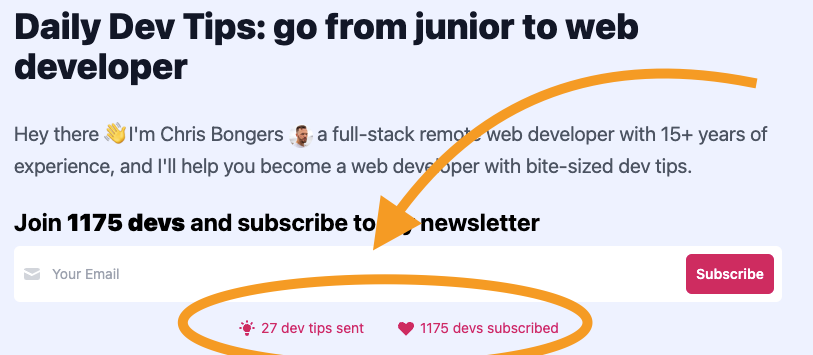
For those not familiar with Sendy, it's a self-hosted email platform. Much like Mailchimp, but self-hosted and behind the scenes powered by Amazon SES.
You can find more information in this article I wrote about Sendy.
Retrieving an API token
The first thing we must do is visit our Sendy instance and retrieve an API token so we can start communicating with it.
Login to your Sendy environment and visit the Settings panel.
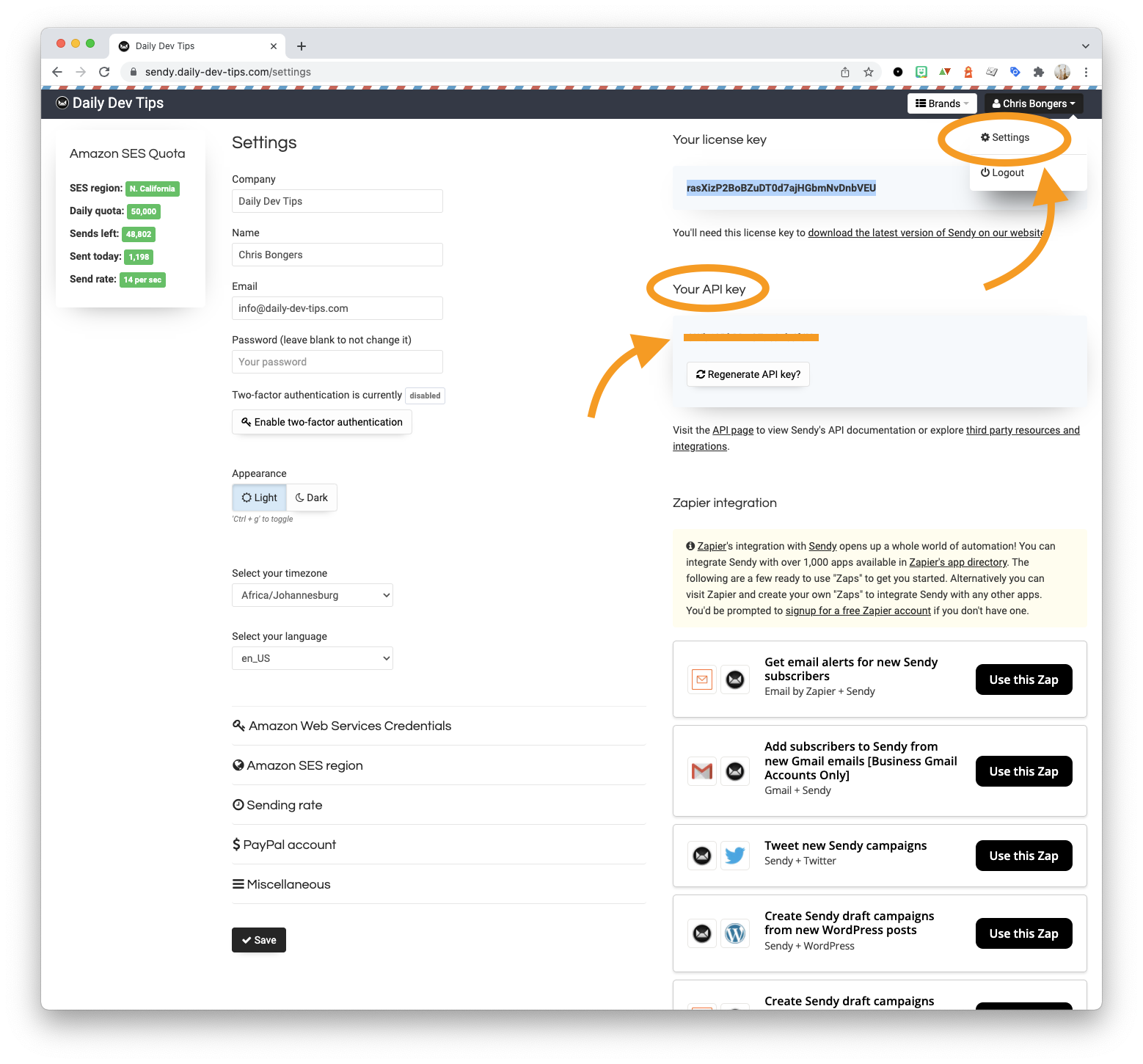
From there, we directly need to access the API token.
Once you retrieve it, we can start working on our API call to retrieve the active subscriber count.
Retrieving the Subscriber count from Sendy
First, we'll need to define a couple of variables.
- API Endpoint
- API_KEY
- LIST_ID
The API endpoint is your Sendy domain instance, followed by the API call.
In the case of retrieving the total subscribers, we will end up with an API endpoint like this:
https://sendy.daily-dev-tips.com/api/subscribers/active-subscriber-count.php
The API_KEY is the token we just fetched from Sendy, and for the LIST_ID, we need to go back into Sendy and click View all list inside that screen, you'll find the ID.
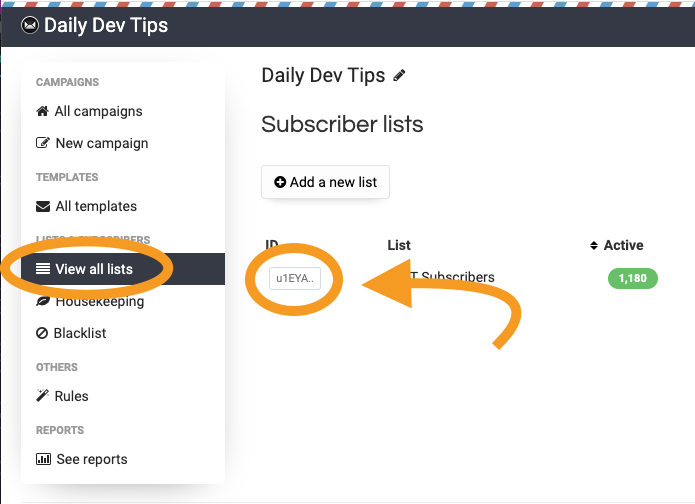
Once you have these three pieces of information, we can start trying out the API call.
I'll be using Insomnia to demo this out, but you can even use any API client or code.
Set the URL to be the API endpoint, and make the request a POST, then pass two fields as the form data:
api_keylist_id
Then try and run the request and see what happens. You should get a number that represents your current active subscribers.
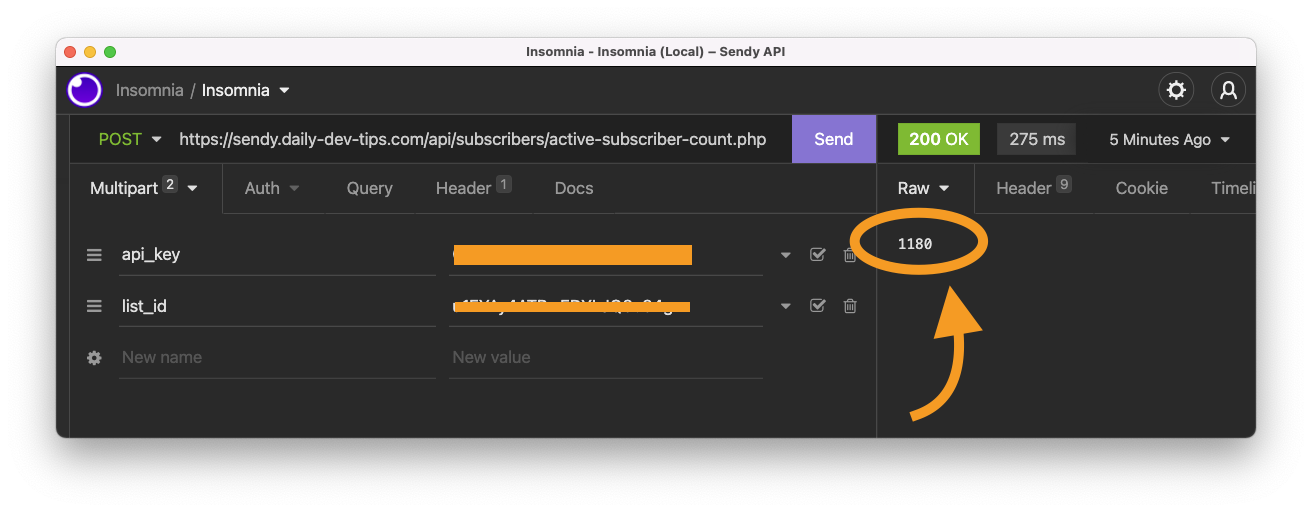
And there you go, we get the latest subscriber count!
You can now mimic this call in your favorite programming language and show the number of people subscribed to your system.
Thank you for reading, and let's connect!
Thank you for reading my blog. Feel free to subscribe to my email newsletter and connect on Facebook or Twitter
About the author
I'm a full-stack developer from South Africa 🇿🇦. I love writing about JavaScript, HTML and CSS.
Comments
Join the discussionNo comments yet. Be the first to comment.



