
JavaScript loop querySelectorAll results
I'm a full-stack developer from South Africa 🇿🇦. I love writing about JavaScript, HTML and CSS.
Let's talk about NodeLists, the magical results of a querySelectorAll() query.
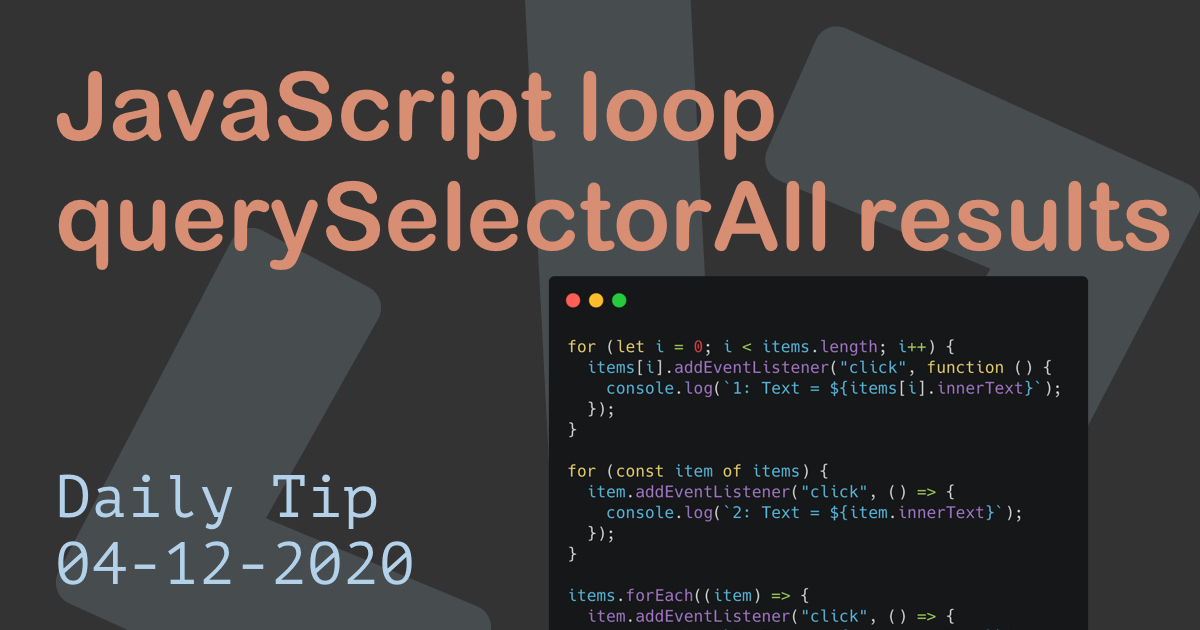
It's not an array, but it looks and behaves like one. It can be tricky looping over these elements, and there are multiple ways of looping them.
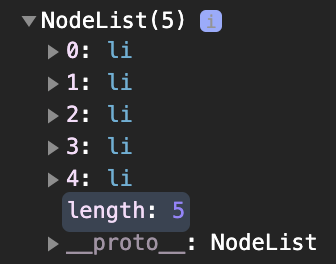
How the selector looks like:
const items = document.querySelectorAll('li');
console.log(items);
The result:
1. Basic for loop
This is by far the best supported method, if support as many browsers as possible this is the way to go.
for (let i = 0; i < items.length; i++) {
  items[i].addEventListener('click', function() {
    console.log(`Text = ${items[i].innerText}`);
  });
}
It's just not the most modern or visible appealing method.
2. for...of loop
We can also use the for...of loop.
for (const item of items) {
  item.addEventListener('click', () => {
    console.log(`2: Text = ${item.innerText}`);
  });
}
This is supported by all modern browsers and work pretty well.
3. forEach loop
My all-time favourite too loop NodeList elements is the forEach loop.
It's the most easy method, but will only work in modern browsers.
items.forEach(item => {
  item.addEventListener('click', () => {
    console.log(`3: Text = ${item.innerText}`);
  });
});
This method can be extended by converting it to an array before.
[].forEach.call(items, function(item) {
  item.addEventListener('click', function() {
    console.log(`3.1: Text = ${item.innerText}`);
  });
});
Or, we can use the spread operator to convert it into an array:
[...items].forEach(item => {
  item.addEventListener('click', () => {
    console.log(`3.2: Text = ${item.innerText}`);
  });
});
There you go, three ways (+ iterations) on how to loop over nodeList elements.
You can also have a play around with this Codepen.
Thank you for reading, and let's connect!
Thank you for reading my blog. Feel free to subscribe to my email newsletter and connect on Facebook or Twitter



