
Git basics: remove all local branches

There will come a time when you optimize your workflow to ensure PR requests are as small as possible. Each request can be minimal, so you end up with tons of new local branches that have probably already been merged.
Below is an example of my local daily.dev repo with all the branches I have locally.
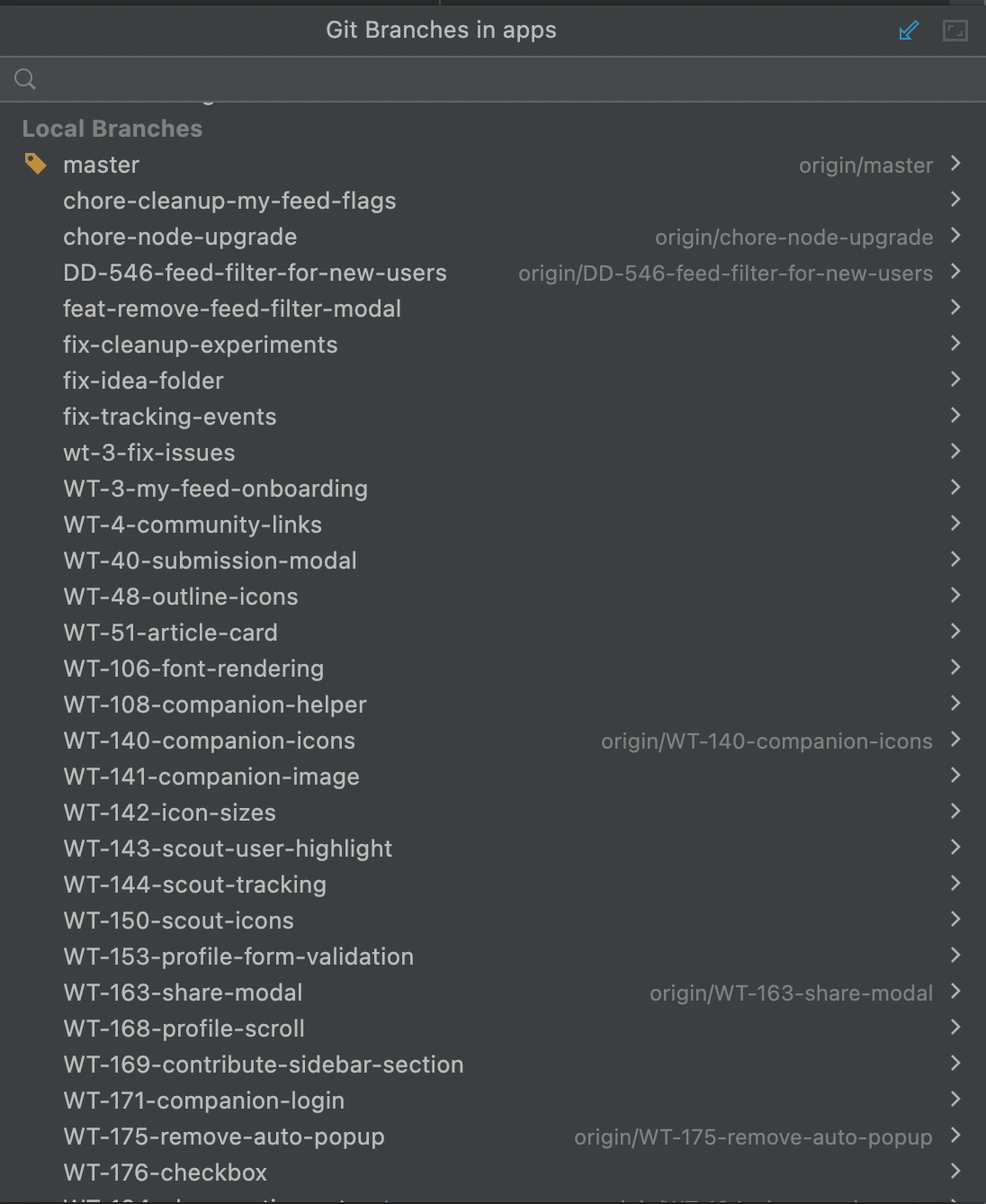
Time to make some changes and clean up our mess.
Removing local git branches
We could go to the editor and click remove on the local branches. However, we wouldn't be developers if we didn't use the terminal correctly.
To delete one local branch, we can use the following command.
git branch -d BRANCH_NAME
However, this will only work for merged branches. If you still want to proceed, you can use the capital D like this:
git branch -D BRANCH_NAME
Deleting all local branches
However, when we have many local branches, we might want to delete all of them at once.
For that, it's important to note that the delete call can handle multiple files.
First, we have to find all the branches. I used the following command.
git branch | grep -v \*
However, this also includes our master/main branch.
git branch | grep -v "master\|main"
And if you only want to remove merged branches, you can use the following addition.
git branch --merged | grep -v "master\|main"
To execute deletion, we can pass another argument for the delete command.
git branch --merged | grep -v "master\|main" | xargs git branch -D
Conclusion
We can have many local branches that we might want to clean up in one go.
To delete a single branch, use the following command.
git branch -d BRANCH_NAME
# use -D for unmerged branches
If you want to delete all merged local branches except master/main, use the following command.
git branch --merged | grep -v "master\|main" | xargs git branch -D
Note: The above only deletes merged branches
If you want to delete all local branches except master/main, use the following.
git branch | grep -v "master\|main" | xargs git branch -D
Note: The above also deletes unmerged branches
Thank you for reading, and let's connect!
Thank you for reading my blog. Feel free to subscribe to my email newsletter and connect on Facebook or Twitter
About the author
I'm a full-stack developer from South Africa 🇿🇦. I love writing about JavaScript, HTML and CSS.
Comments
Join the discussionNo comments yet. Be the first to comment.



