
Git basics: Changing your last commit message

You might accidentally make a typo while writing your commit message. Or because you quickly tried to solve a bug, you accidentally left the old commit message and pushed that.
It's a good practice to keep the message meaningful, so you'll know what you change in which commit.
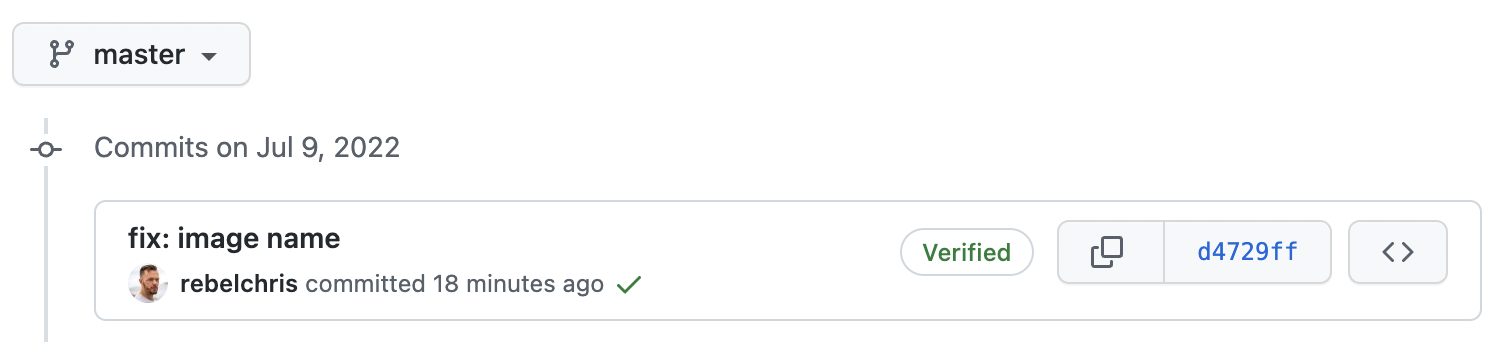
I made a wrong commit message on my GitHub repo to showcase how it works.
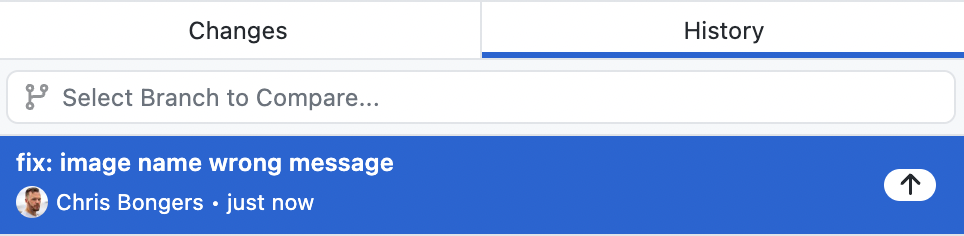
In the image above, we see I committed some changes with the message: "fix: image name wrong message".
Let's see how we can fix that.
Fixing a non-pushed commit message
If you haven't pushed your code yet, it's easier to fix.
You can run the following command.
git commit --amend
This will open up a vim editor where you can change the commit's message.
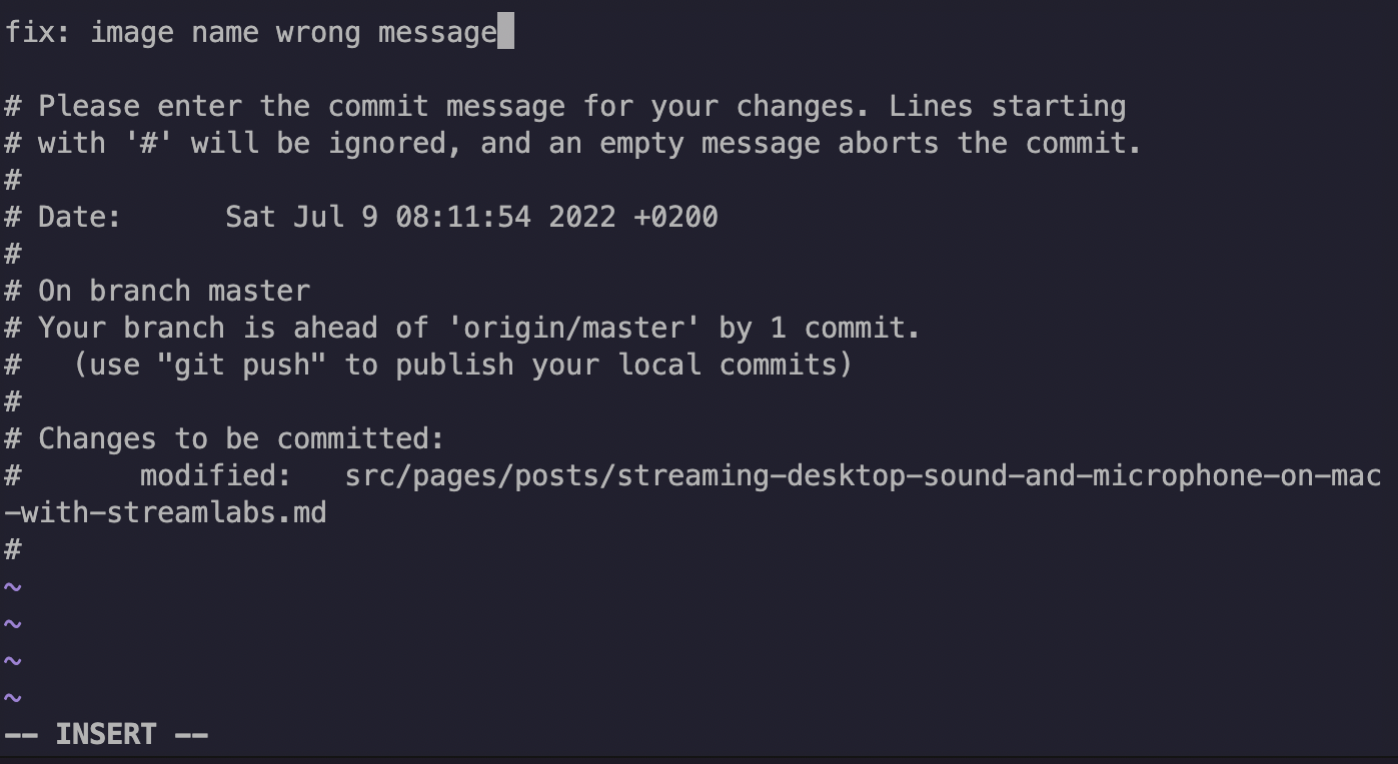
To edit the text, press the i key, and to stop, press esc then wq to save the file.
However, a faster way is to use the -m property, which can be used to amend the commit message.
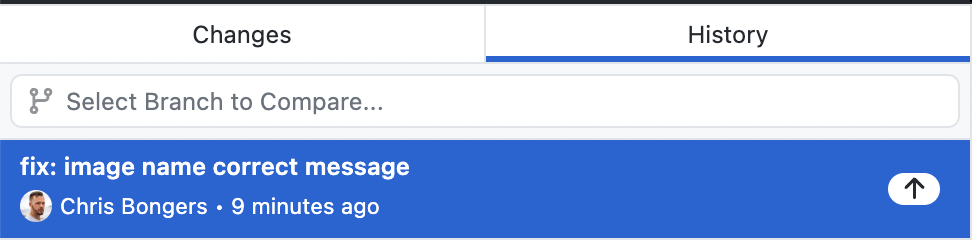
git commit --amend -m "fix: image name correct message."
We can see the commit message altered without pushing a new commit.
Fixing a pushed commit message
However, what happens if we already pushed the wrong message to GitHub, for instance.
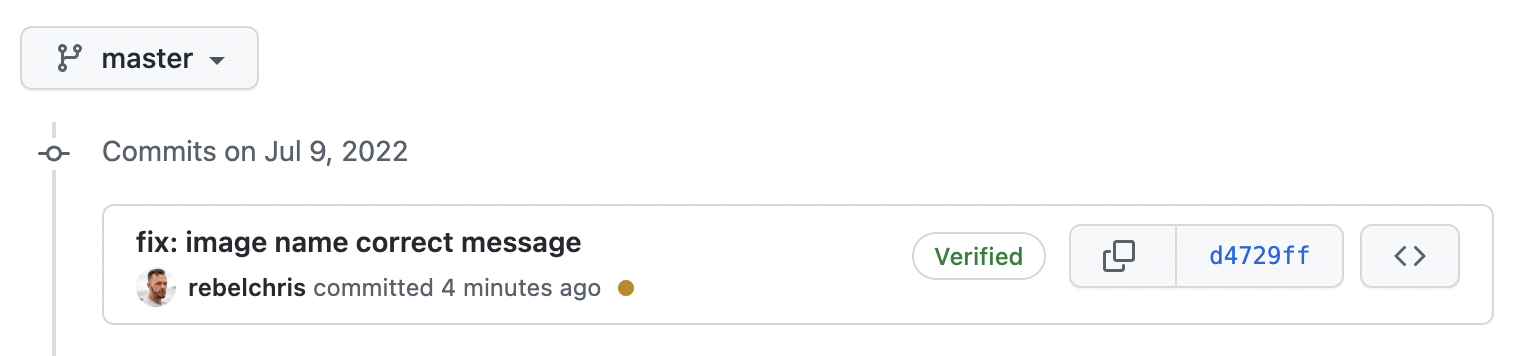
No worries, we can still fix it without messing things up.
If we are addressing the last commit, we can again run the following command:
git commit --amend -m "fix: image name"
The next step is to push while overwriting the previous commit message. For that to work, use the following command:
git push --force-with-lease origin your-branch

# in my case:

git push --force-with-lease origin master
And that's it. We now changed the already pushed commit message.
Thank you for reading, and let's connect!
Thank you for reading my blog. Feel free to subscribe to my email newsletter and connect on Facebook or Twitter
About the author
I'm a full-stack developer from South Africa 🇿🇦. I love writing about JavaScript, HTML and CSS.
Comments
Join the discussionAwesome, I never knew about --force-with-lease flag. I learned something new today, thanks to you!
Yep!
I literally wrote this article and yesterday forgot about applying the --force-with-lease myself 🤦♂️
Super cool option to keep the history clean when it's only a commit message fix.
Happy to hear you enjoyed it Imajin 💖



