
Flutter how it works, Hello World

When learning a new language, Dart, in this case, it's a good starting point to go back to the basics. So today, I'll explore the minimum requirements for a basic Hello World app in Flutter.
How Flutter works
Before we get started with this, let's have a look at how Flutter actually works. I won't go into all the nitty-gritty details, but more a high-level view.
Flutter is Google's version of a hybrid framework, much like Ionic or React native.
One single codebase for all your projects, including mobile and web. Sounds pretty cool, right!
The big catch is that it's using Dart, a new language for many.
Flutter uses its own rendering methods compared to the other frameworks. It also should be performing better in terms of speed.
A sample Hello World in Flutter
I got pretty confused at first when looking at the basic counter-example Flutter app, it showed me some widgets and extended codebases, and I had no clue what was going on.
So I decided to go back to the most basic app that I could create. It needed only to render some text.
So start up a new flutter app, and clear the complete code in the lib/main.dart file.
We will start by importing the flutter package. This allows us to use some ready-made widgets.
import 'package:flutter/material.dart';
In the Dart language, we must always define a main function. This is the case for Dart files, so also for flutter applications.
In a basic Dart example, we could do something like this:
void main() {
  print('Hello World 👋');
}
Running this code will show us a blank Flutter app, but log Hello World 👋 in the console.
In Flutter, we need to include a runApp function inside this main function.
This function will run your flutter app.
We want to have some content inside this runApp function that shows our Hello World.
For this, we can leverage the Center widget that comes with Flutter. Inside this widget, we can pass a child, in our case, a Text widget containing our text.
void main() {
  runApp(
    Center(
      child: Text(
        'Hello World 👋',
        textDirection: TextDirection.ltr,
      ),
    ),
  );
}
And when we now run our app with flutter run, we should see our very first Flutter application.
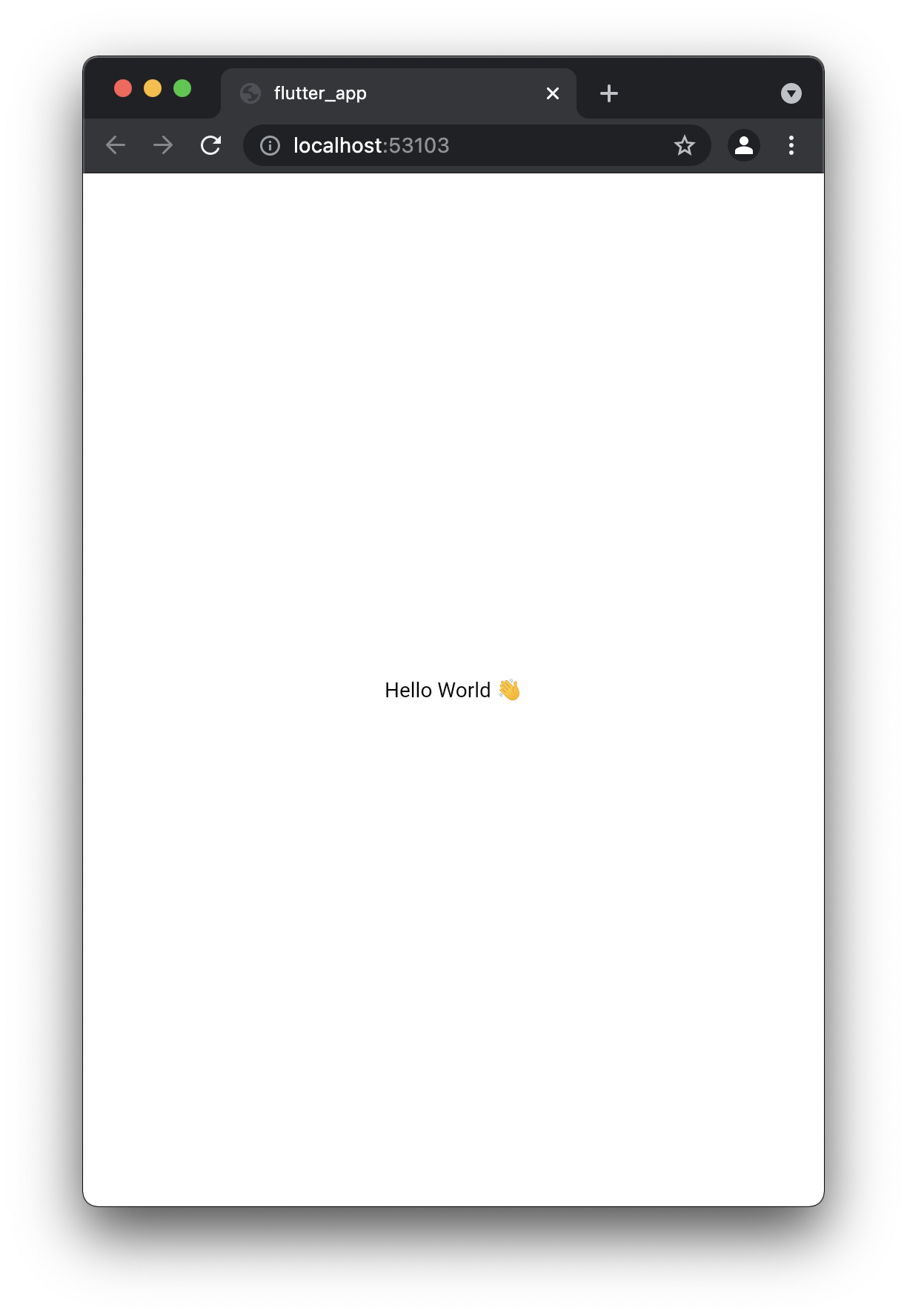
However, we can leverage Flutter scaffolding to make this a bit cleaner.
void main() async {
  runApp(
    MaterialApp(
      debugShowCheckedModeBanner: false,
      home: Scaffold(
        body: MyApp(),
      ),
    ),
  );
}

class MyApp extends StatelessWidget {
  @override
  Widget build(BuildContext context) {
    return Center(
      child: Text(
        'Hello World 👋',
        textDirection: TextDirection.ltr,
      ),
    );
  }
}
This code will render the same app, but as you see, Flutter is very widget-driven, much like what you'll see in React.
The idea is that we build our app out of widgets. These widgets describe what their view should look like, given a specific state and configuration. When the state of these widgets changes, it is rebuilt with the new configuration.
I like this concept, as it also forces us to think out an app design-wise and extend widgets throughout our application.
For today we learned the very basics of Dart and Flutter and created a hello world application.
I've also uploaded this to my GitHub branch.
Thank you for reading, and let's connect!
Thank you for reading my blog. Feel free to subscribe to my email newsletter and connect on Facebook or Twitter
About the author
I'm a full-stack developer from South Africa 🇿🇦. I love writing about JavaScript, HTML and CSS.
Comments
Join the discussionNo comments yet. Be the first to comment.



