
Creating custom services in medusa

Now that we know how to use an existing service in our routes. Let's take it to. The next level and see how we can create our service even.
A service is something that you can use throughout your application.
Let's say we want to add a translation service, for instance.
We'll have to open up our medusa server project and create a new file inside the src/services.
If our service is the translateService, we should name the file translate.js (filename without the Service part).
Creating a service in medusa
The most basic service file would look like this.
import { TransactionBaseService } from '@medusajs/medusa';

class TranslateService extends TransactionBaseService {
  func() {
    return '';
  }
}

export default TranslateService;
As you can see, the service extends the TransactionBaseService, which gives us access to all the existing and other services.
Let's create a mock demo function so that we can give it a try. With translations, we would need some mapping table, but let's mock it out for now.
const messages = {
  en: {
    title: 'Hello world',
  },
  nl: {
    title: 'Hallo wereld',
  },
};

class TranslateService extends TransactionBaseService {
  translate(msg, locale) {
    return messages[locale][msg] ?? msg;
  }
}
This translate function will be able to translate specific messages into provided locales. If there is no match, the original message will be returned.
Using the custom service
Let's go ahead and see how we can use this custom service. I'll use it in our custom routes as we already had a good intro.
Let's add a new route that will get our title.
router.get('/store/title', (req, res) => {
  const translateService = req.scope.resolve('translateService');
  const title = translateService.translate('title', 'en');
  res.json({ title });
});
The first thing we do is retrieve our translate service, then we define a new variable for the title and request the title in a specific locale. And eventually, return that.
Spool up your server and test out the route.
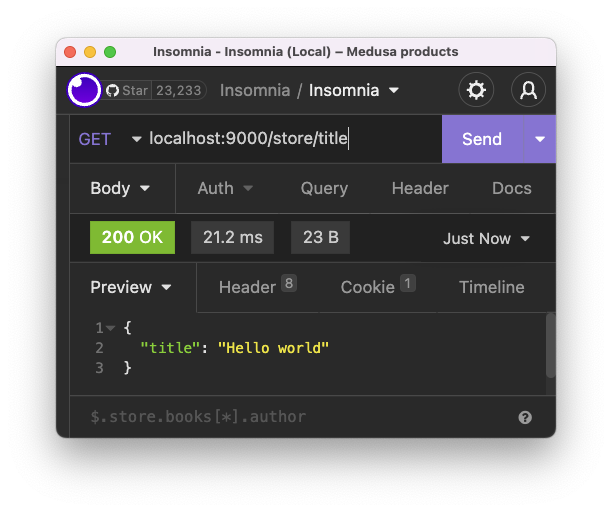
Now let's change the locale to nl and try it again.
const title = translateService.translate('title', 'nl');
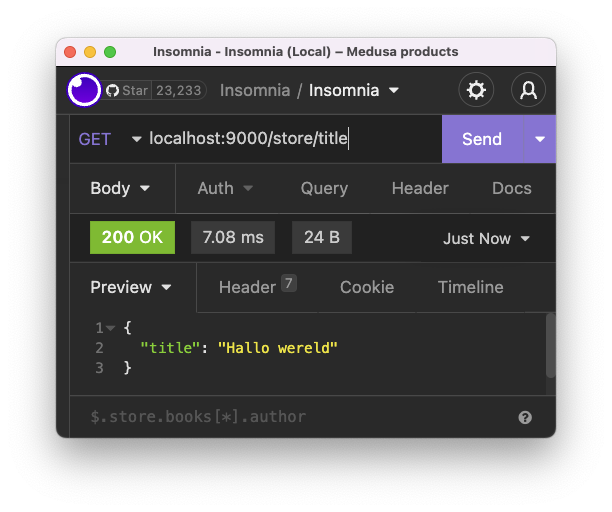
And you can even try to request a message that doesn't have any translations.
const title = translateService.translate('Products', 'en');
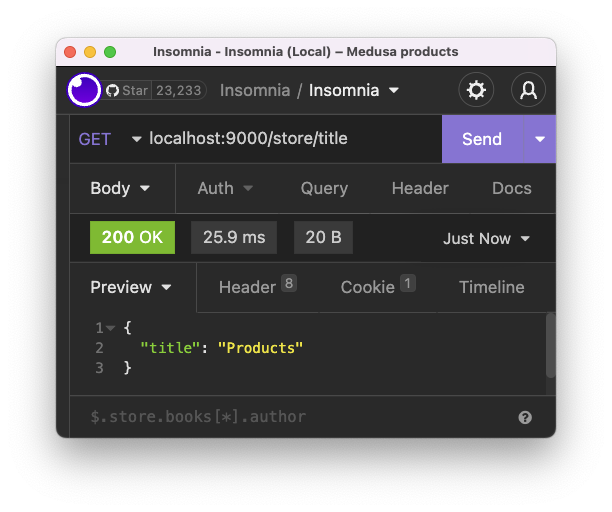
And that's it. We now have a fully functional custom service in medusa.
Thank you for reading, and let's connect!
Thank you for reading my blog. Feel free to subscribe to my email newsletter and connect on Facebook or Twitter
About the author
I'm a full-stack developer from South Africa 🇿🇦. I love writing about JavaScript, HTML and CSS.
Comments
Join the discussionNo comments yet. Be the first to comment.



