
Convert existing local project into git project

I'm pretty sure we've all been here at some stage, you have a local folder with a quick project. The project soon turns out to be pretty useful so you actually wanted version control on it.
So how do we convert this folder into a git versioned project and even push it to GitHub?
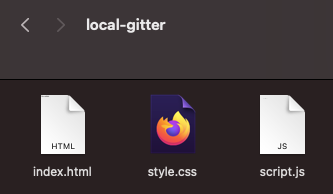
First of all, we should have this local project somewhere on our computer, for me, it's a folder called local-gitter which contains a very basic website.
Creating the GitHub project
Now let's head over to GitHub and create a new empty project.

On the next screen, you can fill out the name of your project, and add a description.
You can optionally choose to create it with a readme or gitignore file.
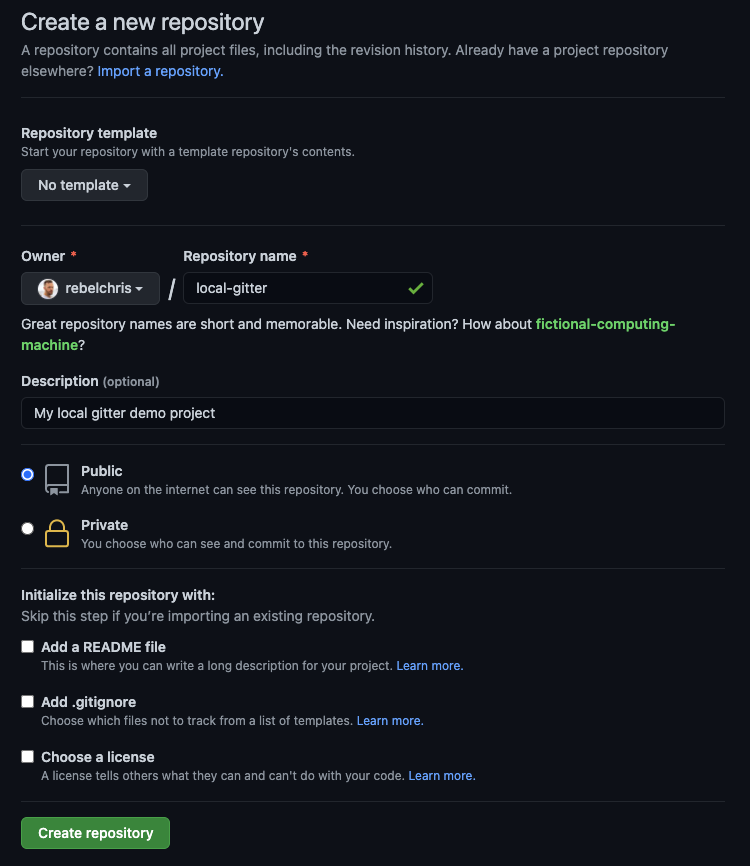
Once we have this repository, it's important to note the URL.

Pushing our existing files to this repository
Now let's open our favorite terminal and follow these steps
- Navigate to the project folder.
git init(start new git project)touch .gitignore(add ignore the file, add files you don't want in git here)git add .orgit add ${all relevant files}(the dot adds everything, else add all files you want in git)git commit -m "first message"(Make it a good message)git remote add origin [email protected]:rebelchris/local-gitter.git(change with your URL)git push -u origin master
Note: The gitignore file is super useful to not push stuff like
node_modulesfor instance, always make sure to add these in the gitignore.
And we are done, now if we head over to GitHub we should see all the files we just committed.

Thank you for reading, and let's connect!
Thank you for reading my blog. Feel free to subscribe to my email newsletter and connect on Facebook or Twitter
About the author
I'm a full-stack developer from South Africa 🇿🇦. I love writing about JavaScript, HTML and CSS.
Comments
Join the discussionNo comments yet. Be the first to comment.



