
Console log with params

Let's have a look at our best friend, console.log! It's such an amazing "tool" if we can call it that.
Logging is just making our life so much easier, and I use it all the time.
But did you know we can pass params in console.logs?
Types of params in console.log
- Strings: Use
%s - Integer: Use
%dor%i - Floats: Use
%f - Object hyperlink: Use
%o
These are more than enough types and can come in handy!
How to use params in console.log
To use params, we can place them in our console log as such:
console.log('This %s will return the number %d', 'string', 10);
// This string will return the number 10
As you can see, we can give it multiple params at once. These are read in the order inputted.
So in the above's example, it will be %s first then %d.
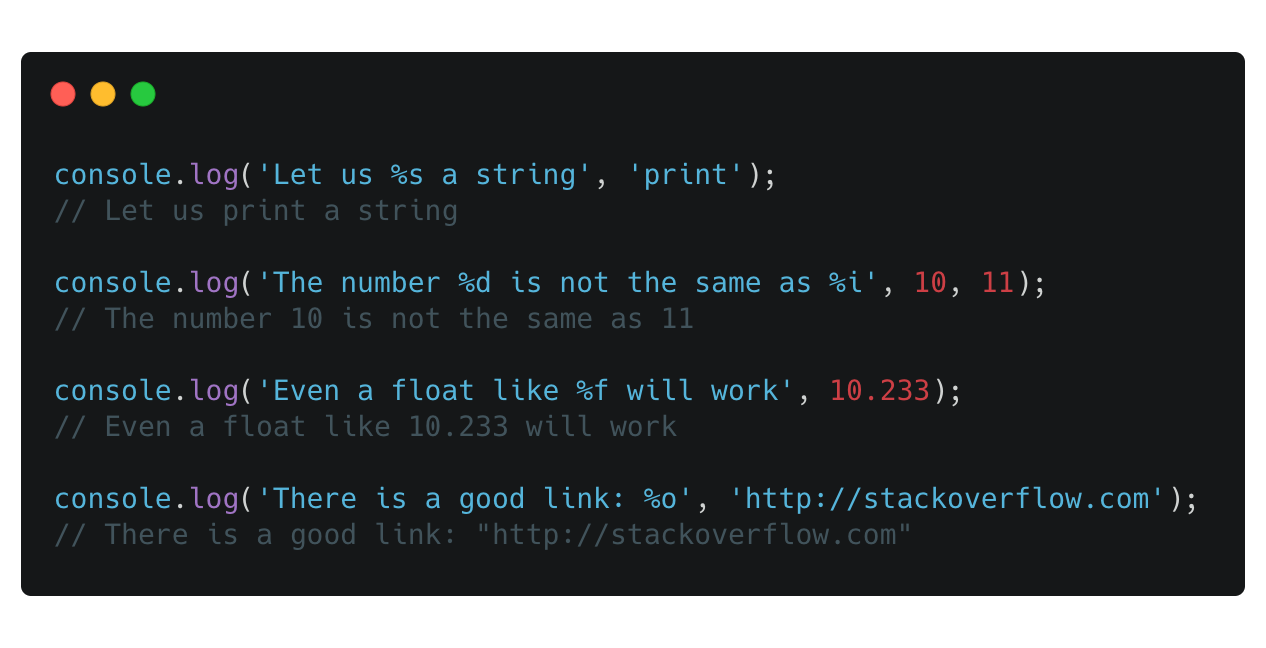
Let's give them all a try:
console.log('Let us %s a string', 'print');
// Let us print a string

console.log('The number %d is not the same as %i', 10, 11);
// The number 10 is not the same as 11

console.log('Even a float like %f will work', 10.233);
// Even a float like 10.233 will work

console.log('There is a good link: %o', 'http://stackoverflow.com');
// There is a good link: "http://stackoverflow.com"
Yes, you can also just add this in, but I prefer this way, just neater code and more readable!
Give it a try on your next project.
Find this example on Codepen.
Thank you for reading, and let's connect!
Thank you for reading my blog. Feel free to subscribe to my email newsletter and connect on Facebook or Twitter
About the author
I'm a full-stack developer from South Africa 🇿🇦. I love writing about JavaScript, HTML and CSS.
Comments
Join the discussionThank you Abdoul, hope you're doing well.



