
Automate Netlify deployments with Zapier

One of my goals for the new version is that I'll be able to auto-deploy my website.
I love to go remote camping, which means no internet for 3 days, it's amazing don't get me wrong. But I still want to be able to deploy my website and send out my emails and perhaps even tweet about it.
The first part to me is the most important one, getting the site redeployed.
As you may know, my site is built on Eleventy and hosted on Netlify, which works great.
Eleventy allows me to post an article with future dates, those will only be rendered on the day they should be active. So literally all we need to do is trigger a redeploy.
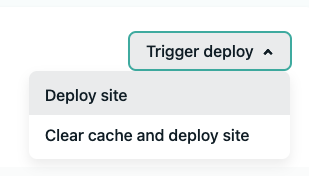
This button is literally all that needs to be pressed.
Zapier auto-deploy Netlify
Luckily for us Zapier the amazing automation collection tool has a Netlify integration!
We can use Zapier to trigger a deployment on set times.
Head over to the Zapier website and signup for a free account.
Once you created the account, you'll be brought to your dashboard where we can create a new Zap.
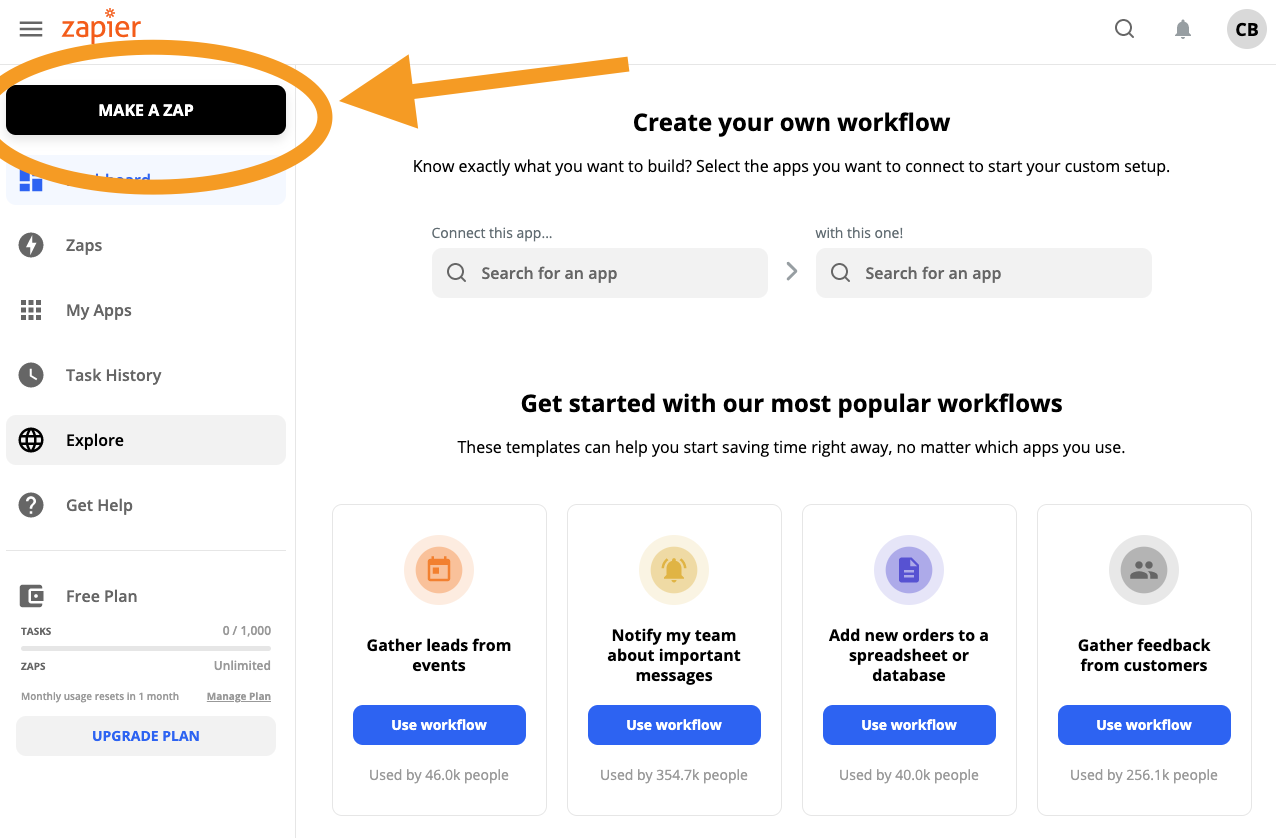
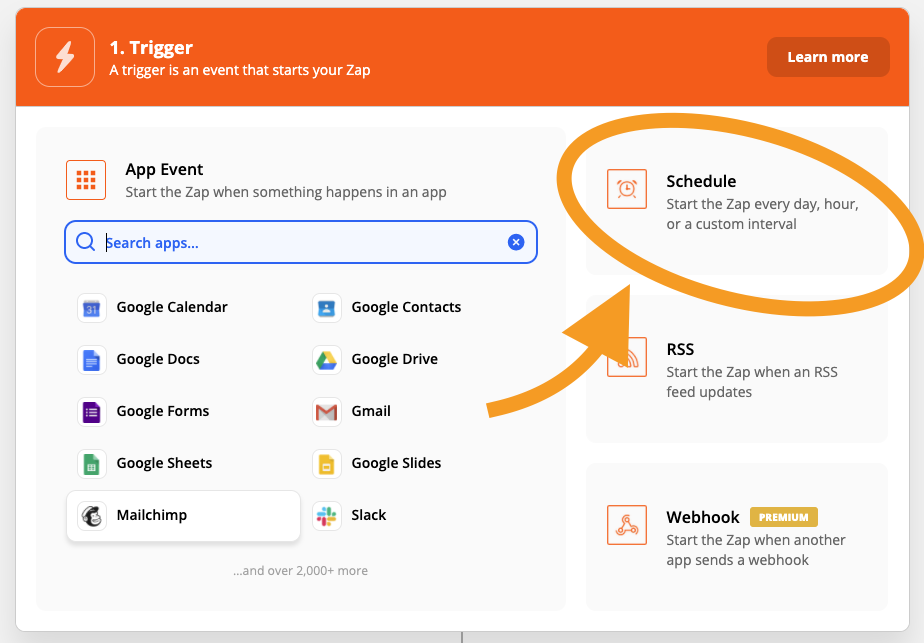
We will need a scheduled event to trigger the Netlify deployment. So pick the Schedule button or search for the Zapier Schedule event.
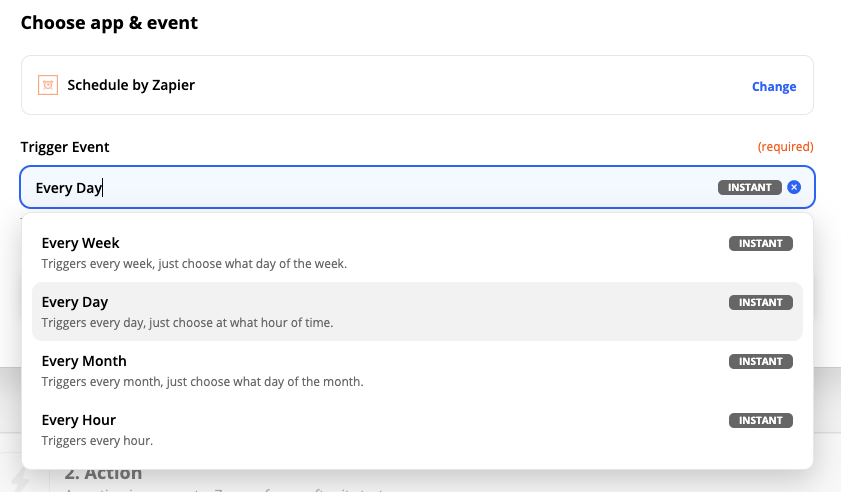
I want this schedule to trigger every day, so in the next selection pick every day.
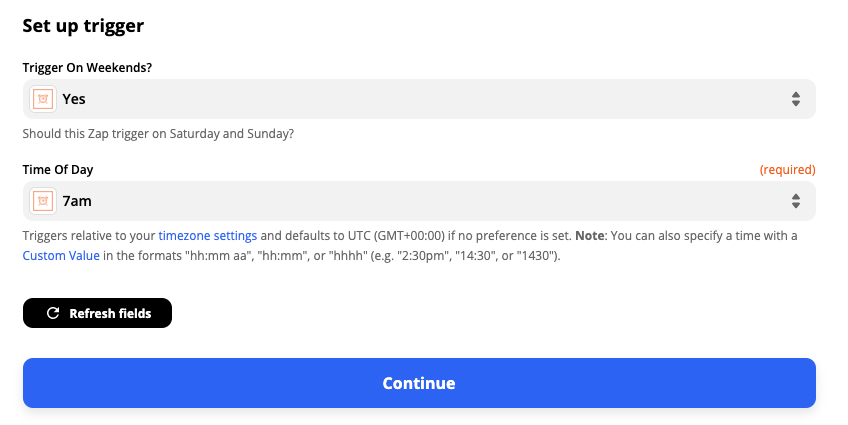
You can then state if it should run on weekends, and what time you want the trigger to run. I post even in the weekends, so yes, and want it auto deployed every morning at 07:00 SAST.
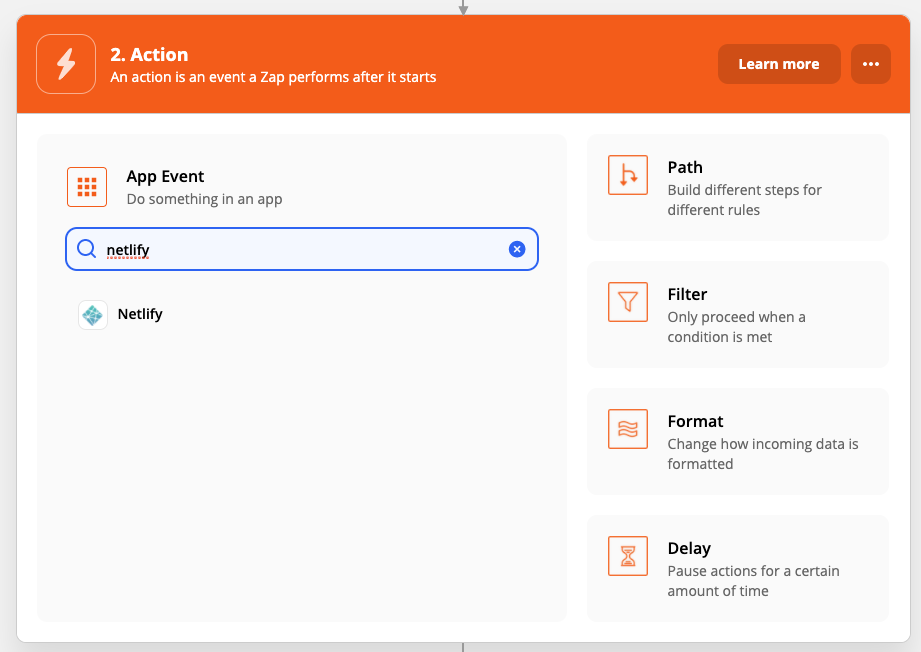
For the action, we search for Netlify.
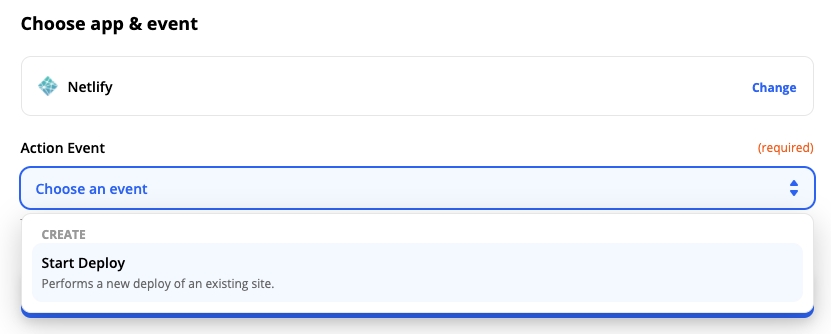
There is only one action and that is Start Deploy.
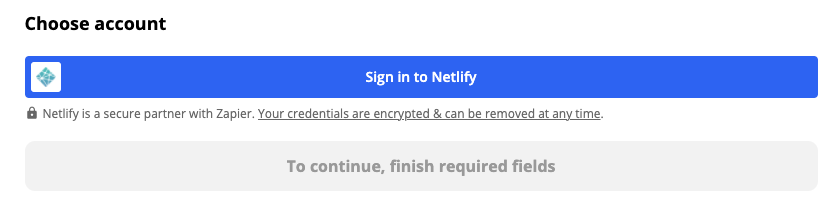
On the next screen, you are asked to sign in to your Netlify account.
After connecting you can choose for which site your action should run.
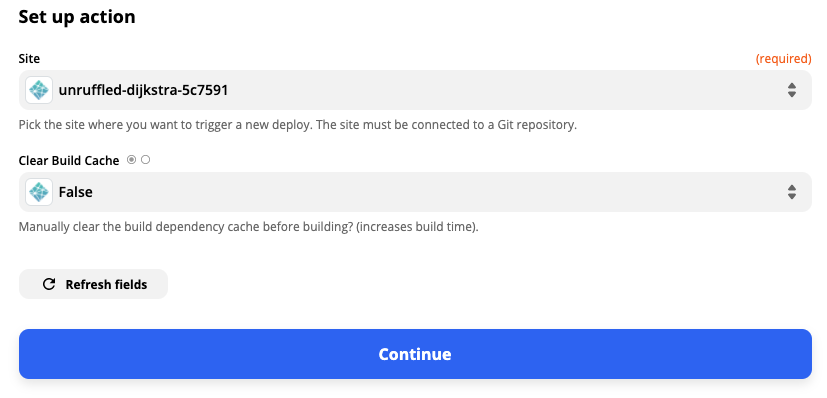
We can then test our actions.
If we head over to our Netlify deploy section we should see the deployment.

It worked, we now auto-trigger a Netlify deploy using a Zapier scheduled time hook.
Thank you for reading, and let's connect!
Thank you for reading my blog. Feel free to subscribe to my email newsletter and connect on Facebook or Twitter
About the author
I'm a full-stack developer from South Africa 🇿🇦. I love writing about JavaScript, HTML and CSS.
Comments
Join the discussionNo comments yet. Be the first to comment.



