

Regarding accessibility, you'll always hear the following sentence: Semantic HTML always wins.
Accordions are sections of content grouped by headers. The user can then collapse or close these sections to show/hide more information.
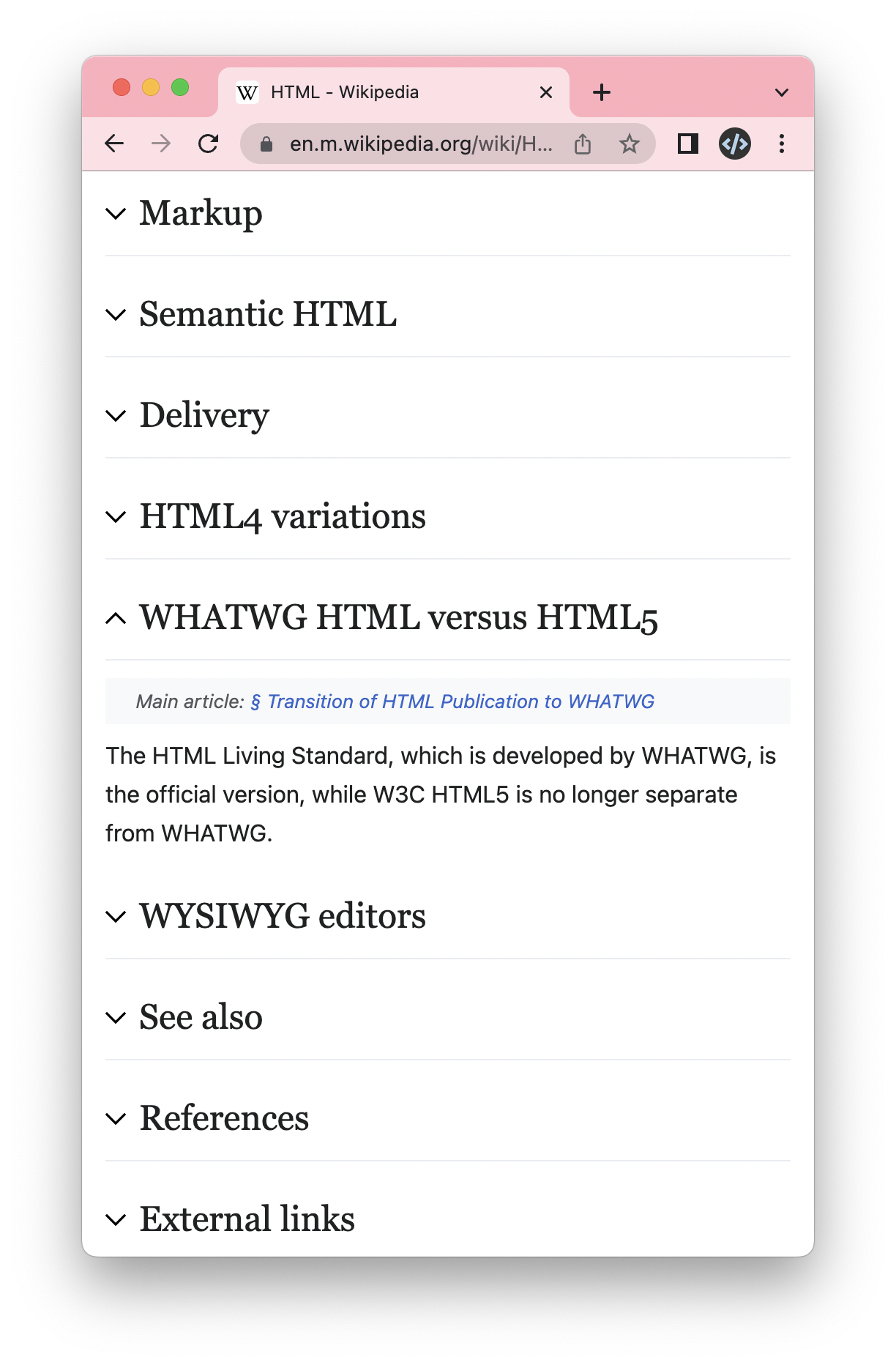
Regarding these accordions, this might be the one exception to the semantic HTML rule.
But, this is a bit controversial.
In HTML5, we were introduced to the details & summary elements, which is precisely this!
However, they didn't have full support, so many people would argue that a custom setup is still the way to go.
As I write this, the browser support is still lacking on IE11, older Edge, and Opera mini.
Lacking, meaning they don't support the toggle and will fall back to showing the whole content piece.
Testing details summary
To set up the details & summary setup, we can use the following markup.
<details>
  <summary>Introduction</summary>
  <p>The text inside this will be shown on click.</p>
  <p>You can even add multiple lines in here.</p>
</details>
The code snippet above will render a native toggle.

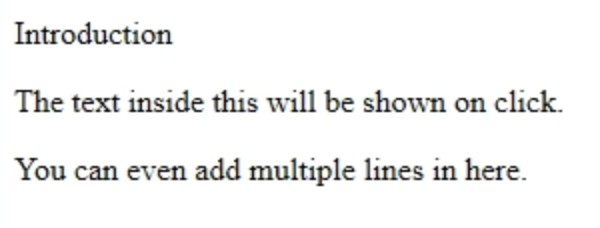
Then I tested the code on IE11, which is unsupported, and we got the following result.
So what is good?
We should use the semantic HTML as intended. If we show these elements as open to older browsers, that is the way it is.
They work perfectly fine on modern browsers and act as expected.
The cool part about using the semantics is that they evolve. They will get better and more advanced support.
How accessible is this, then?
As mentioned, the semantic elements support screen readers and other use-cases perfectly. The summary element is handled as a button and can be toggled using the enter or space keys.
It also indexes nicely in the rotor from our screen reader.
And those using older technology get to see the entire content. And that's perfectly fine.
Are you looking to try it out?
Use the following CodePen to see how it works.
Bonus!
The old ways of creating accessible accordions always relied on introducing some JavaScript to handle states.
In this version, we can ship it with 0 JavaScript, which is another win for semantic HTML.
Thank you for reading, and let's connect!
Thank you for reading my blog. Feel free to subscribe to my email newsletter and connect on Facebook or Twitter
About the author
I'm a full-stack developer from South Africa 🇿🇦. I love writing about JavaScript, HTML and CSS.
Comments
Join the discussionNo comments yet. Be the first to comment.
A11Y 101
In this series I'll explore the basics of accessibility and you can join me on this learning trip.



