
Supabase automatically create user profiles on sign up

We introduced a social login to our Supabase login system, it's actually possible to automate the profile creation.
This is super cool, as most social providers give us a username and profile image already.
Let's take our existing GitHub login as an example and see how to automate the profile creation.
Triggers and functions in Supabase
The cool part about Supabase is that its Postgres based, and Postgres has this super cool feature called "Triggers".
This means you can set a trigger for a specific action on which action should happen.
Mix that with Supabase functions, and we can trigger a function to create a profile on user creation. ✨
You can create these triggers and functions through the interface, but the easiest way is to run a SQL query.
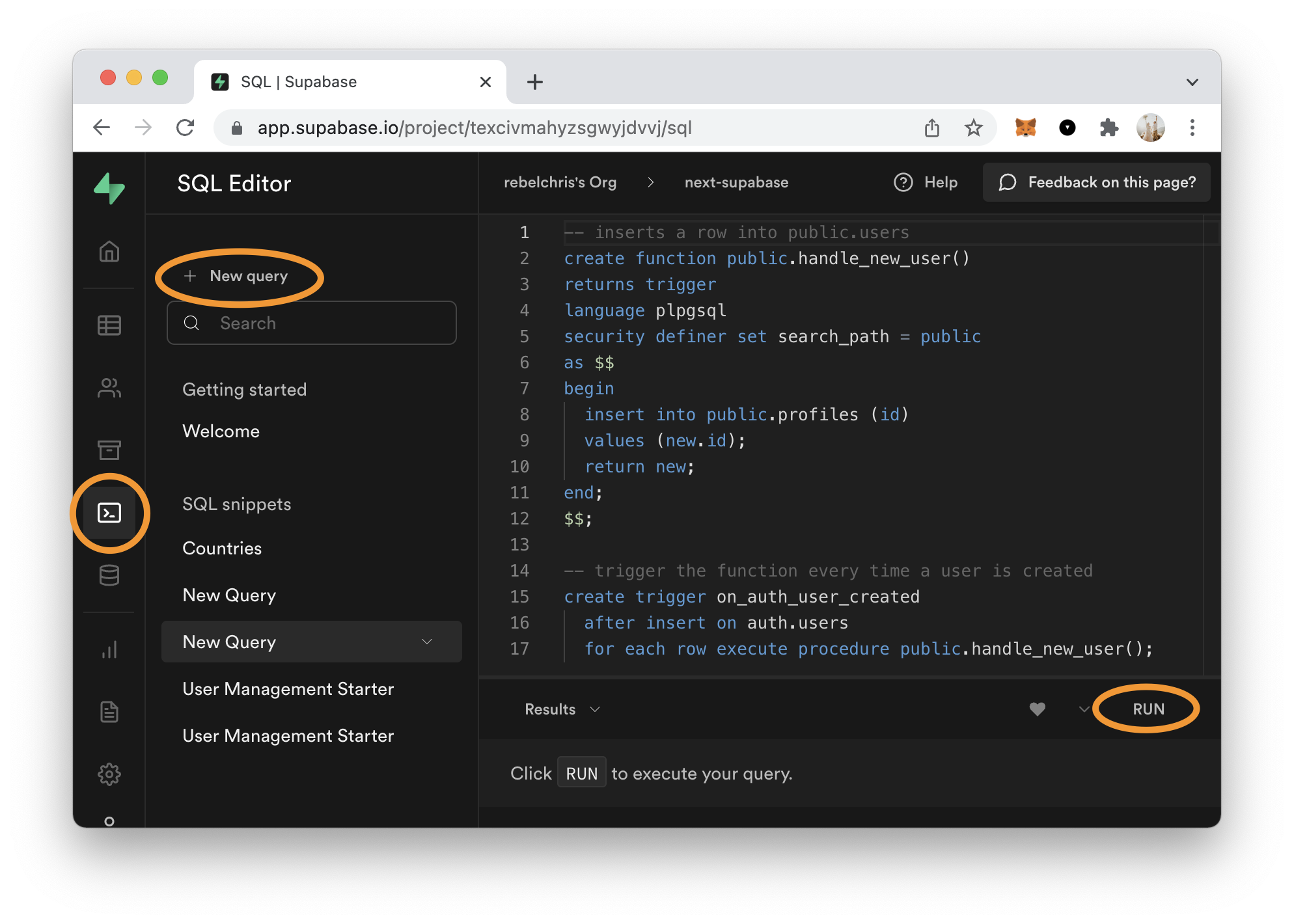
Open the query interface and run the following one.
-- inserts a row into public.users
create function public.handle_new_user()
returns trigger
language plpgsql
security definer set search_path = public
as $$
begin
  insert into public.profiles (id, username, avatar_url)
  values (new.id, new.raw_user_meta_data ->> 'user_name', new.raw_user_meta_data ->> 'avatar_url');
  return new;
end;
$$;

-- trigger the function every time a user is created
create trigger on_auth_user_created
  after insert on auth.users
  for each row execute procedure public.handle_new_user();
What we do here is create a new function called handle_new_user.
This function states that it should insert on the public.profiles table and add id, username, and avatar_url.
It takes the values from the new object, which refers to the item invoking this, which will be the auth.users one.
And then, we add the trigger which binds after each insert on the auth.users table to execute the function we just made.
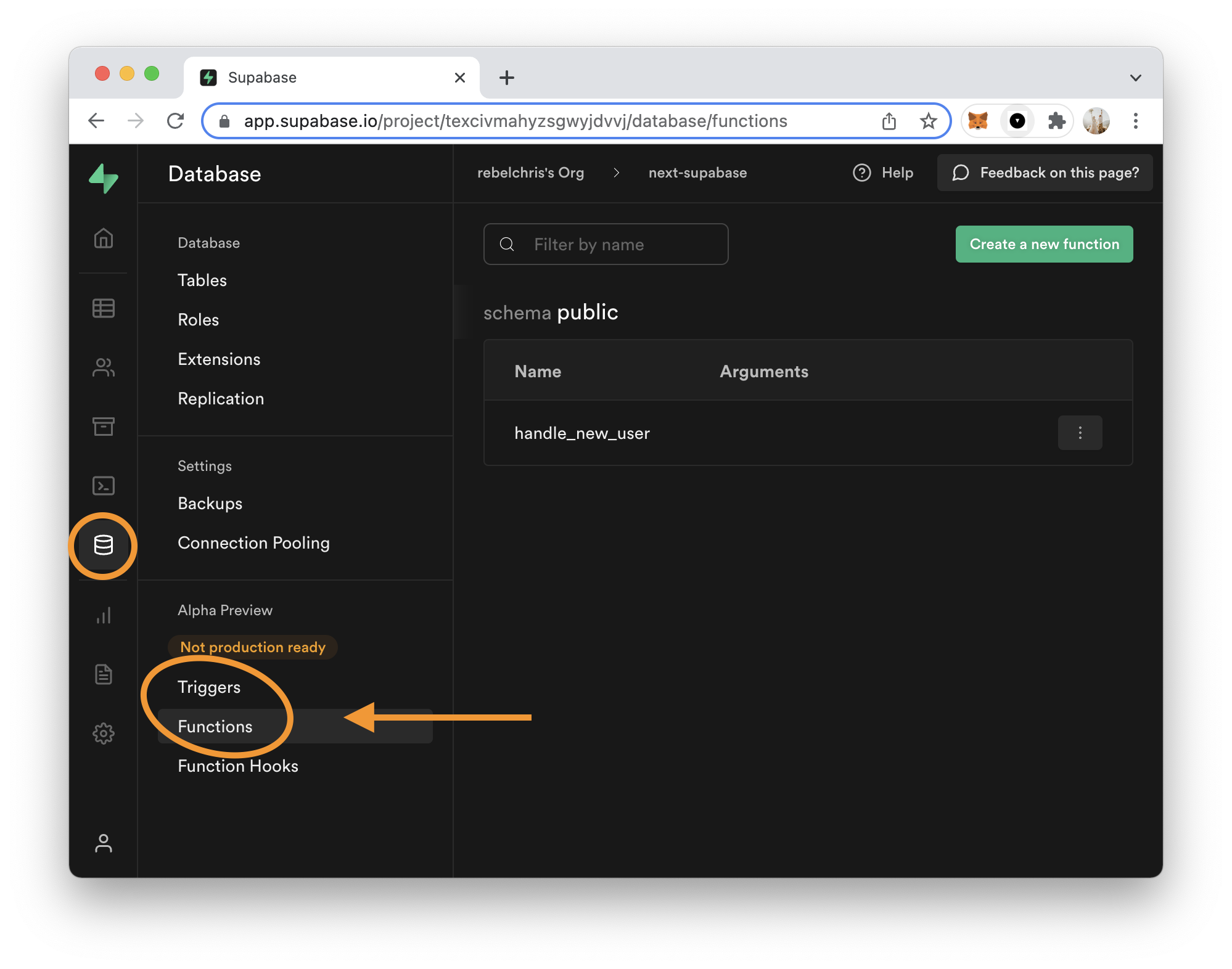
Once you run this query, you can find them in your Supabase account under the database options.
I've modified my own started template to auto show the image on signup, and you can see this now gets pulled from the login.
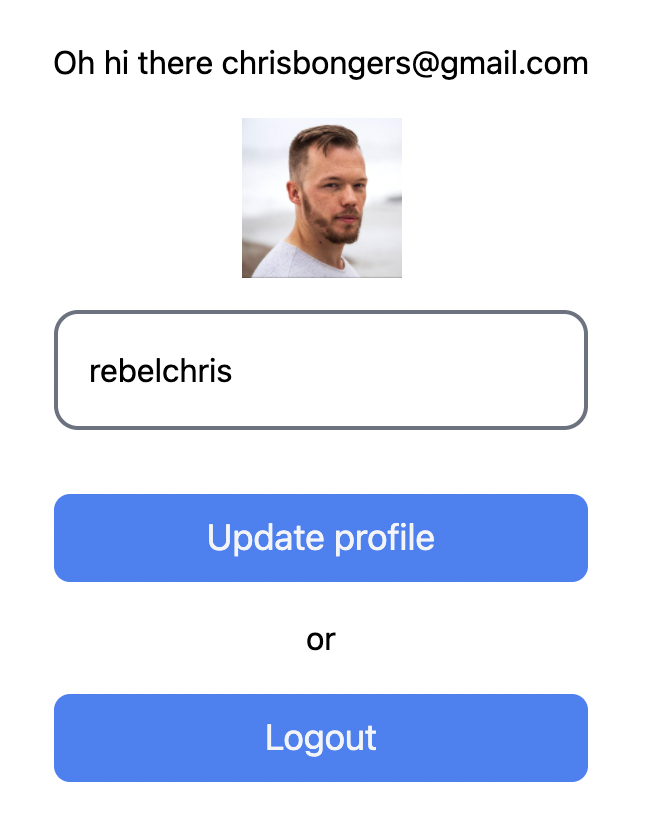
I found this super helpful, as it allows us to handle this on the database side and doesn't include new code for our application.
You can also use these functions and triggers for other purposes. Maybe you wish to update a count or invoke an external action.
What would you use them for?
Thank you for reading, and let's connect!
Thank you for reading my blog. Feel free to subscribe to my email newsletter and connect on Facebook or Twitter
About the author
I'm a full-stack developer from South Africa 🇿🇦. I love writing about JavaScript, HTML and CSS.
Comments
Join the discussionNo comments yet. Be the first to comment.



