# Making a post slider in Eleventy with Tailwind
Yesterday we finished the blog [newsletter layout using Tailwind grid](https://daily-dev-tips.com/posts/creating-a-newsletter-layout-with-tailwind/). Today we will be focussing on making the slider part.
This will essentially be a list with blog articles in it. You can then horizontally scroll through this list.
We won't be adding the next/previous button at this stage. Perhaps we will do that in the finishing touch session.
The end result will look similar to the design:
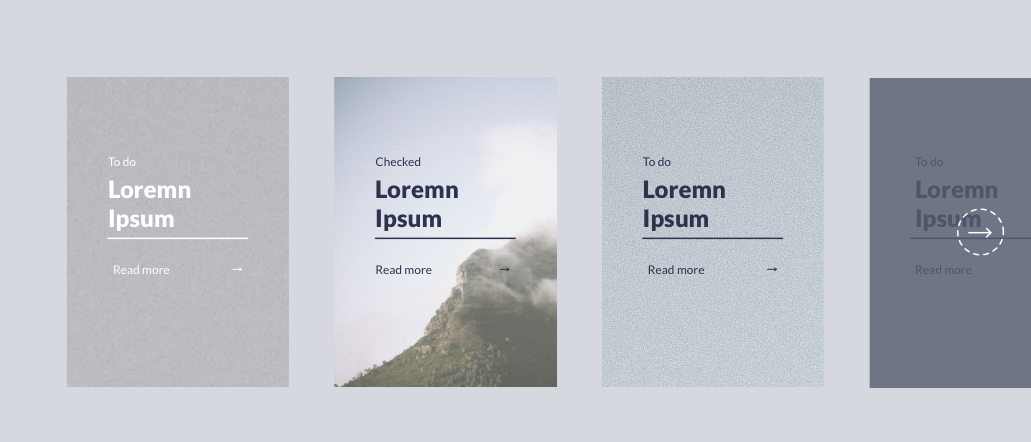
> Note: We won't be doing the visible section at the end since we are working with offset grids.
## Defining the structure
As mentioned, it should function as a list since that will be the correct markup to use in this case.
Let's change our blog template to use a new post-slider instead of the post-list.
Create the `post-slider.njk` file inside the `src/_includes/partials/components` folder.
Then link this file in the `blog.njk` file:
```html
{% include "partials/components/post-slider.njk" %}
```
Then we can modify this `post-slider.njk` and define our necessary checks if the data exists.
```html
{% if postListItems.length %}
{% for item in postListItems %}
-
{% endfor %}
{% endif %}
```
This is still much like the `post-list` we had before, so let's make some changes to render the articles correctly.
We will first focus on styling the list items.
```html
 ```
This will create the rectangle list item where the whole element is clickable. Inside of that, we have the image.
This looks like this:
That looks like the right size. Let's add the inner content, which consists of:
- The category
- The title with an underline
- A button with an arrow on the right
```html
```
Since we want this box to be on top of the image, we make it absolute.
Then we make sure it's 50% of the element's width and height and center it using the left/top and translate offset values.
For the button, we use flexbox to add space between the text and the arrow icon.
The result is now:
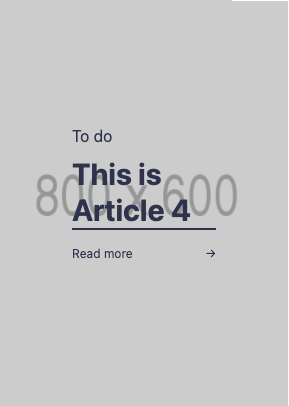
Pretty solid effort, only they are still showing under each other. How can we now make them flow horizontally?
```html
```
We add flex to the `
```
This will create the rectangle list item where the whole element is clickable. Inside of that, we have the image.
This looks like this:

That looks like the right size. Let's add the inner content, which consists of:
- The category
- The title with an underline
- A button with an arrow on the right
```html
```
Since we want this box to be on top of the image, we make it absolute.
Then we make sure it's 50% of the element's width and height and center it using the left/top and translate offset values.
For the button, we use flexbox to add space between the text and the arrow icon.
The result is now:

Pretty solid effort, only they are still showing under each other. How can we now make them flow horizontally?
```html
```
We add flex to the `` element and add overflow-x-auto and overflow-y-visible, so we can scroll through them.
However, when we now render, we get this result:
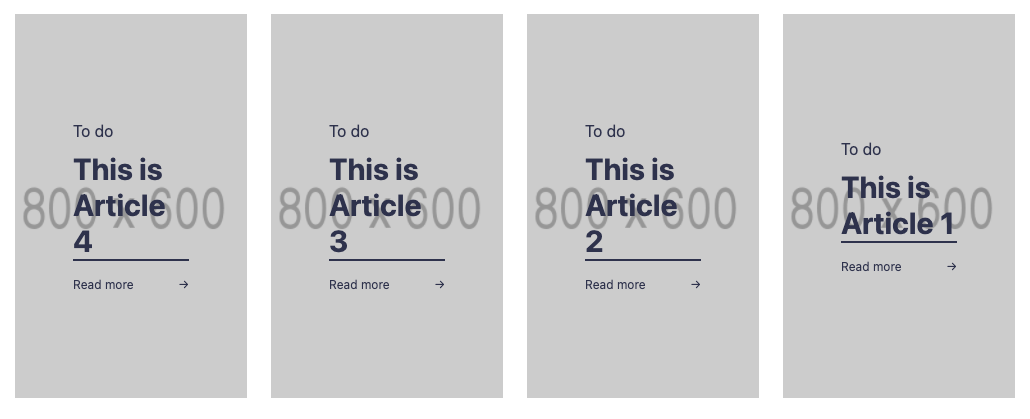
Almost there!
But somehow, our cards are being squished inside the `ul`, so if we add more, the cards get smaller like this:
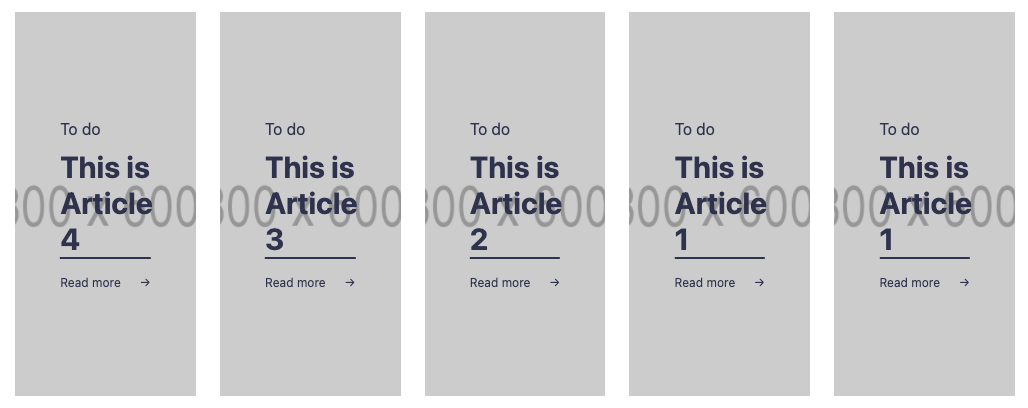
To fix this, let's add the following classes to our `- ` element.
```html
```
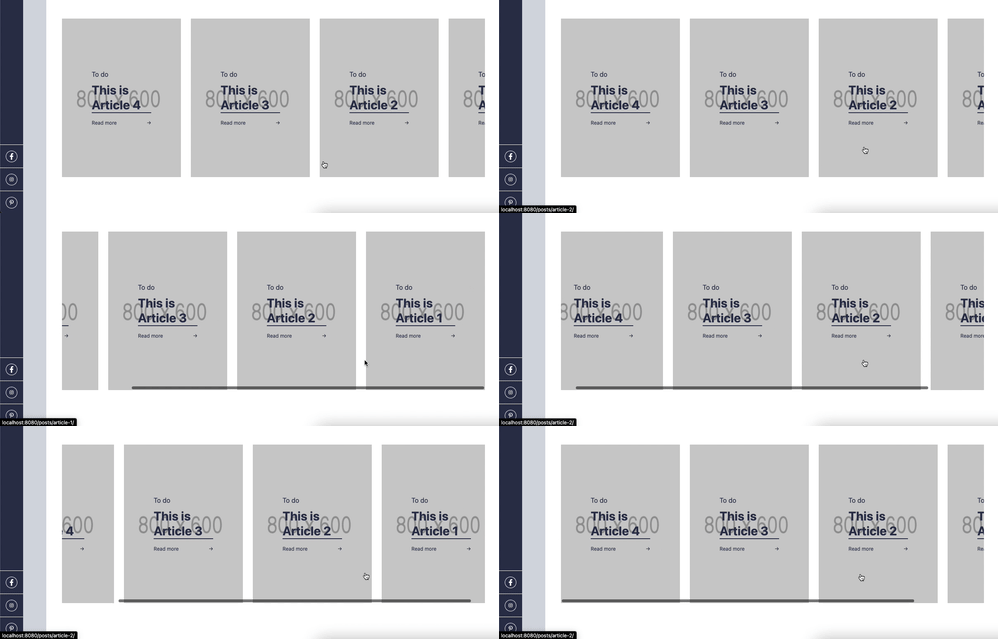
That looks cool!
You can find today's code on [GitHub](https://github.com/rebelchris/eleventy-todoist/tree/part6).
### Thank you for reading, and let's connect!
Thank you for reading my blog. Feel free to subscribe to my email newsletter and connect on [Facebook](https://www.facebook.com/DailyDevTipsBlog) or [Twitter](https://twitter.com/DailyDevTips1)