# HTML fallback images on error
The other day I encountered some issues with images for external sources not loading.
I saved a link to someone's Twitter profile image in this case. When the user changes this image, it doesn't auto reflect the new one.
So I decided to look into fallback images.
And it's surprisingly easy.
What we want to achieve:
- Load the image
- If it doesn't load, show the fallback
> Note: Alternatively, you could decide to remove the image
## HTML on error fallback images
Let's set up a sample HTML experiment.
```html
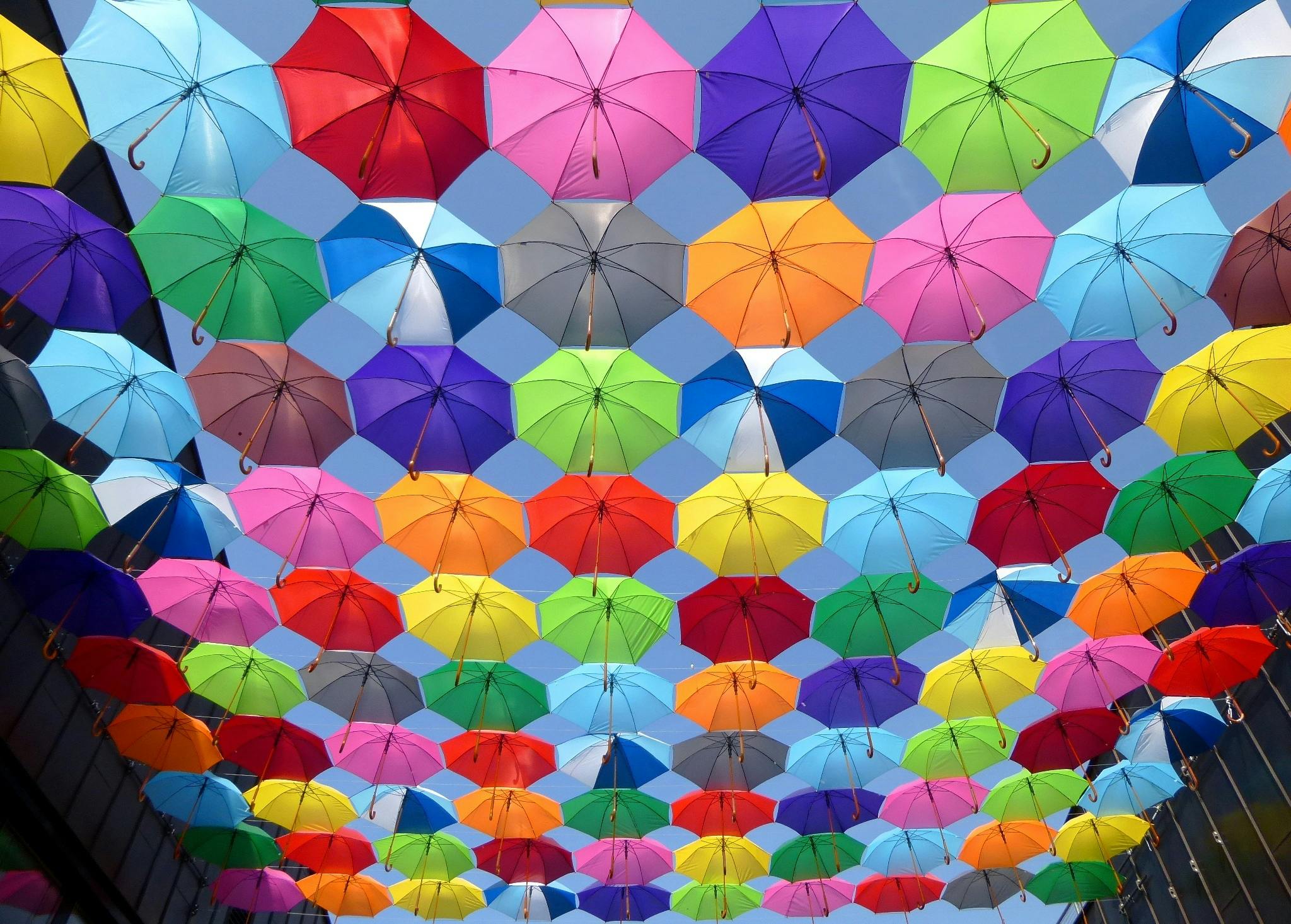 ```
This will load an [Photo by Pixabay from Pexels](https://www.pexels.com/photo/yellow-blue-red-pink-purple-green-multicolored-open-umbrellas-hanging-on-strings-under-blue-sky-163822/) (a stock image site).
This will work perfectly, but now let's try and destroy it by randomly adding some numbers to the image.
```html
```
This will load an [Photo by Pixabay from Pexels](https://www.pexels.com/photo/yellow-blue-red-pink-purple-green-multicolored-open-umbrellas-hanging-on-strings-under-blue-sky-163822/) (a stock image site).
This will work perfectly, but now let's try and destroy it by randomly adding some numbers to the image.
```html
 ```
With this, we get the super annoying broken image.
So what can we do when this happens?
We can use the `onerror` attribute on the image to set a fallback.
It works like this:
```html
```
We use the `onerror` to set the error to null and set the src of the image to a fallback.
In our case, a photo of a missing cat.
> Note: It's not a great practice to rely on external images. You ideally want to have the fallback image locally in the file system, so it's a reliable fallback.
You can see it in action in the following CodePen.
The first image loads, and the second one is broken.
%[https://codepen.io/rebelchris/pen/VwXMMZo]
### Thank you for reading, and let's connect!
Thank you for reading my blog. Feel free to subscribe to my email newsletter and connect on [Facebook](https://www.facebook.com/DailyDevTipsBlog) or [Twitter](https://twitter.com/DailyDevTips1)
```
With this, we get the super annoying broken image.

So what can we do when this happens?
We can use the `onerror` attribute on the image to set a fallback.
It works like this:
```html
```
We use the `onerror` to set the error to null and set the src of the image to a fallback.
In our case, a photo of a missing cat.
> Note: It's not a great practice to rely on external images. You ideally want to have the fallback image locally in the file system, so it's a reliable fallback.
You can see it in action in the following CodePen.
The first image loads, and the second one is broken.
%[https://codepen.io/rebelchris/pen/VwXMMZo]
### Thank you for reading, and let's connect!
Thank you for reading my blog. Feel free to subscribe to my email newsletter and connect on [Facebook](https://www.facebook.com/DailyDevTipsBlog) or [Twitter](https://twitter.com/DailyDevTips1)