# CSS nth-child selector basics
Today we'll be going back to some CSS basics. I tend to use nth-child selectors in my articles.
But that made me realise I haven't really gone over the basics of using nth-child selectors.
Today we will be exploring the options of this powerful CSS selector and some examples.
## Nth-child basic selectors
Let's start off by using some basic selectors.
We can define which element we want to select.
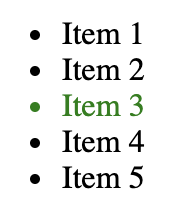
So lets say we want to select the third item.
```html
- Item 1
- Item 2
- Item 3
- Item 4
- Item 5
```
```css
li:nth-child(3) {
color: green;
}
```
Result:
## Odd/Even selector
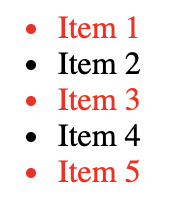
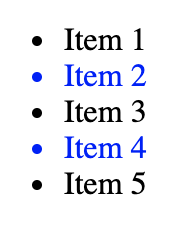
We can select every odd or even code by using these attributes.
```css
li:nth-child(odd) {
color: red;
}
```
Result:
```css
li:nth-child(even) {
color: blue;
}
```
Result:
## Every x selector
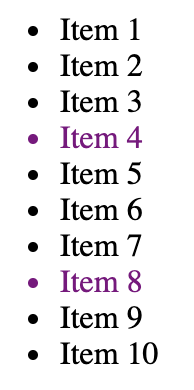
Something cool we do is select every x element, so let's say we want every fourth element:
```css
li:nth-child(4n) {
color: purple;
}
```
Result:
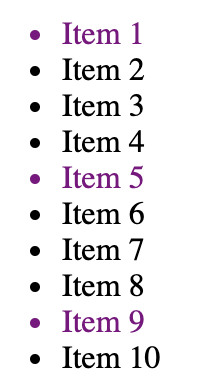
Or if we want to include the first one:
```css
li:nth-child(4n+1) {
color: purple;
}
```
Result:
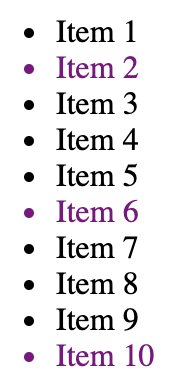
We can also start from the second for instance:
```css
li:nth-child(4n+2) {
color: purple;
}
```
Result:
## Everything but the first selector
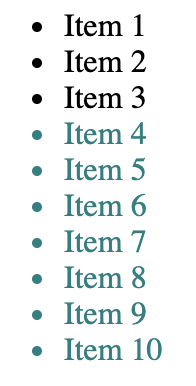
We can even have a selector that states select everything but the first three elements.
```css
li:nth-child(n+4) {
color: teal;
}
```
Result:
## Only first number selector
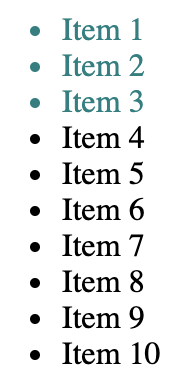
Another cool thing we can do it select only the first x amount.
Let's get the first three
```css
li:nth-child(-n+3) {
color: teal;
}
```
Result:
## Selecting the last element
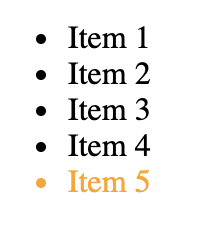
We can even select the last element.
```css
li:last-child {
color: orange;
}
```
Result:
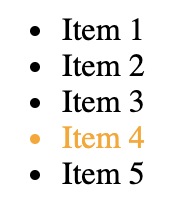
With this, we can also offset to get the second to last one.
```css
li:nth-last-child(2) {
color: orange;
}
```
Result:
## Combining selectors
We can even combine selectors!
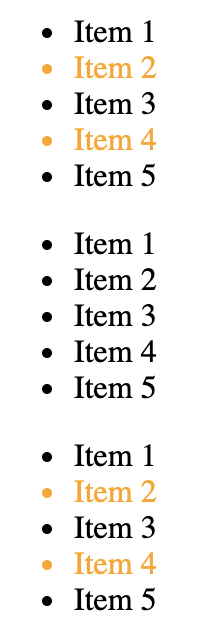
Let's say you want to get every even number from an odd list amount.
```html
- Item 1
- Item 2
- Item 3
- Item 4
- Item 5
- Item 1
- Item 2
- Item 3
- Item 4
- Item 5
- Item 1
- Item 2
- Item 3
- Item 4
- Item 5
```
```css
ul:nth-child(odd) li:nth-child(even) {
color: orange;
}
```
This will get all the odd `ul` and then all the even `li` in those.
Result:
Have a play around with this Codepen, try and change some selector to see what happens!
%[https://codepen.io/rebelchris/pen/wvWyxjw]
## Browser Support
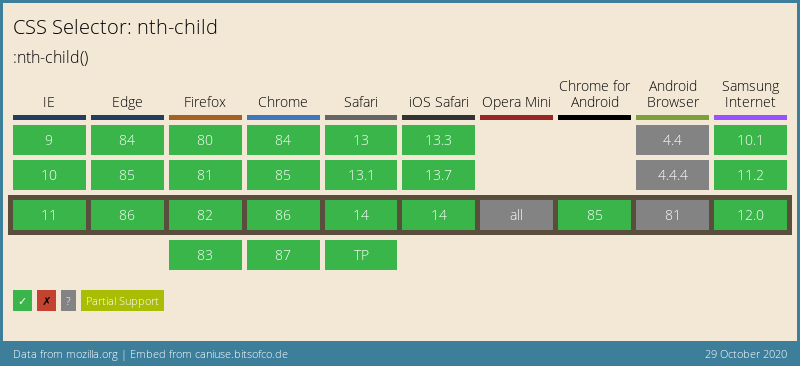
The nth-child selector has really good support and can be used in most of the browsers.
Don't hesitate to make use of them.
### Thank you for reading, and let's connect!
Thank you for reading my blog. Feel free to subscribe to my email newsletter and connect on [Facebook](https://www.facebook.com/DailyDevTipsBlog) or [Twitter](https://twitter.com/DailyDevTips1)