# Creating the work page - part 9
What would our portfolio be without a dedicated work page, right?
Let's get started on creating this. Hopefully, we can reuse some of the components we already created when [working on the homepage](https://daily-dev-tips.com/posts/styling-the-featured-work-section-part-7/), as we see for the [blog page](https://daily-dev-tips.com/posts/creating-the-blog-page-part-8/).
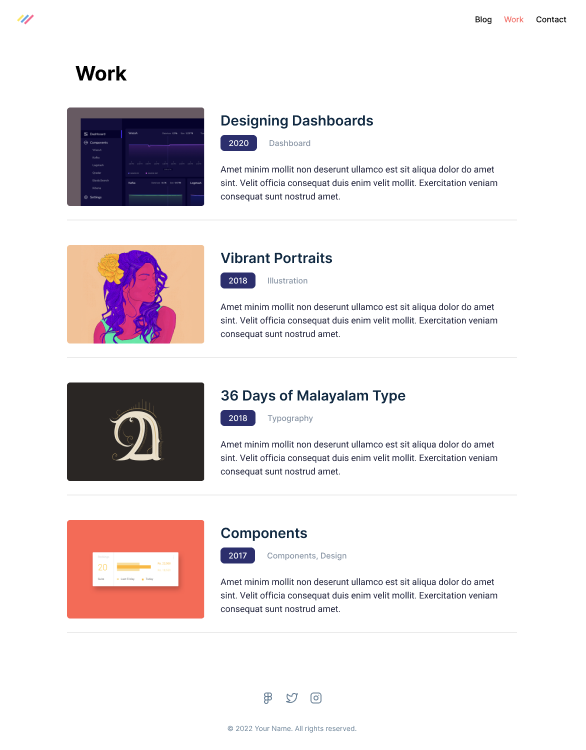
As a reminder, the work page looks like this in the design file.
## Creating the work page
Let's start by adding a new page to our pages directory. We'll call this file `work.js`.
The rough outline for it will look like this:
```js
import Head from 'next/head';
export default function WorkPage() {
return (
);
}
```
We can reuse all the classes we used in yesterday's [blog page](https://daily-dev-tips.com/posts/creating-the-blog-page-part-8/).
```html
```
Now let's add some mockup work components we created before.
```js
import Head from 'next/head';
import Work from '../components/work';
export default function WorkPage() {
return (
);
}
```
Let's see how it looks when we run our app and visit the work page.
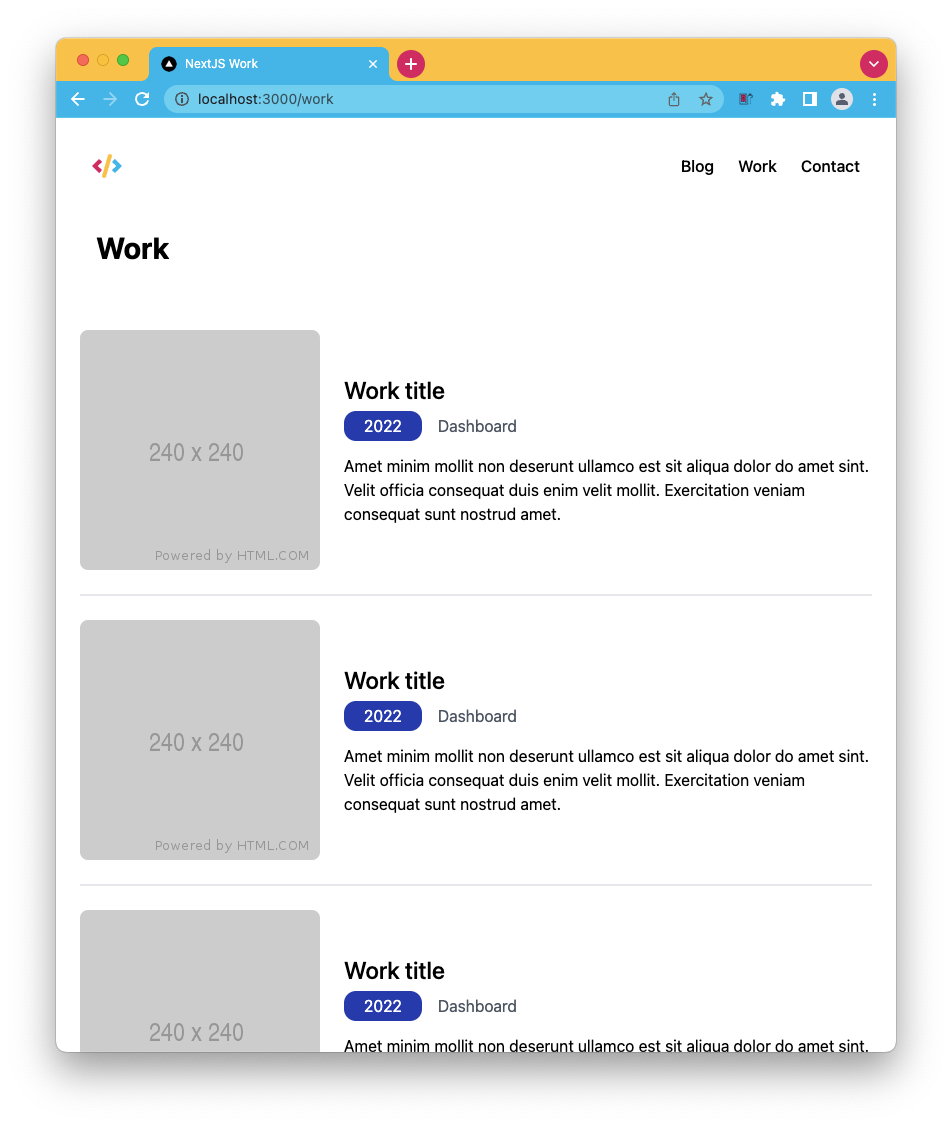
Wow, this one works out of the box. Thank you, reusable components.
You can also find the completed code for today on [GitHub](https://github.com/rebelchris/next-portfolio/tree/part-9)
### Thank you for reading, and let's connect!
Thank you for reading my blog. Feel free to subscribe to my email newsletter and connect on [Facebook](https://www.facebook.com/DailyDevTipsBlog) or [Twitter](https://twitter.com/DailyDevTips1)