
10 amazing games to learn CSS

Learning CSS can be quite a challenge. There are no shortcuts, and you will have to get your hands dirty and dive into the magical world of CSS.
But! There are some fun ways to learn this monster called CSS. This article will highlight ten amazing games you can play to learn CSS.
1. Flexbox froggy
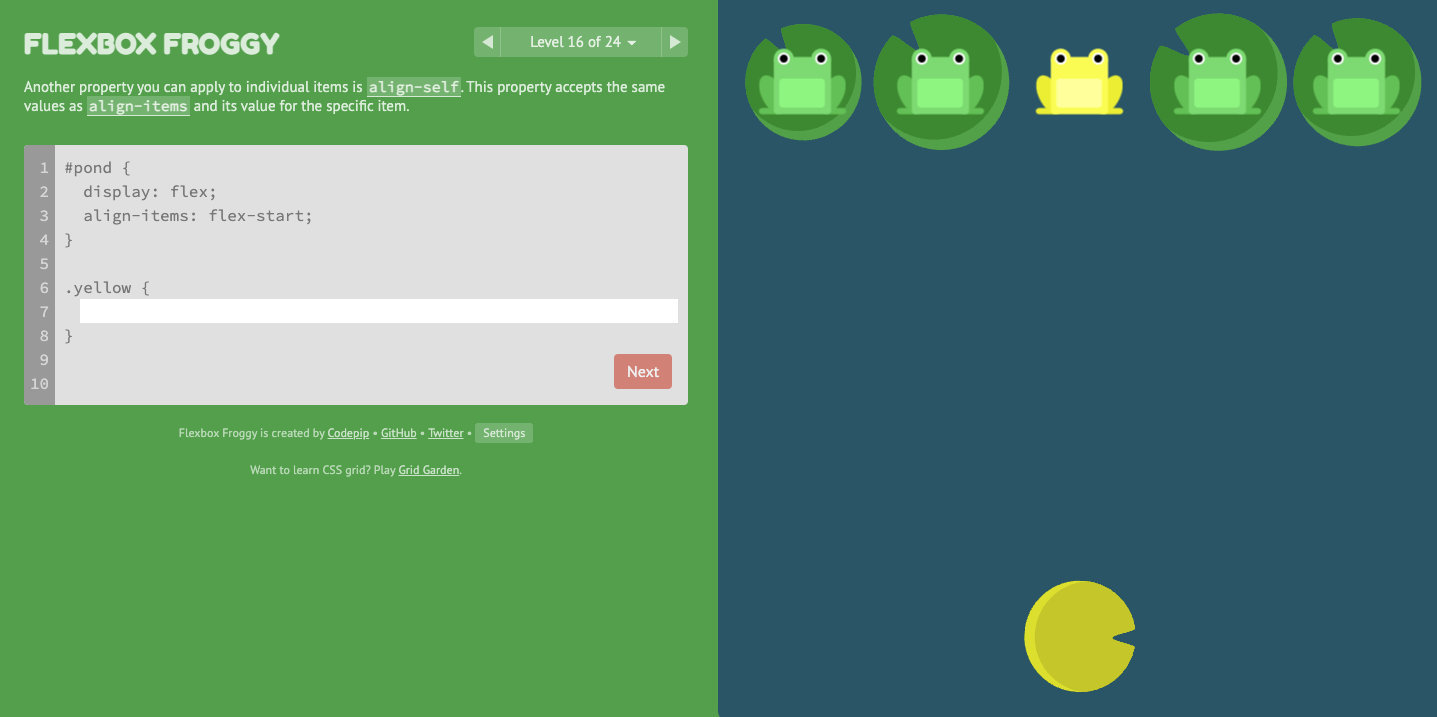
Flexbox froggy was one of the first CSS-solving games I've played, and I love it. It's a super fun way to learn flexbox positions across the board.
You use CSS flex to place the frog on the correct Lilly. It has 24 levels, and you can quickly see the results.
2. Flexbox defense
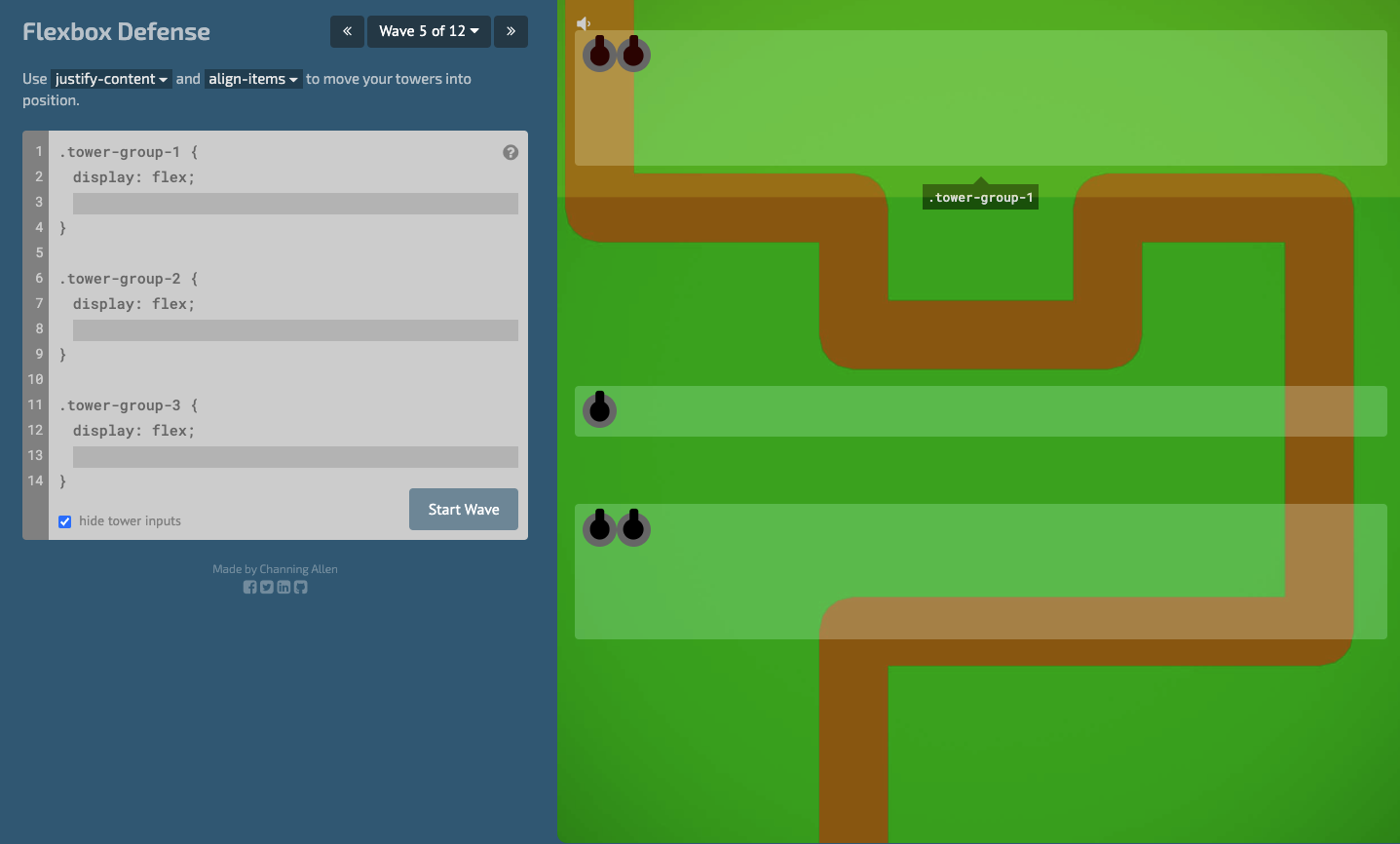
Another super cool CSS game to learn flex is flexbox defense. In this game, you have to move around towers to defend a road from being attacked.
It has 12 levels, and it's pretty cool to see multiple answers can be correct.
3. Knights of the Flexbox Table
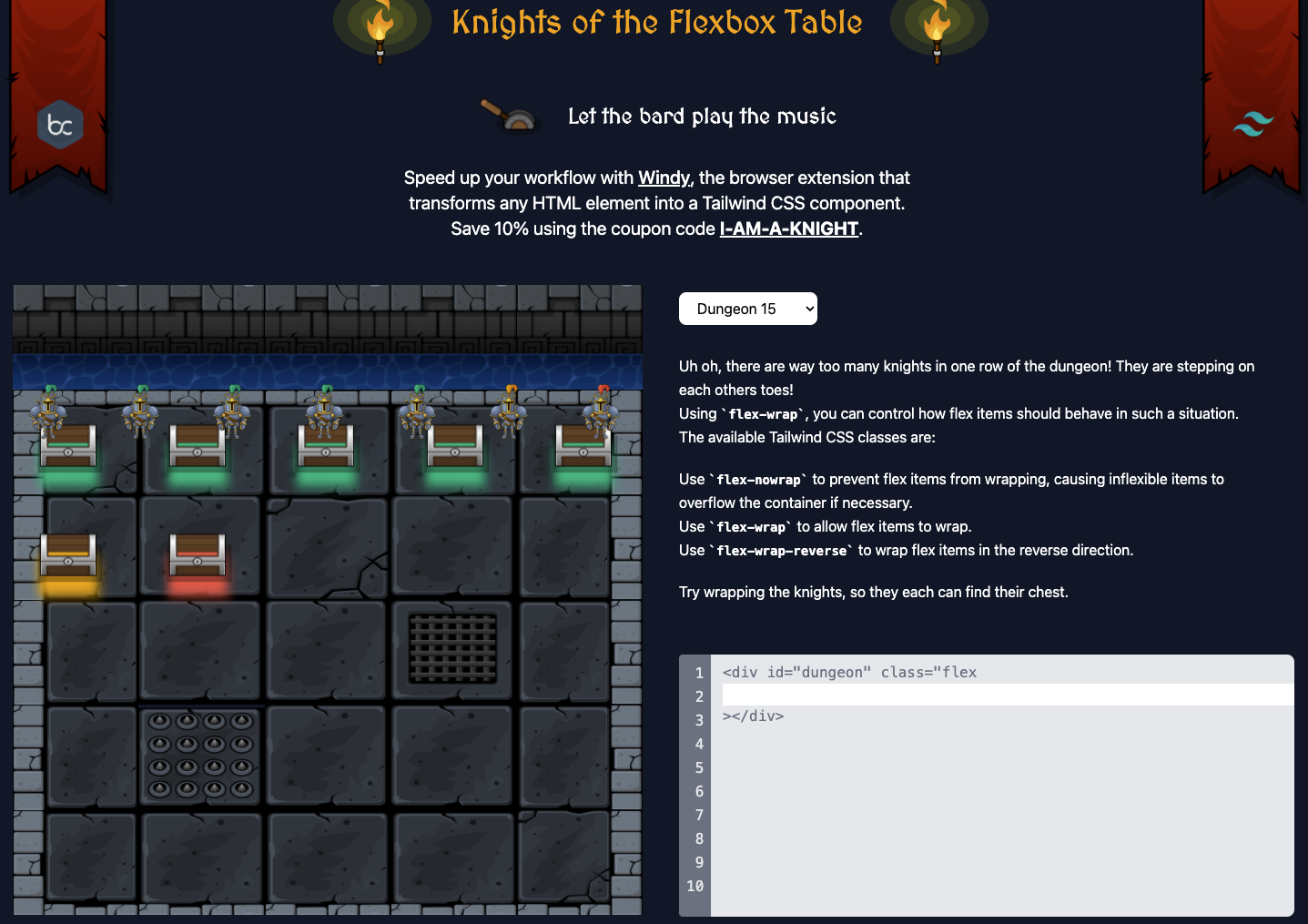
If you love Tailwind, this one is amazing! It uses tailwind classes to teach you to flex options. A super combination if you ask me, and it's well set up.
There are a total of 18 levels that you can clear.
Play Knights of the Flexbox table
4. Flex Box adventure
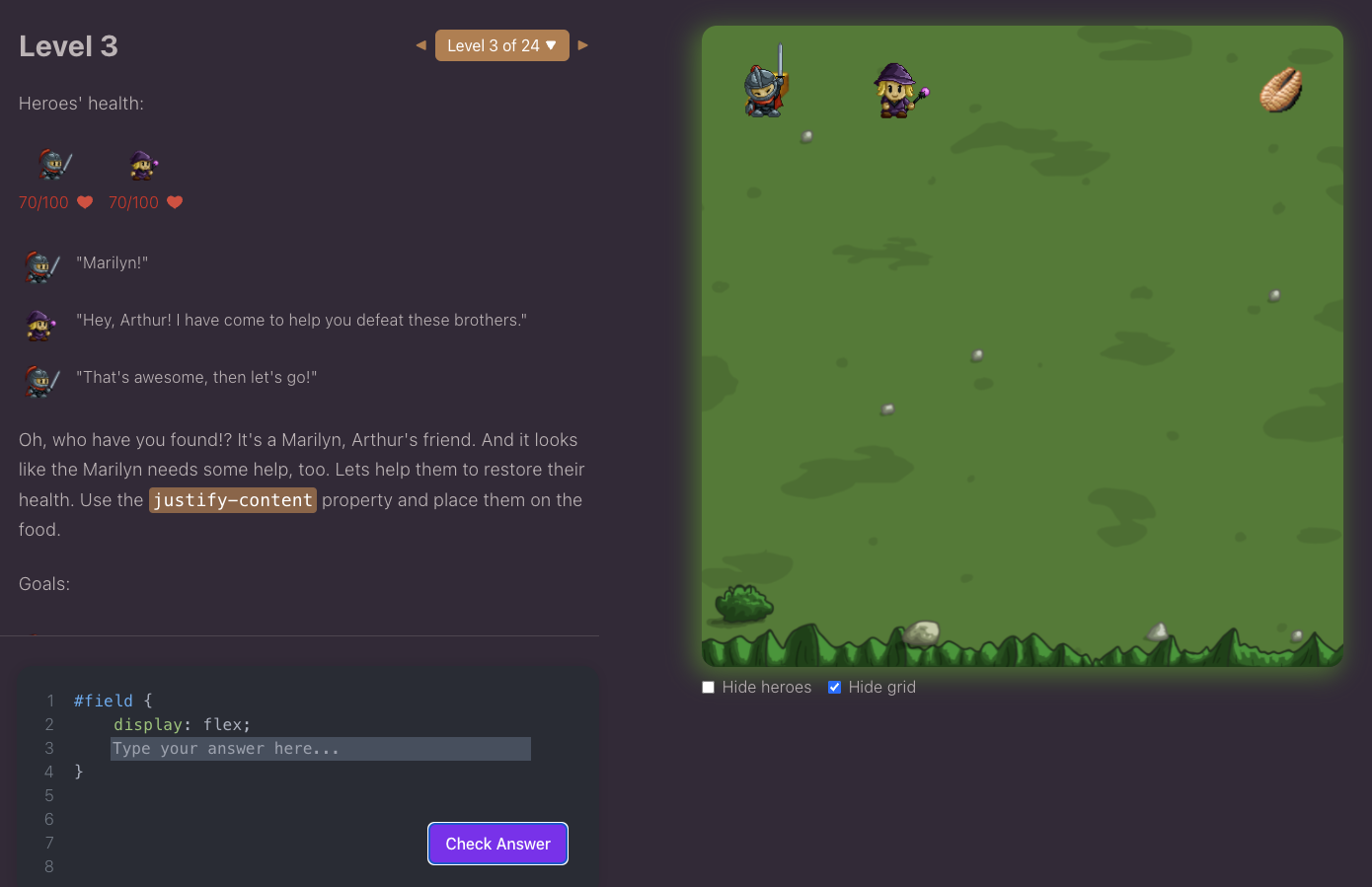
Another game much like Flexbox froggy, but with a different setup. It also has some other challenges and hints from which you might learn a lot.
It has a total of 24 levels you can clear.
5. Flexbox zombies
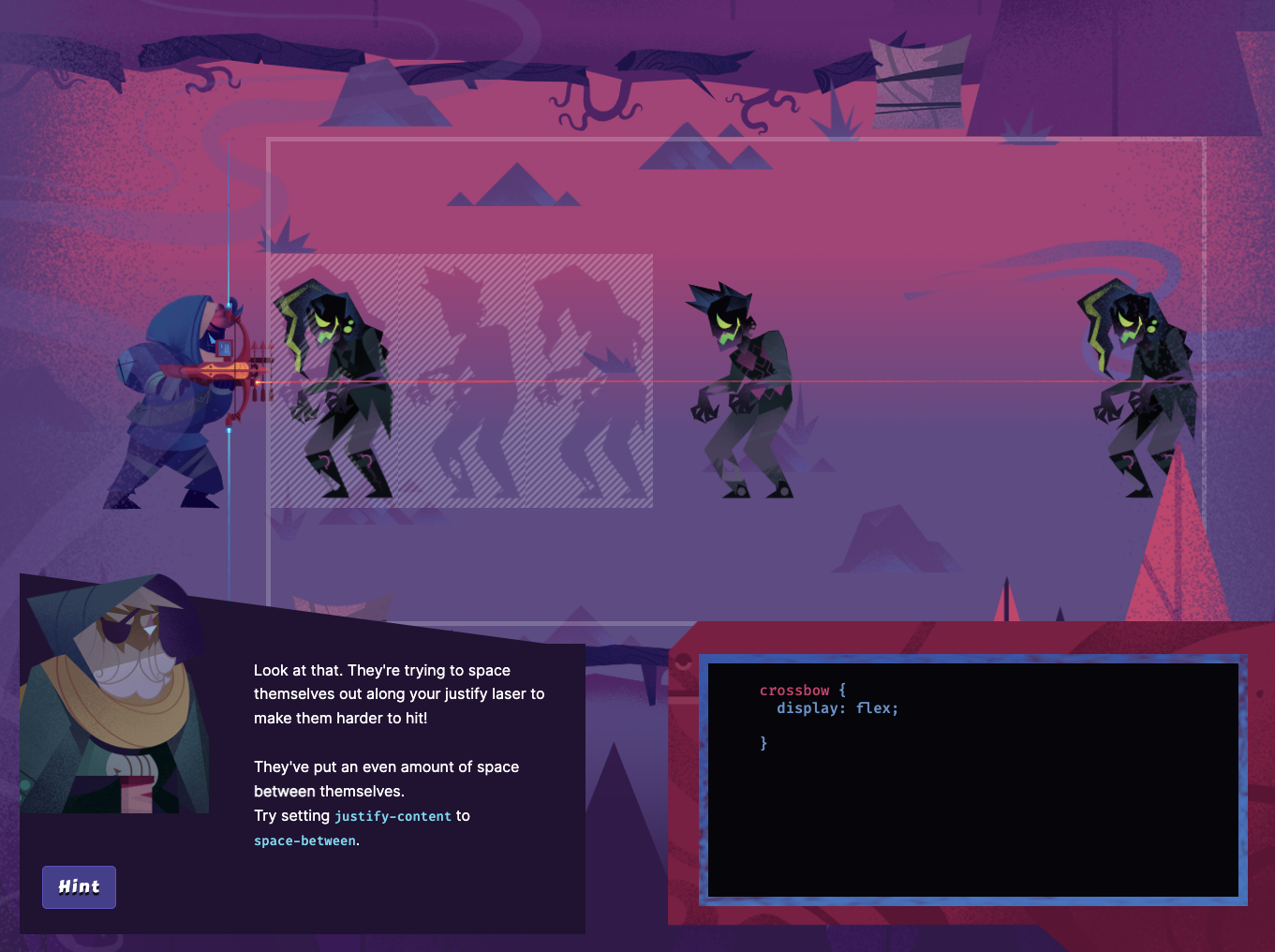
This game is super well set up in graphics! I am blown away by how cool the storyline is.
It has 12 chapters, with each up to 25 levels. It usually costs money to play this one, but it seems free forever.
6. Grid garden
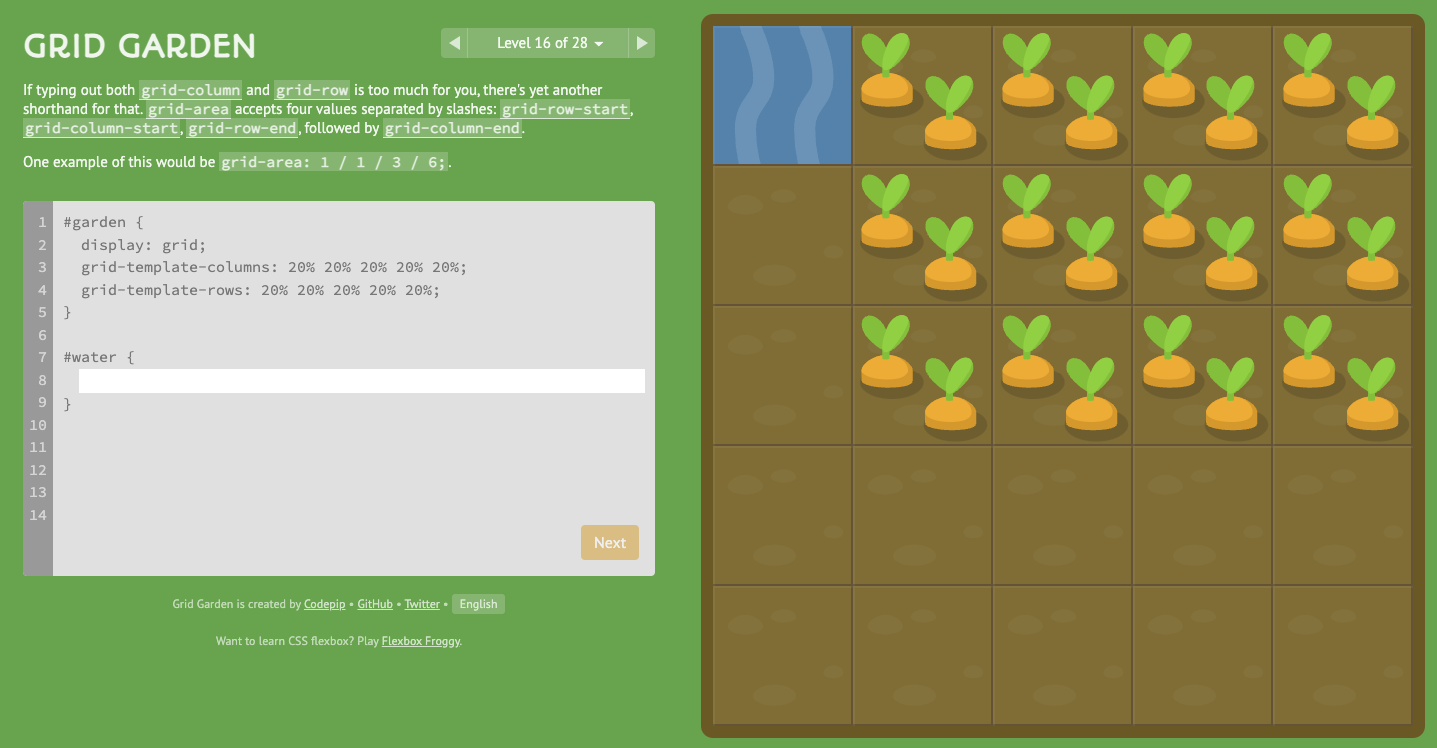
Grid garden is a super fun way to learn CSS Grid. You have to use grid layouts to ensure all the carrots get water.
It has 28 levels to practice a lot of CSS grid options!
7. Grid attack
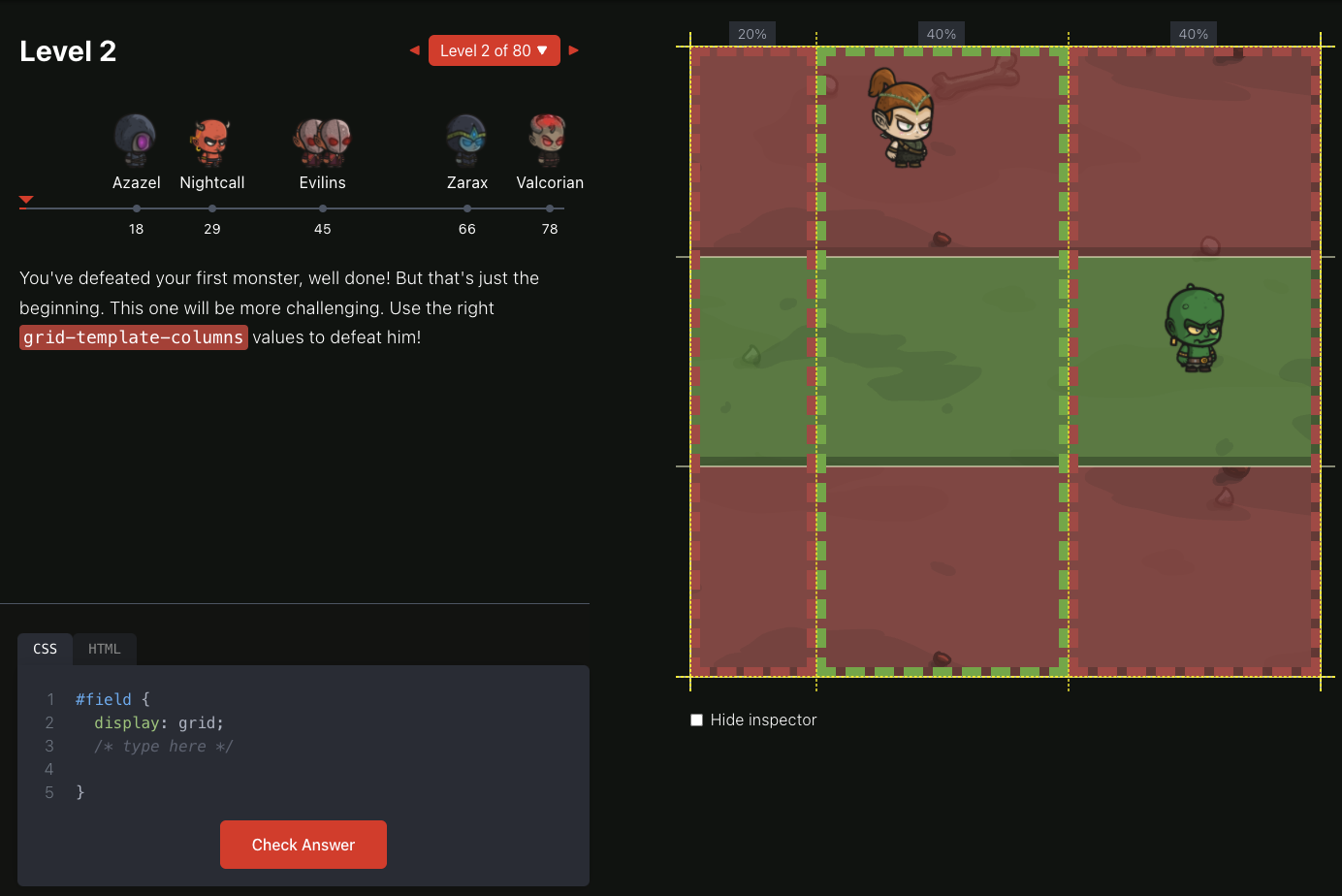
This game is by the same creator as Flexbox adventure and super well-executed like the other game!
You have to use CSS Grid to change the land so the demons will not survive.
It comes with 80 levels, which gives you many options and time to learn CSS grid in a super fun way.
8. CSS Diner
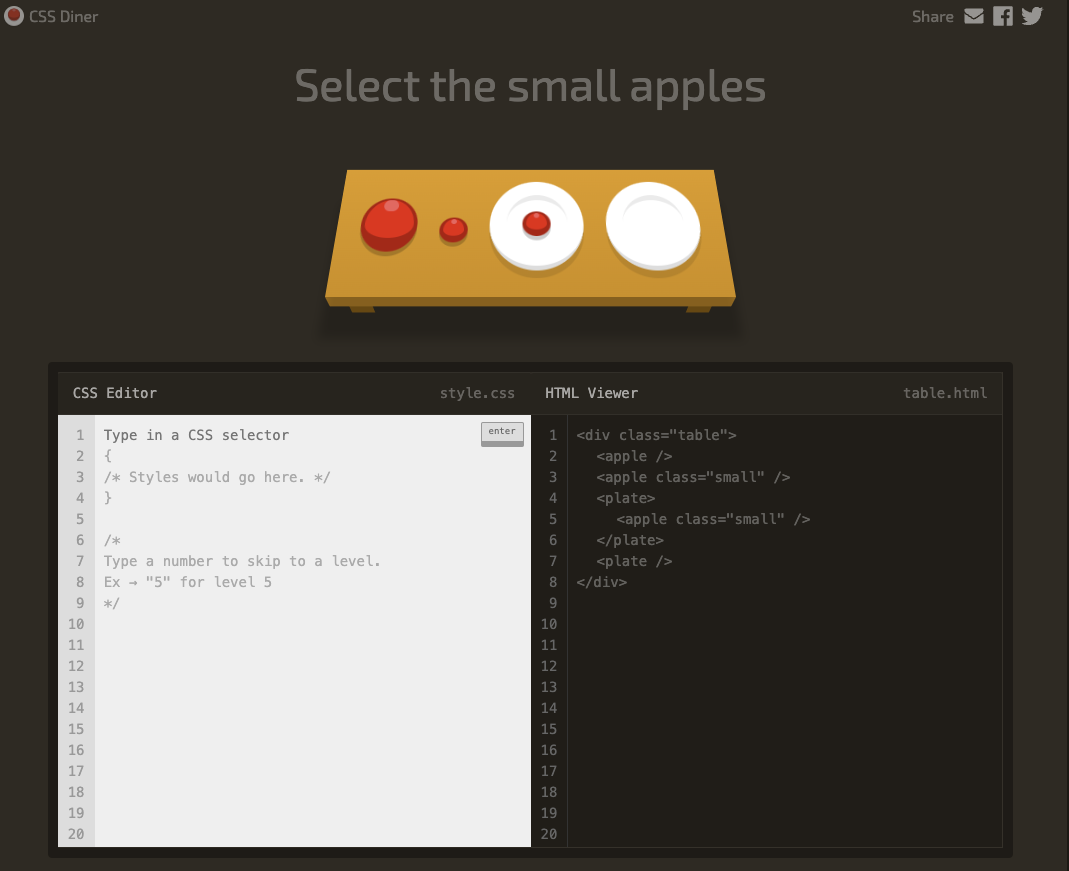
This game is actually really interesting! It's a game to learn about CSS selectors and some modern ones.
The game has 32 levels and entertaining animations to showcase what selector you should target.
9. Guess CSS
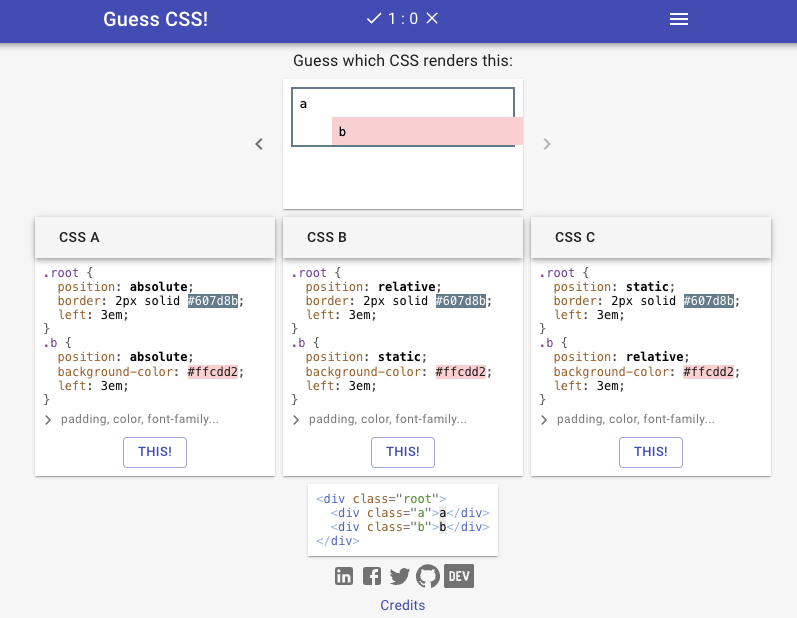
This game is very similar to CSS Diner, but you have to guess which selector matches the result you see.
This is an excellent concept as you always get to see the perfect result.
It's also not limited to specific CSS parts and includes many different ones.
10. CSS Speedrun
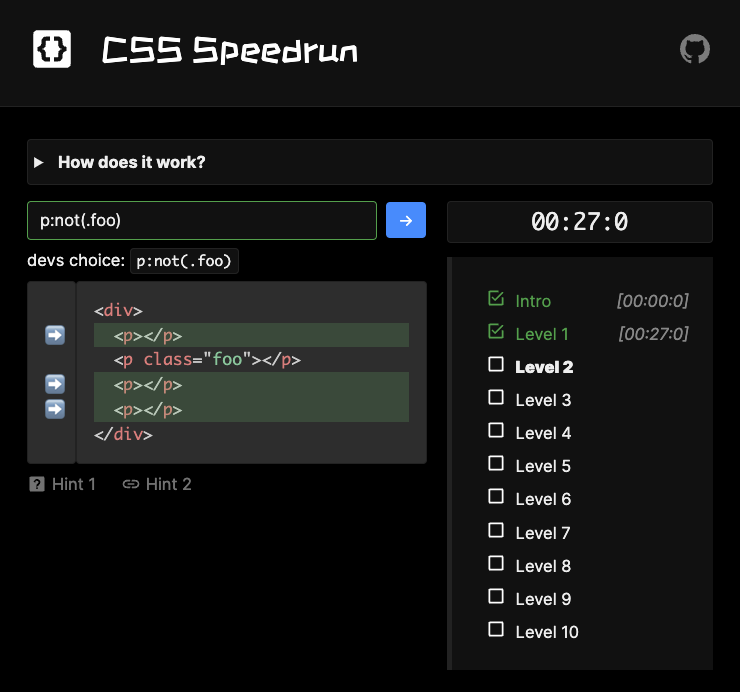
In this game, you have to write specific CSS Selectors to target5 the highlighted elements.
However, you have to do it as quickly as possible, making this a great challenge for those who like an extra level of hardness to their games.
The game comes with ten levels, but you can play more often and improve your speed.
Bonus
Once you've mastered these games, you can enter some CSS challenges and battles to showcase all you learned.
Some great website for that are:
All these websites have a particular example you have to recreate most efficiently most of the time.
There are some excellent communities around these websites, and you'll have fun solving them.
Let me know what your favorite CSS game is 🙌.
Thank you for reading, and let's connect!
Thank you for reading my blog. Feel free to subscribe to my email newsletter and connect on Facebook or Twitter
About the author
I'm a full-stack developer from South Africa 🇿🇦. I love writing about JavaScript, HTML and CSS.
Comments
Join the discussionI completed flexbox froggy and grid garden when I was going through freecodecamp's frontend course. It was awesome!
I'll have to take some time to play through these games.
Thank you Chris!



